Why Checkout Page Speed Matters and What to Fix First
Checkout page speed decides whether a full cart becomes an order. What slows checkout down, how to measure it honestly, and what to fix first.
By Matthew Zhao · Editor, Hosted EZ
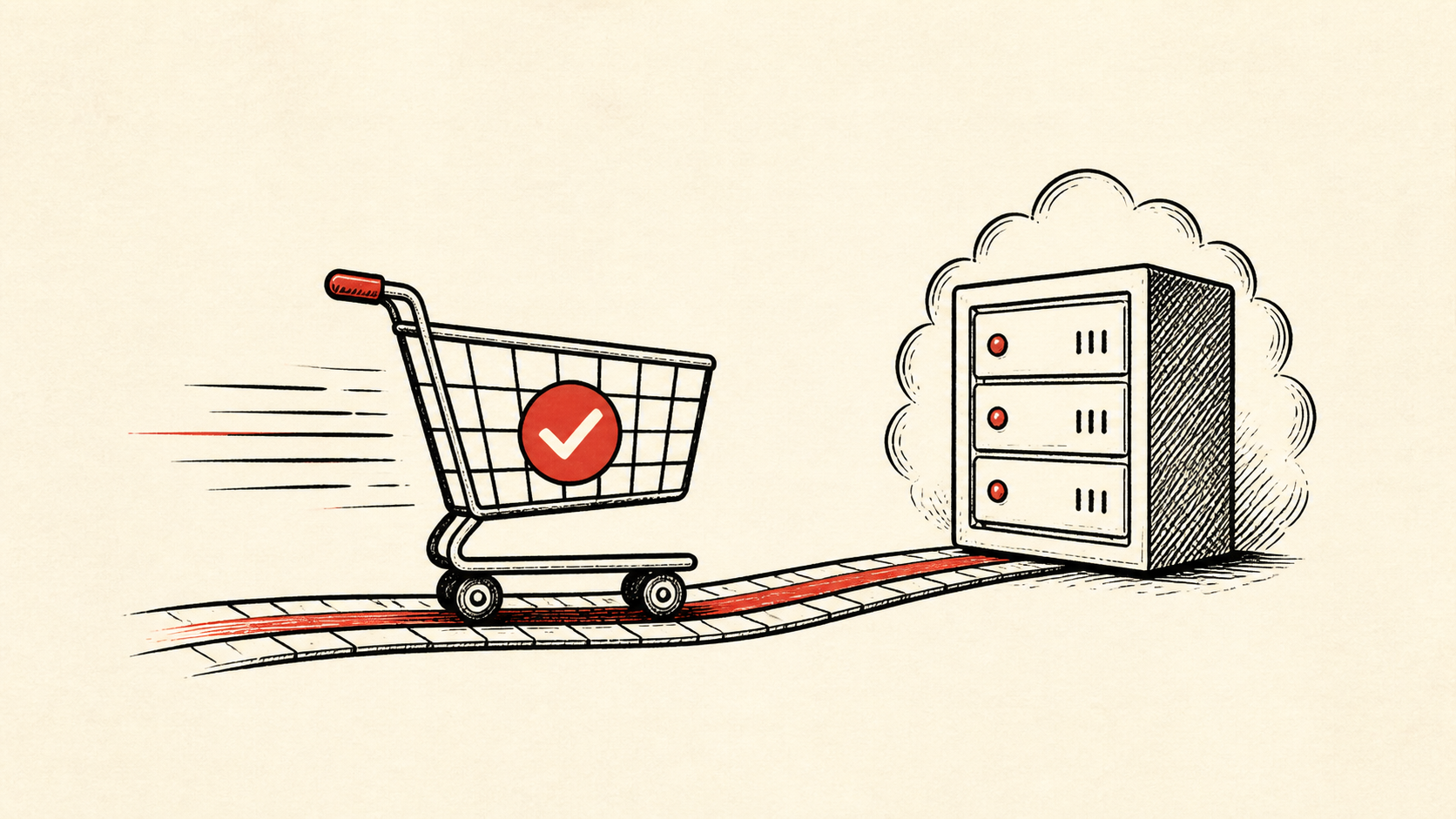
Checkout page speed is where site performance turns into money: checkout conversion drops as the page slows, and a shopper with a full cart is one sluggish step away from leaving. This guide covers what slows checkout down, how to measure it honestly, and which fixes are worth making first.
This guide focuses on the checks a small-site owner can make safely. It also points out where a host, registrar, email provider, or developer needs to take over. Read how to choose a web host if you need the broader setup, and our migration guide before changing live infrastructure.
Measure checkout page speed like a shopper
Protect the routes that make money: product pages, cart, login, checkout, payment callbacks, and order email. A store can have a fast homepage and still lose the sale at the one page that matters, so measure the checkout itself, logged in, with a full cart.
Make a short note with account names, domain names, the exact URL involved, and the last known working time. Do not put passwords or recovery codes in the note. You want enough detail to retrace the work without creating a new security risk.
Find what is actually slow
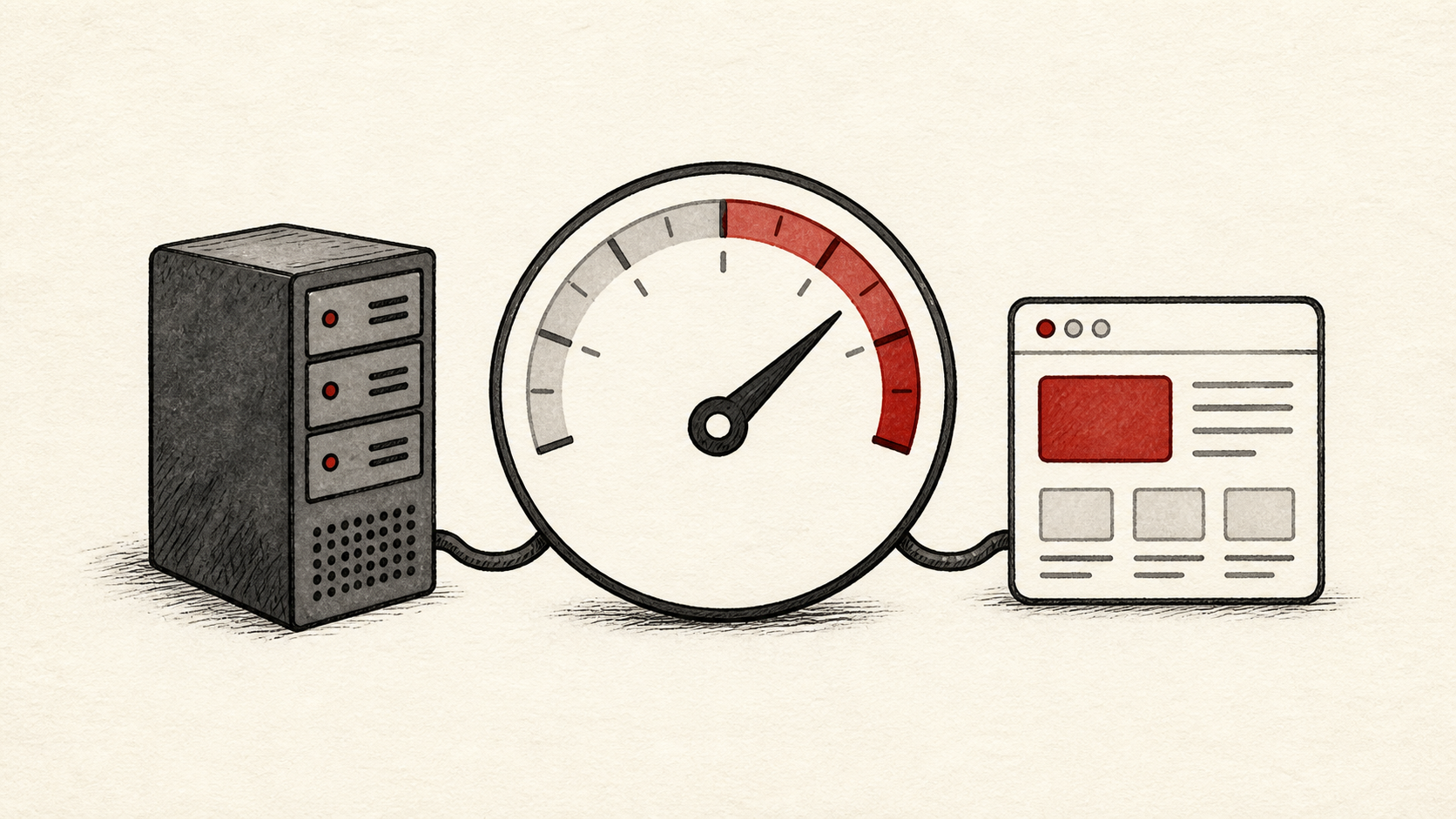
A checkout is usually slow for different reasons than the rest of the site: it skips the page cache, calls a payment provider, and runs more scripts. General page speed advice still applies, but the Core Web Vitals thresholds are only a useful yardstick when measured on the checkout URL rather than the homepage. Use a staging copy and a recent backup before changing extensions, payment settings, or caching rules, and run a realistic order with a safe payment method if your platform provides one.
Use a private browser window or a separate device after a change. That removes some of the confusion caused by cookies and cached redirects. If a DNS record is involved, note the TTL and allow the old answer time to expire before assuming the change failed.
Test the result like a buyer
Plan for traffic before a campaign begins. Confirm limits, monitoring, cache behavior, and a person who can act if the store slows down. Checkout page speed that looks fine at quiet hours can crawl under load, and waiting until a sale starts gives you very few good options.
Test the normal path first, then the part that has the most consequence. For a store, that is checkout. For a form, it is receiving the email. A test should answer one question rather than produce a vague impression.
When to stop and ask for help
Stop when the next action could overwrite data, change production mail, or remove access to the account. Send support the domain, time in UTC, exact error, and the changes you made. Include a screenshot when it shows the error, but do not include private keys, passwords, or full payment information.
PCI Security Standards Council guidance has useful background on the standards behind this topic: PCI Security Standards Council guidance. Use it to understand the terms, then return to the small, reversible next step.
A sensible maintenance habit
Put the final configuration and the result in a short maintenance note. Store problems repeat because nobody remembers which account owns a record or which plugin was disabled last time. A dated note turns the next incident into a lookup instead of an investigation.
Keep the change auditable
Use a short before-and-after record. Write the setting you found, its old value, the exact time you changed it, and the result of the test. If the change has a delay, such as a DNS TTL or a cache expiry, write the time you expect the new answer to be visible. This record is useful even when everything works. A few months later, it tells you why a setting has an unusual value.
Do not confuse an account dashboard with evidence from the live site. A dashboard can show that it accepted a record or a deployment. The visitor still needs to receive the page, email, redirect, or certificate you intended. Test from outside the account, and use a second connection if a cached answer could mislead you.
If you hand the task to someone else, give them the record rather than a conclusion. "The site is slow" is hard to investigate. "The delay began after this update, affects this URL, and persists in a private window" gives the next person a useful starting point.
One last check
Before you close the ticket or move to the next task, repeat the action that prompted the change. Use the ordinary path a visitor or colleague would use, not only the account dashboard. If the result is different, note the difference and keep troubleshooting from that point. A quiet confirmation now is much easier than discovering the missed detail during a launch or an outage.
Leave a useful handoff
Save the final test result with the date and account involved. If someone else needs to revisit the work, they should be able to see what changed without reconstructing the whole incident from browser history.
Bottom line
Checkout page speed deserves more attention than any other number on your store. Measure the real checkout, fix the biggest delay first, and rehearse changes on staging, because the cost of a mistake here is counted in abandoned orders.
Frequently asked questions
Should I overhaul the whole checkout at once?
No. Change one related setting, test it, and keep the previous value until you know the result is stable.
What information should I give hosting support?
Give the domain, exact URL or service, UTC time, error text, and steps already tried. That is usually enough for support to find the relevant logs.
Should I back up the store before performance changes?
Yes. Download or verify a recent backup before edits that affect files, databases, email, DNS, or software versions.
About the author
Matthew Zhao
Matthew has spent his career running production server fleets — tens of thousands of machines' worth. He writes about hosting the way he wishes someone had explained it to him: plainly.
About Hosted EZ →Get the next guide in your inbox
One email when we publish something worth your time. No spam, unsubscribe whenever.