How to Choose a Web Host in 2026
How to choose a web host in 2026: verify uptime, test support, price at the renewal rate, and dodge the pricing traps that catch beginners.
By Matthew Zhao · Editor, Hosted EZ
Figuring out how to choose a web host in 2026 is harder than it should be. Hosting itself is mostly simple. The industry around it is not: it runs on affiliate commissions and decoy pricing, and the review sites rank whoever pays best. That is how you end up with a thousand "top 10" lists and almost no useful advice.
The decision gets simple once you know the handful of things that matter and the three traps that catch almost everyone. Most sites have obvious needs, and most reputable web hosting services are fine for most sites. Your real job is to avoid the bad fits and the bad contracts, not to hunt for a perfect provider.
This guide is the framework for how to choose a web host on your own terms. You will not find rankings or sponsored picks here. You get the criteria, the pricing traps, and a checklist you can run any host through in about twenty minutes.
What actually matters
Four things separate a host you forget about (the goal) from a host you argue with at 2 a.m. Everything else on the feature comparison page is decoration.
Uptime you can verify
Every host promises 99.9% uptime, so the promise tells you nothing. The useful question is what happens when the promise breaks. Read the SLA, the service level agreement, before you buy: 99.9% still allows roughly 43 minutes of downtime per month, and most SLAs compensate you with account credit, not the sales or signups you lost.
Look for better signals than a badge on the pricing page. An honest public status page with a visible incident history is one. Your own data is another: point a free uptime monitor at a test site during the refund window and watch what happens.
Speed where it counts
Hosting speed is not one number. What you mostly care about is how quickly the server starts responding, because every other optimization stacks on top of that. A slow host puts a hard floor under how fast your site can ever feel, no matter how much you tune your images and scripts. Google's Core Web Vitals guide on web.dev explains the metrics that measure this from your visitor's side.
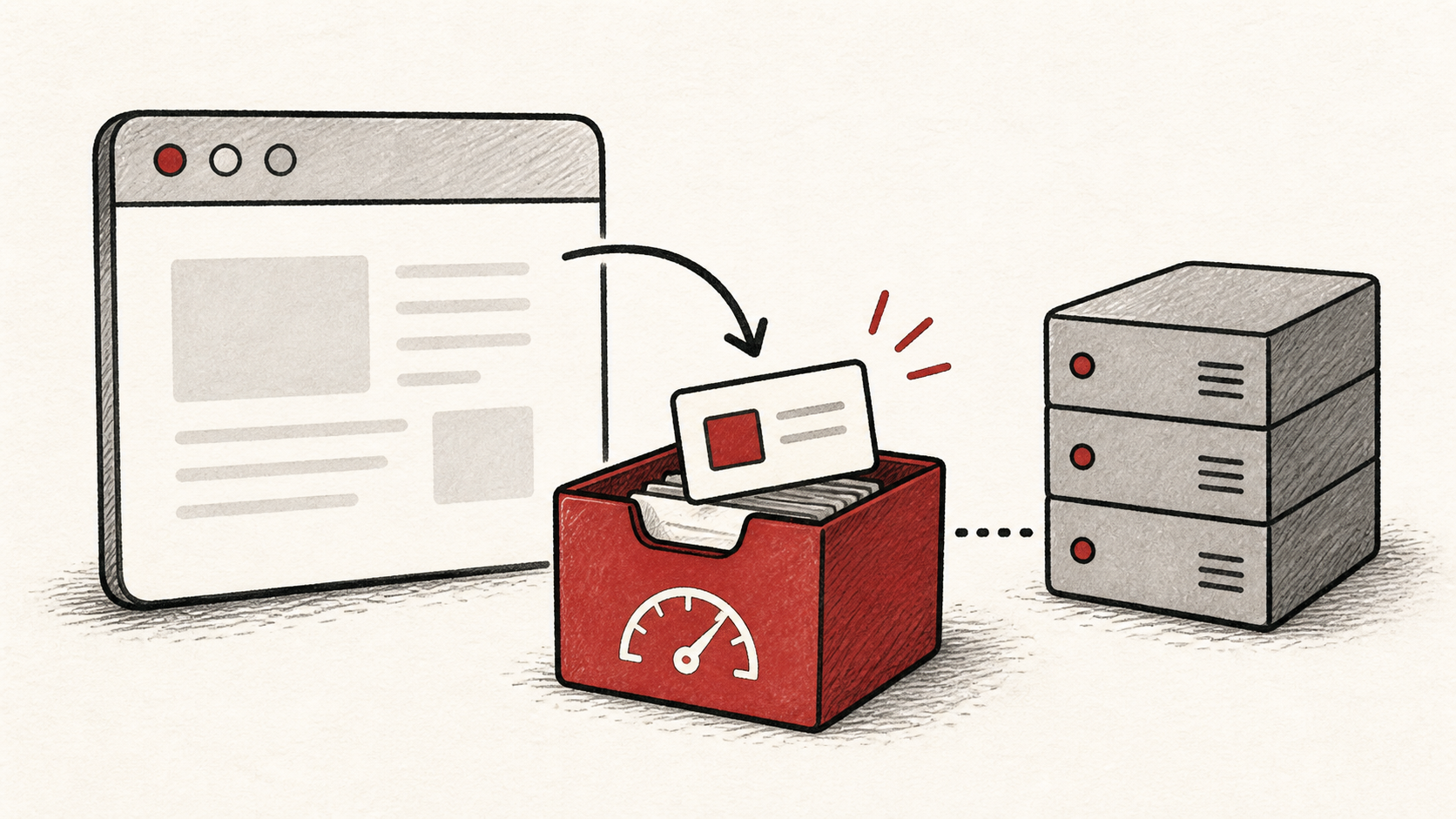
When you evaluate a host, ask where the servers physically sit relative to your visitors, whether NVMe or SSD storage is standard (in 2026 it should be), and whether a CDN is included or trivial to add. If that last term is fuzzy, Cloudflare's Learning Center has a plain-English explanation of what a CDN does.
Support that shows up
When your site is down, support quality is the only feature that matters, so test it before you pay. Open a chat or ticket with a real pre-sales question, something specific like "do you support PHP 8.4 and how do I switch versions", and time the response. Ten minutes of this teaches you more than any review.
Also check which channels exist at your price tier. Plenty of hosts advertise 24/7 support that turns out to mean a chatbot and a knowledge base unless you are on the expensive plan.
Room to grow, and room to leave
Buy for the traffic you realistically expect, not the traffic you hope to have someday. What you want is a host that makes the next step boring. Can you upgrade plans without a manual migration? Can you add resources for a launch week and drop them after?
Just as important: can you leave? Check for full backups you can download yourself, standard technologies rather than a proprietary builder, and no exit fees. Oddly enough, a host that makes leaving easy is one worth staying with.
Decoding the types of web hosting
The quick version, because the jargon scares people more than it should. Web hosting services come in four main flavors. Shared hosting puts many sites on one server; it is the cheapest option and fine for small, low-traffic sites. A VPS gives you a guaranteed slice of a server with your own resources, which brings more power and more responsibility. Dedicated means the whole machine is yours, which very few sites need. Cloud hosting spreads your site across many machines and bills for what you use, which is why it scales well and why bills can surprise you.
Cutting across all of these is the managed question: does the host patch, secure, and tune the server, or do you? Unmanaged is cheaper and assumes you enjoy being your own sysadmin. If you are reading a guide like this one, you probably want managed.
For a deeper treatment of the trade-offs, see our full comparison of the types of web hosting.
The pricing traps
Hosting pricing is designed to be misread. Three traps do most of the damage.
The renewal jump. That $2.99-per-month headline price is an introductory rate, and it usually requires one to three years paid upfront. At renewal, the same plan commonly runs $10 to $18 per month in 2026. This is not a scandal, exactly; it is how the whole industry prices. Just do your math on the renewal number, not the teaser. We break down realistic multi-year numbers in our guide to what website hosting actually costs.
"Unlimited" everything. Unlimited storage and bandwidth always come with an acceptable-use policy that quietly defines the limits in different units. The real ceilings are things like inodes (file counts), CPU seconds, and concurrent processes, and those are what you get throttled on. Nothing is truly unlimited, so your job is to find out where the limit lives.
The upsell gauntlet. Checkout pages love to stack add-ons: SSL certificates, "SEO tools", premium DNS, backup restoration fees. In 2026, TLS certificates are free through Let's Encrypt and any decent host includes them automatically, so a host charging for basic SSL is telling you something about its whole pricing philosophy. Backups you genuinely want, but confirm whether restores are self-service and free, or priced like a ransom.
How to choose a web host in five steps
Choosing a web hosting provider comes down to the five checks below. Budget about twenty minutes per host, and only bother for your two or three finalists.
- Name your site honestly. What is it, and what traffic do you expect in the next year? Use the realistic number, not the dream one.
- Pick the hosting type that matches, using the table below. This narrows the field more than any review can.
- Compute the true three-year cost. Intro price times intro term, plus renewal price for the remainder, plus any add-ons you would really need. Compare hosts on that number only.
- Test support with a real pre-sales question and note how long a useful answer takes.
- Check the exits. Downloadable backups, a refund window of at least a couple of weeks, and no fees or obstacles to transferring your domain and files out.
If a host passes all five, it is a reasonable choice, and you should stop deliberating. Switching later is a solved problem (we walk through the whole process in how to migrate hosting without downtime), so a good-enough decision today beats a perfect one next month.
Match your site to a hosting type
One table, because this is the spot where a table beats prose.
| Your site | Sensible starting point | What to check first |
|---|---|---|
| Personal site, portfolio, blog | Shared hosting | Renewal price, free SSL, self-service backups |
| Small business site | Shared or managed WordPress | Support channels at your tier, staging site, CDN |
| Online store | Managed WordPress or VPS | Performance under load, PCI guidance, memory limits |
| Web app or SaaS MVP | Cloud VPS or a platform service | Pricing as you scale, snapshots, deploy workflow |
| High-traffic content site | Cloud hosting plus CDN | Bandwidth and egress pricing, caching behavior |
| Community or game server | VPS or dedicated | Single-core CPU speed, DDoS protection, latency to your players |
Treat the middle column as a starting point, not a verdict. A well-run shared plan beats a badly run VPS.
Red flags
Any one of these is a reason to keep shopping. Two or more is a reason to close the tab.
- No published renewal prices. If you have to dig for the real price, you already know how far to trust the rest of the page.
- Charging for basic SSL. Certificates have been free for a decade. The fee exists to catch people who do not know that.
- Pre-sales support that cannot answer questions. It does not get better after they have your money.
- No refund window. Reputable hosts in 2026 offer somewhere between 14 and 45 days. A host confident in its product lets you test it.
- Backups that cost extra to restore. Paying a fee to get your own files back defeats the point of keeping backups.
- Sticky domain bundling. Free first-year domains are fine, but check the transfer-out process and the second-year price before you accept one.
Keep the comparison auditable
Use a short record for each finalist. Write the intro price and term, the renewal price, the support question you asked with its response time, and the refund window. A week of tab-hopping flattens into mush without it; a one-page note makes the winner obvious.
Do not confuse a pricing page with the contract. The cart summary and the terms page are where the real term length, renewal rate, and auto-renew default live. Screenshot both before you pay, because pages change and memories fade.
If someone else makes the final call, hand them the record rather than a conclusion. "This host felt better" is hard to weigh. "Same three-year cost, half the support response time, free restores" decides itself.
One last check
Before you pay, rerun the two tests that age fastest: ask support one more concrete question and reconfirm the renewal price in the cart. Then use the refund window as a live trial: load your real site, point a free uptime monitor at it, and file one genuine ticket. A quiet confirmation now is much easier than discovering the missed detail after the window closes.
Bottom line
How to choose a web host, in one paragraph: pick on verified uptime, real-world speed, tested support, and an easy exit, and price everything at the renewal rate rather than the teaser. Match your site to a hosting type, run two or three finalists through the checklist, and pick one. The stakes are lower than the marketing implies, because a well-planned migration is always available if you outgrow your choice.
Frequently asked questions
How much should I pay for web hosting in 2026?
For a small site on shared hosting, expect roughly $3 to $8 per month at intro pricing and $10 to $18 at renewal. VPS plans typically run $6 to $40 per month depending on resources, and managed platforms sit above that. Compare hosts on the total three-year cost, not the first-month price.
Is the cheapest host good enough for a small site?
Often, yes. A personal site or low-traffic blog does not need much horsepower. The risk with rock-bottom hosts is rarely raw performance; it is oversold servers, weak support, and restore fees when something breaks. Run the cheap option through the same checklist and it will either pass or show you why it is cheap.
Do I need managed hosting?
If you do not want to patch operating systems, configure firewalls, and tune databases, then yes, pay for managed. Unmanaged hosting is cheaper only if your time is free and you know what you are doing. For most founders and site owners, managed is the correct default.
Can I switch hosts later without breaking my site?
Yes, and it is easier than most people fear. You copy your files and database to the new host, test the site there, then update DNS to point at it; done carefully, visitors never notice. Keeping your domain registered separately from your hosting makes the whole process simpler.
About the author
Matthew Zhao
Matthew has spent his career running production server fleets — tens of thousands of machines' worth. He writes about hosting the way he wishes someone had explained it to him: plainly.
About Hosted EZ →Get the next guide in your inbox
One email when we publish something worth your time. No spam, unsubscribe whenever.