How-To4 min read
The Common Mistakes That Cause Website Migration Downtime
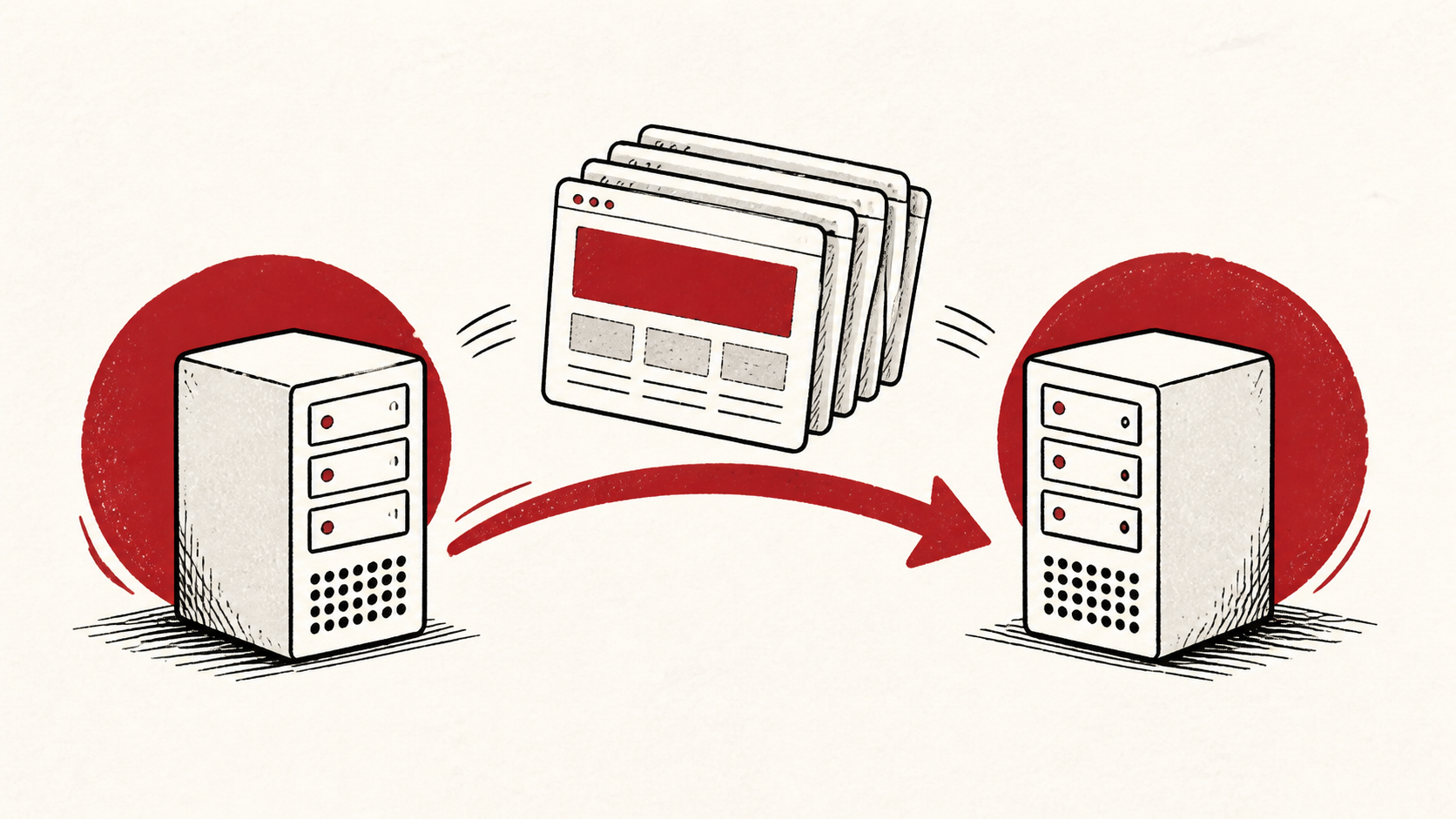
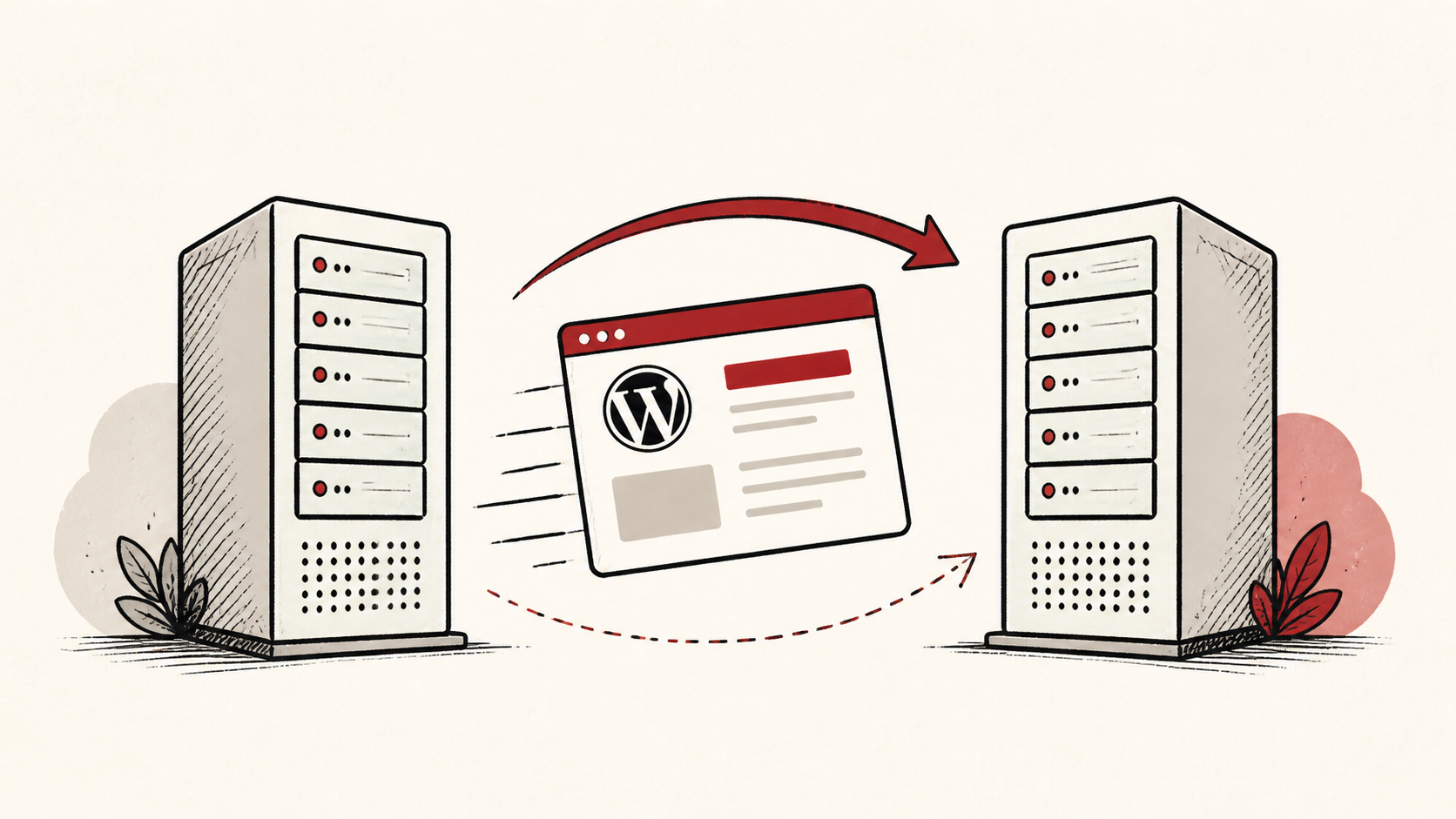
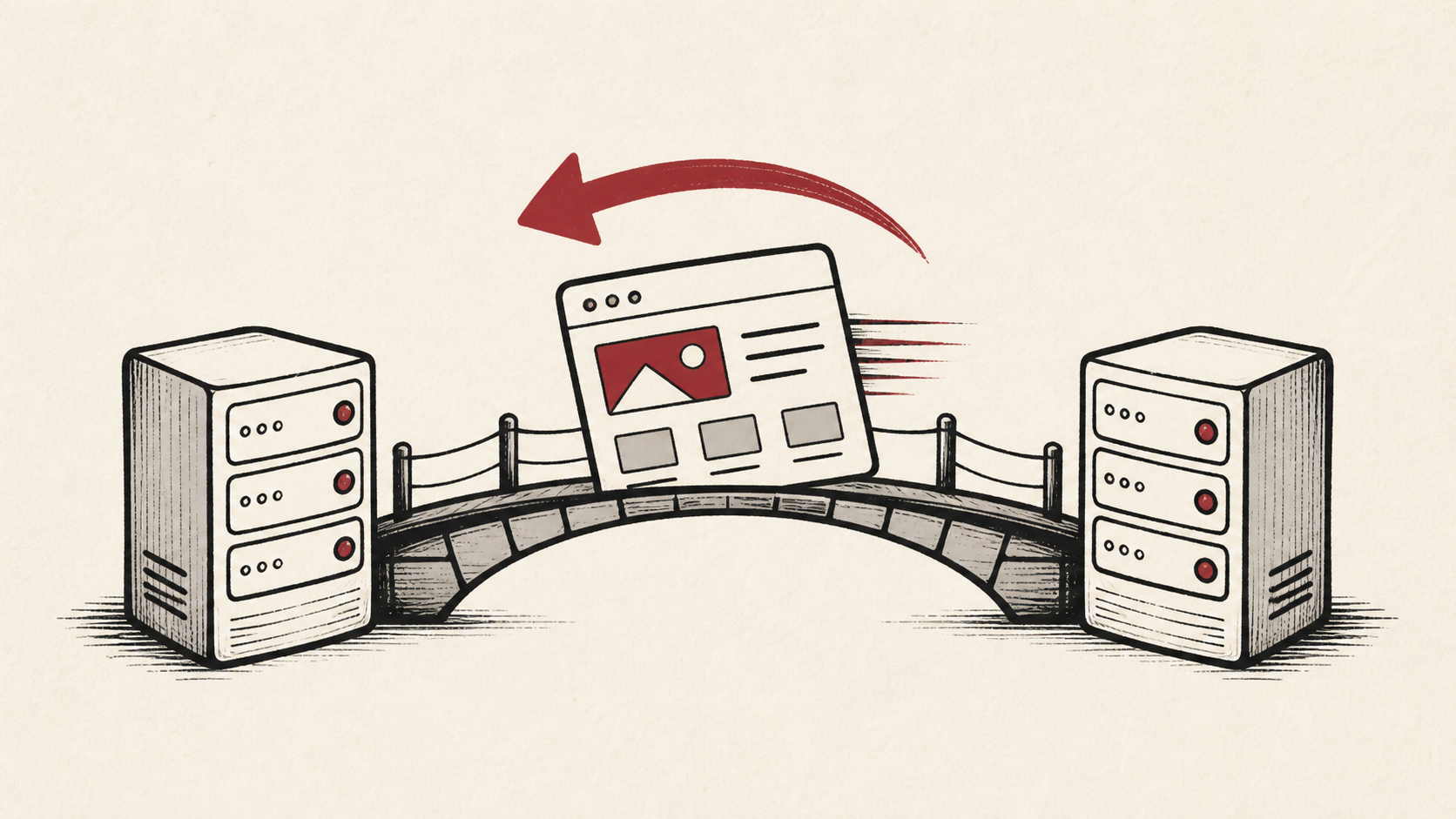
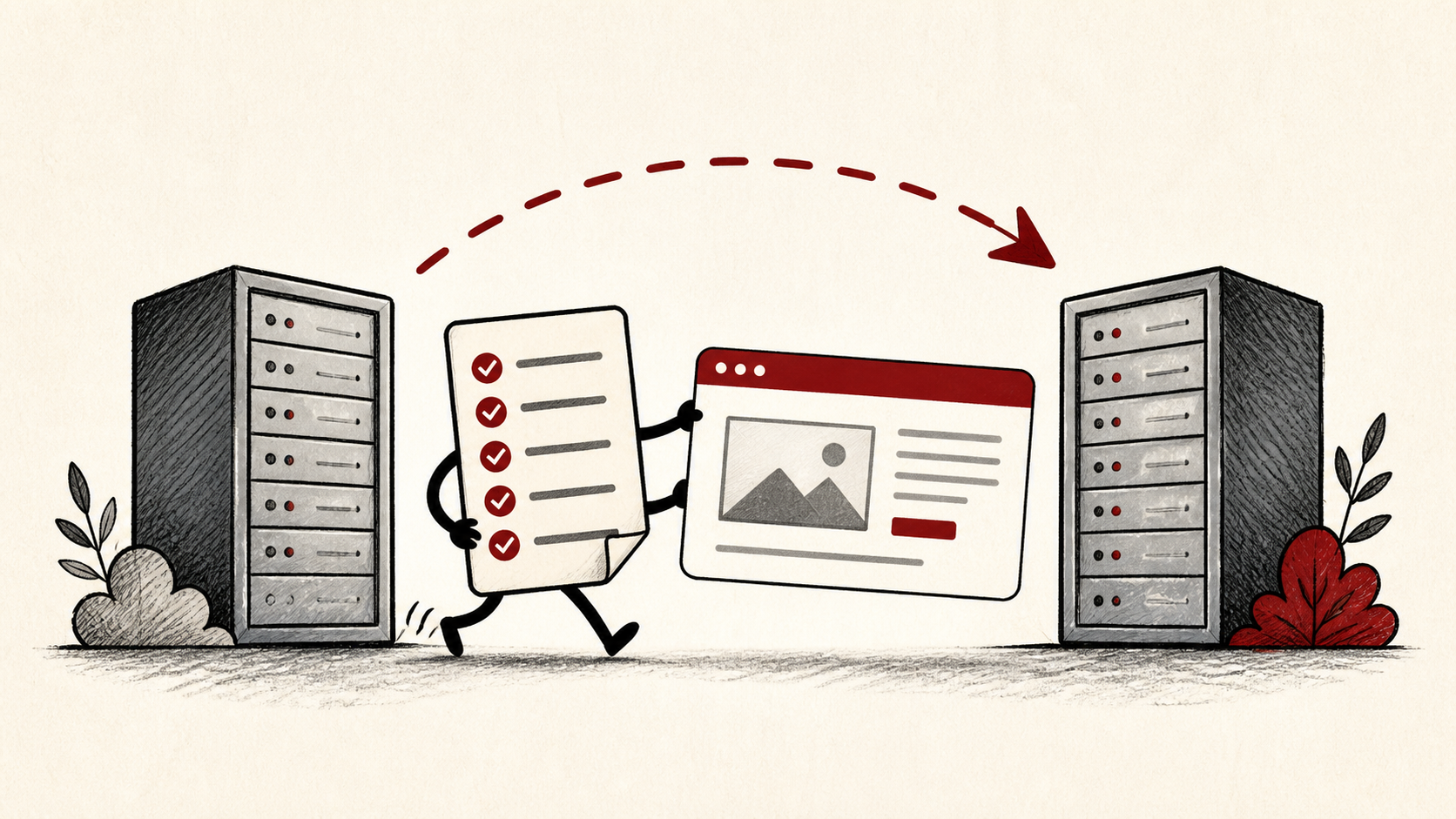
Website migration downtime is avoidable. The common mistakes that cause it, and how a checklist, a TTL drop, and an overlap period prevent it.
Every guide, comparison, and tutorial we've published, newest first.
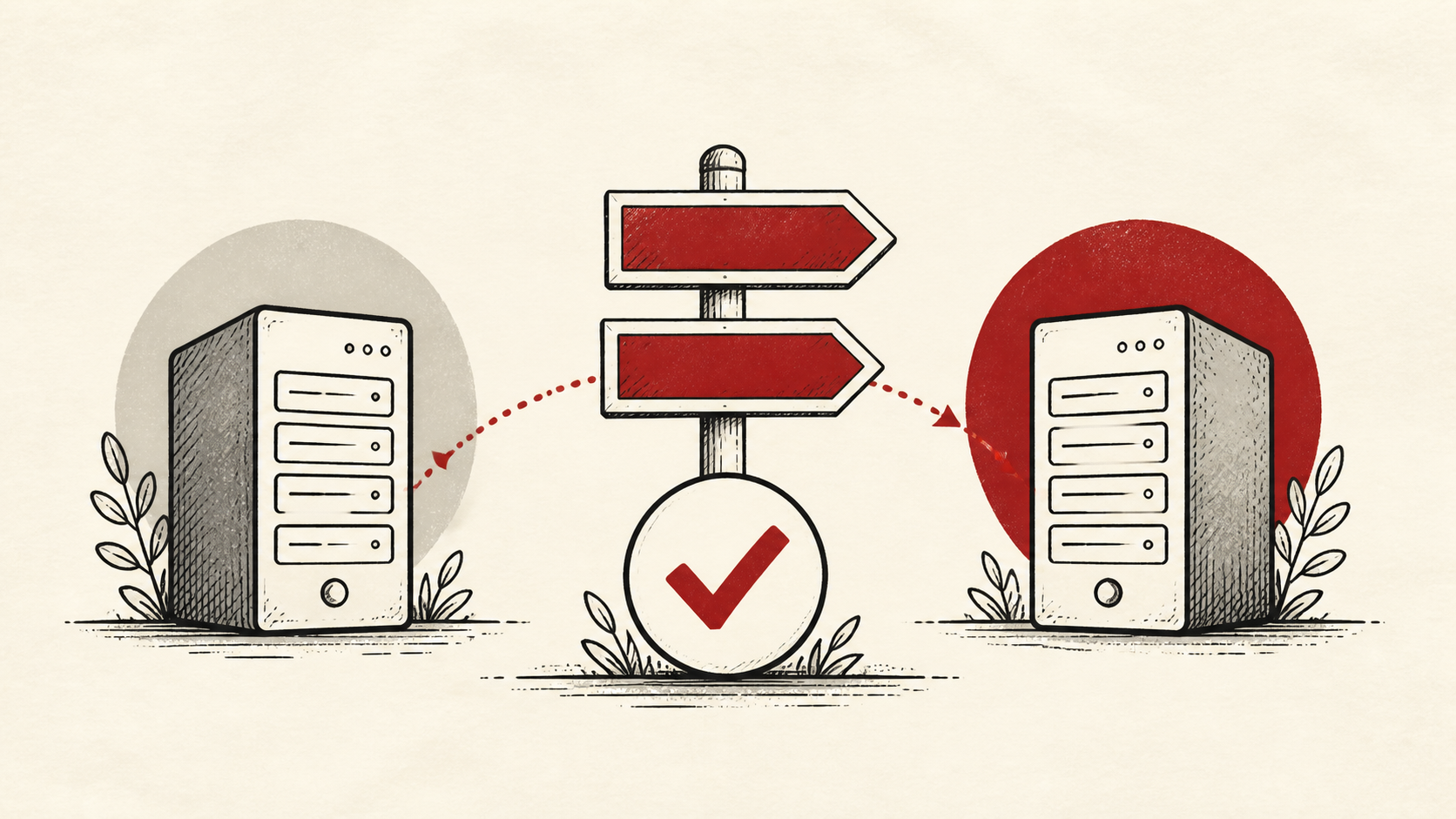
Website migration downtime is avoidable. The common mistakes that cause it, and how a checklist, a TTL drop, and an overlap period prevent it.
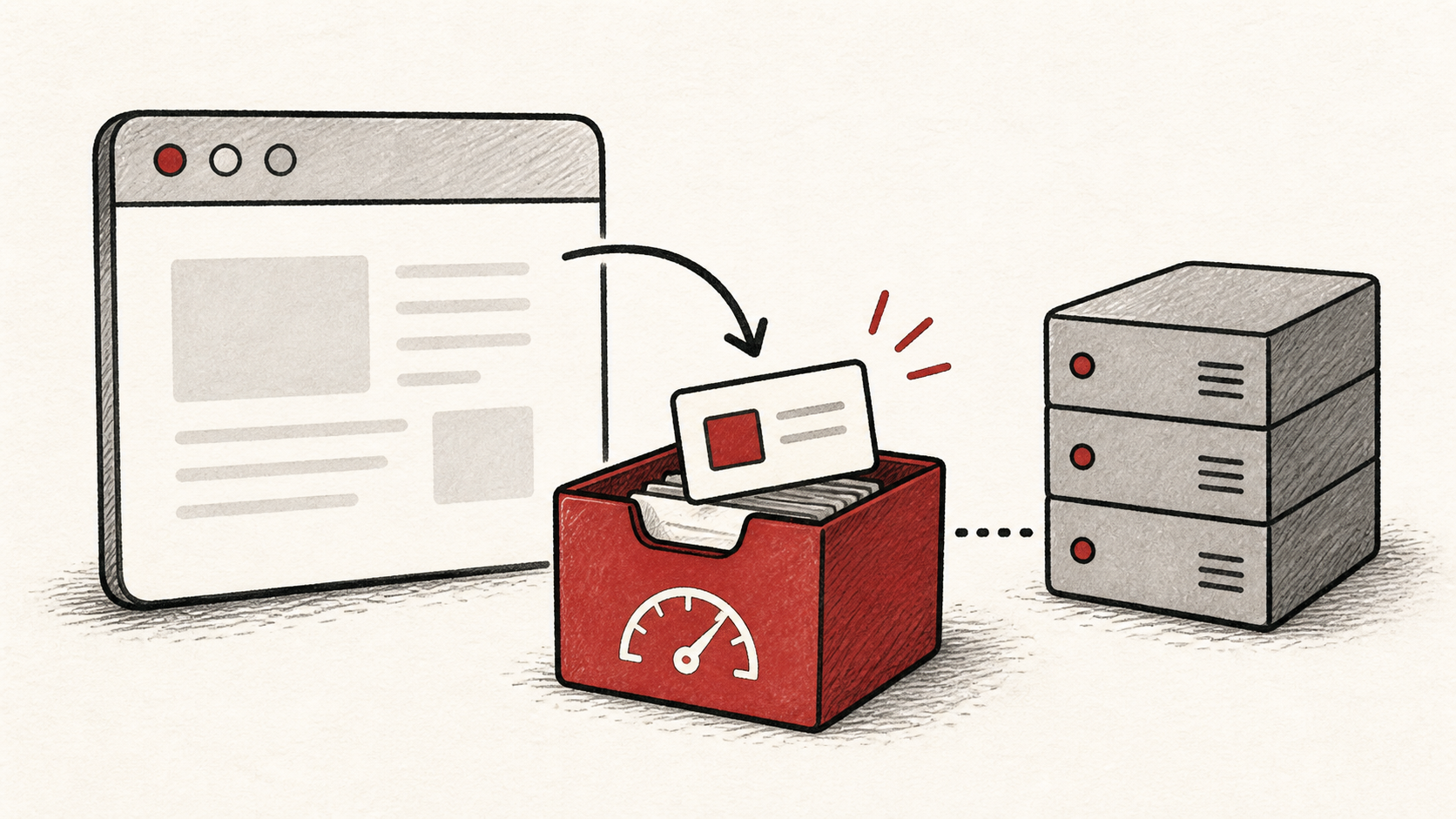
Browser caching explained in plain terms: what cache headers do, how to set them safely, and how to prove a repeat visit is really faster.
Business email is the address and service at your own domain; webmail is just a way to read it. What each covers and which choices matter.
Catch-all email sounds like a safety net but invites spam. When a catch-all address makes sense, what it costs, and how to limit the damage.
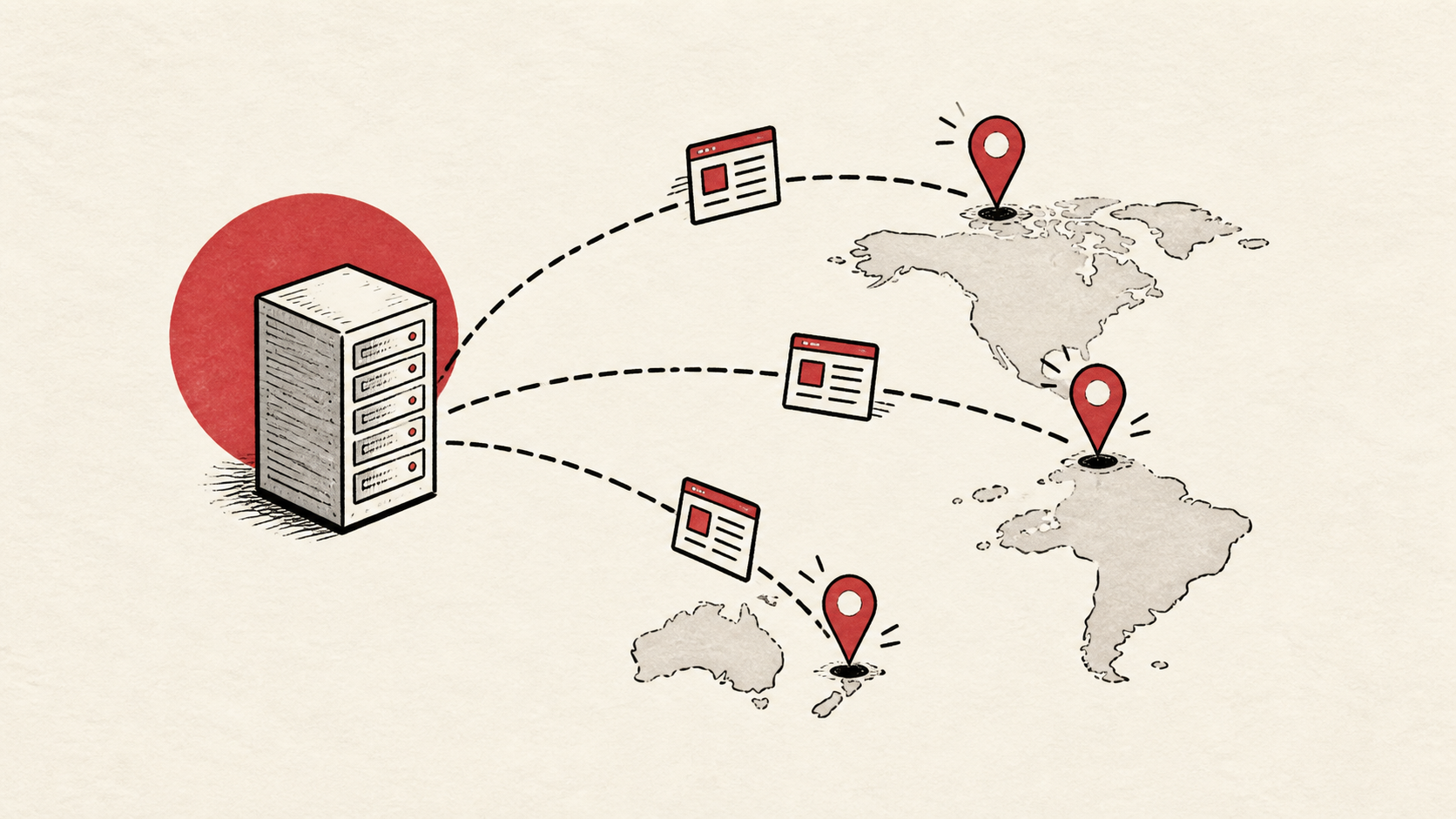
What a CDN does, when a small website actually benefits from a content delivery network, and when your host alone is enough. Plain answers.
How to change nameservers without breaking your site or email: export your zone first, switch at the registrar, then verify before you relax.
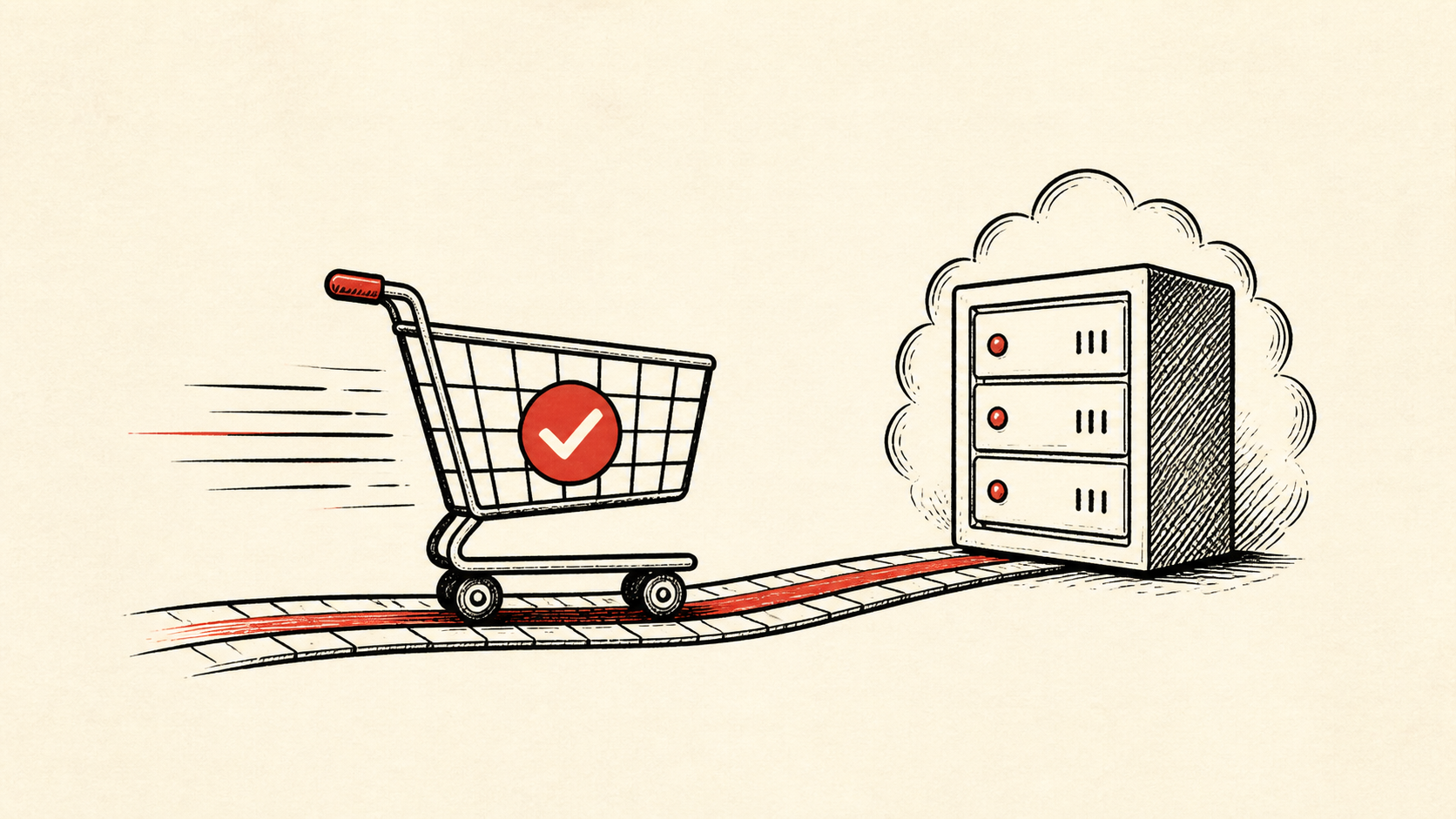
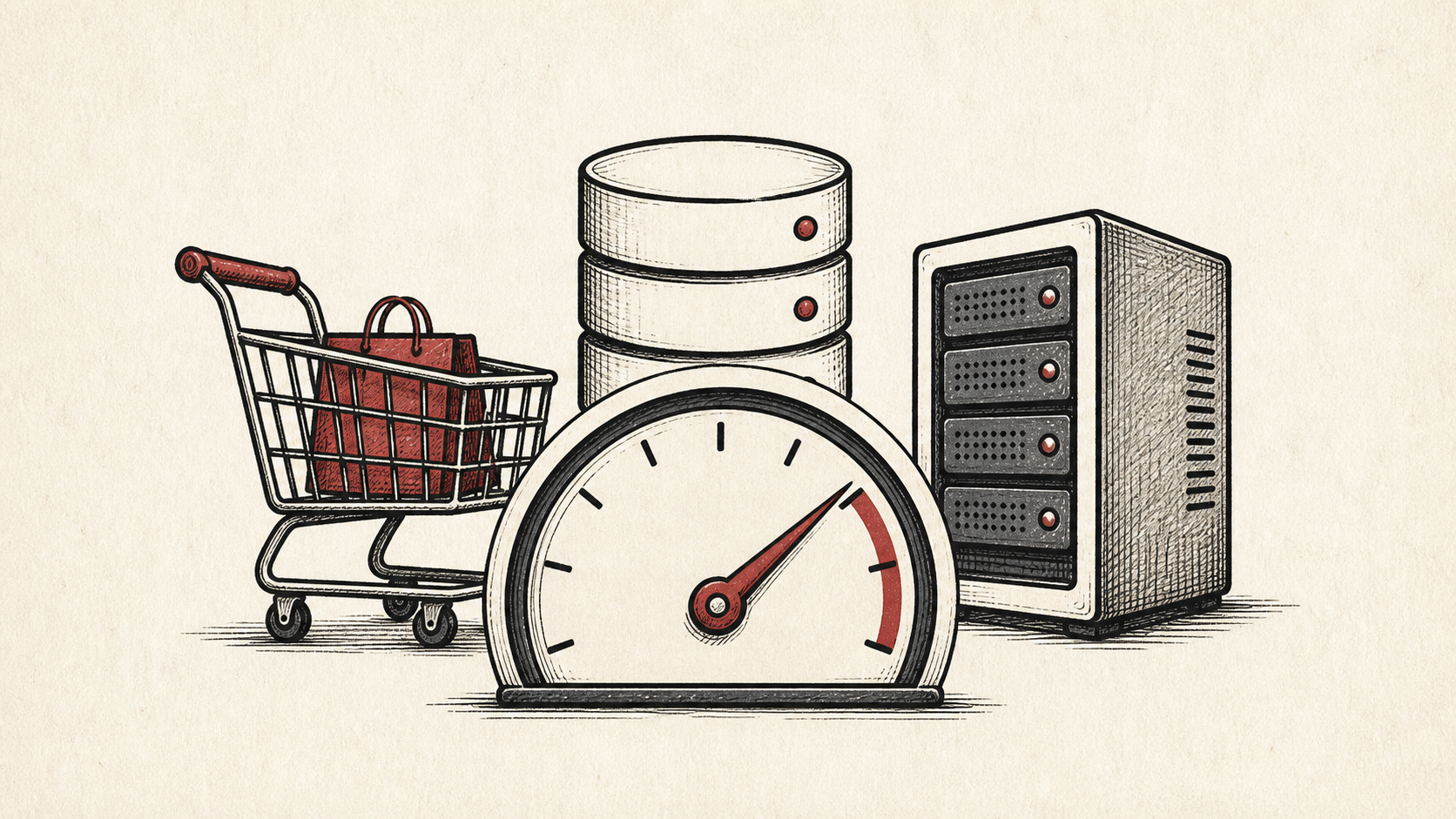
Checkout page speed decides whether a full cart becomes an order. What slows checkout down, how to measure it honestly, and what to fix first.
Core web vitals depend on more than hosting. Which metrics a better server improves, which it cannot touch, and where to spend effort first.
Custom domain email in an afternoon: pick a mail service, add the records it asks for, and test delivery before you switch anything else.
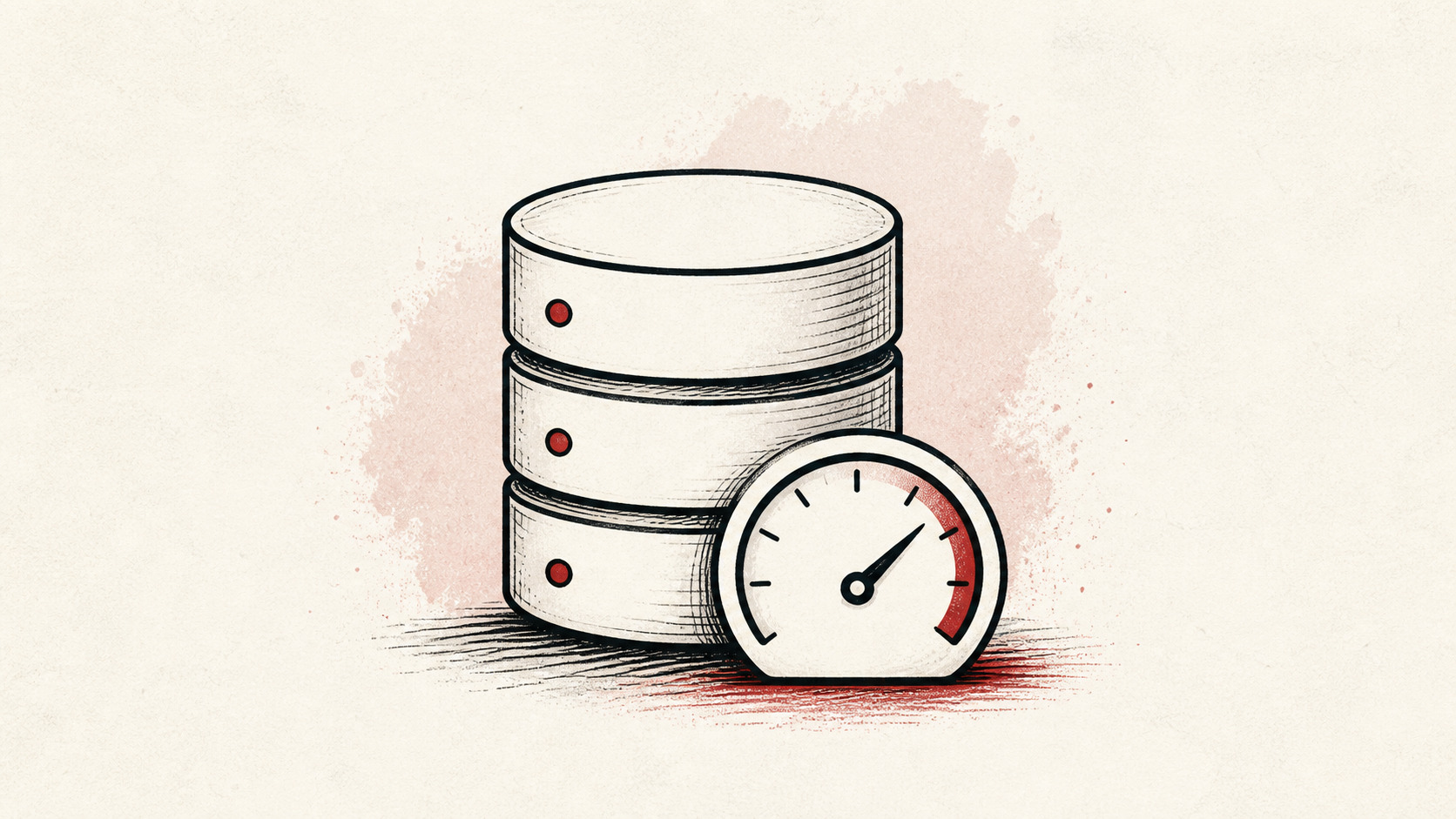
Database performance usually comes down to a few slow queries. How to find them, add an object cache, and test fixes without guesswork.
DDoS protection for small sites: what your host covers, when a web application firewall helps, and what to do while an attack is running.
Dedicated server hosting is a big jump from a VPS. How to tell when traffic, memory, or control justify it, and when to stay put.
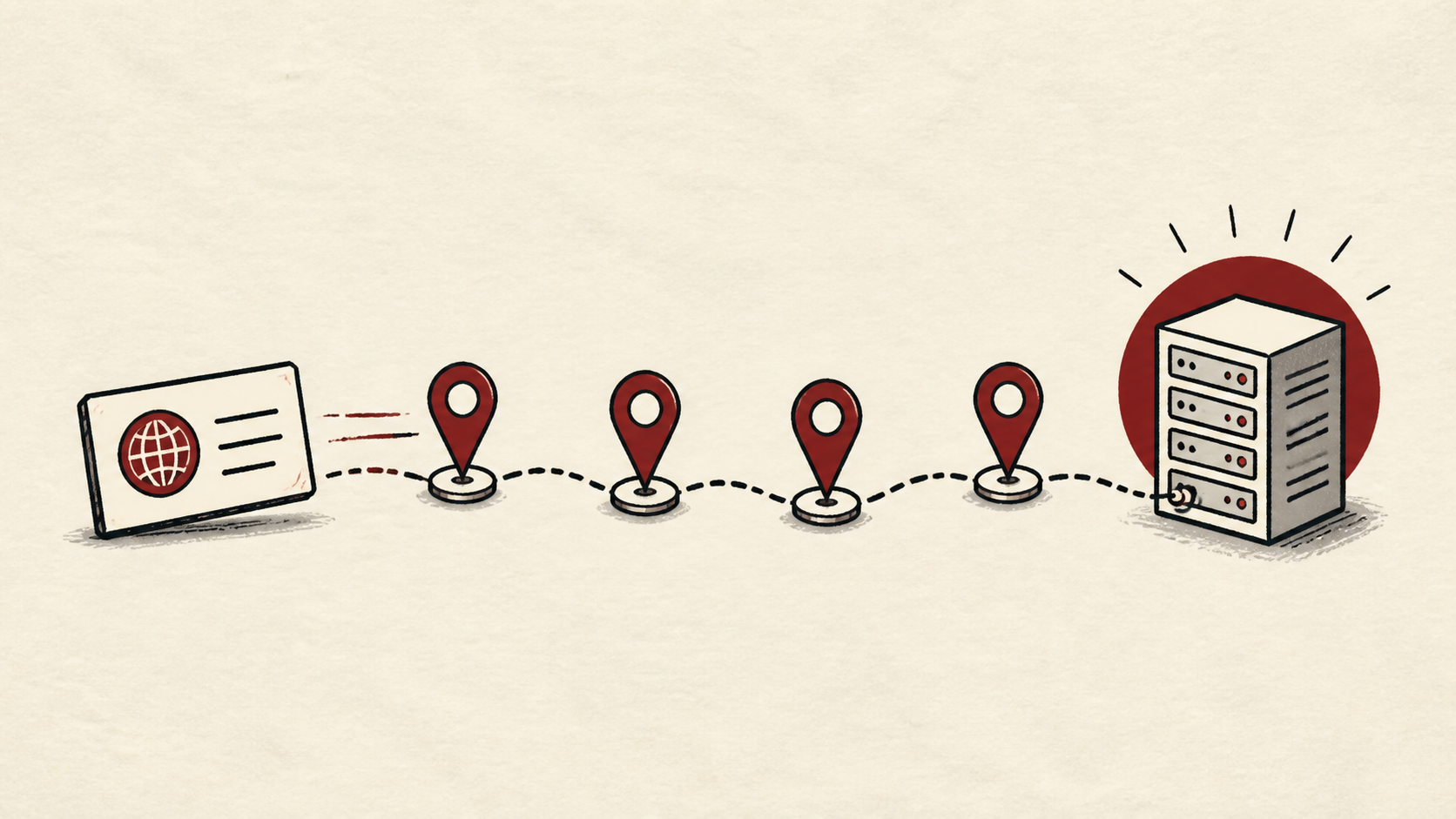
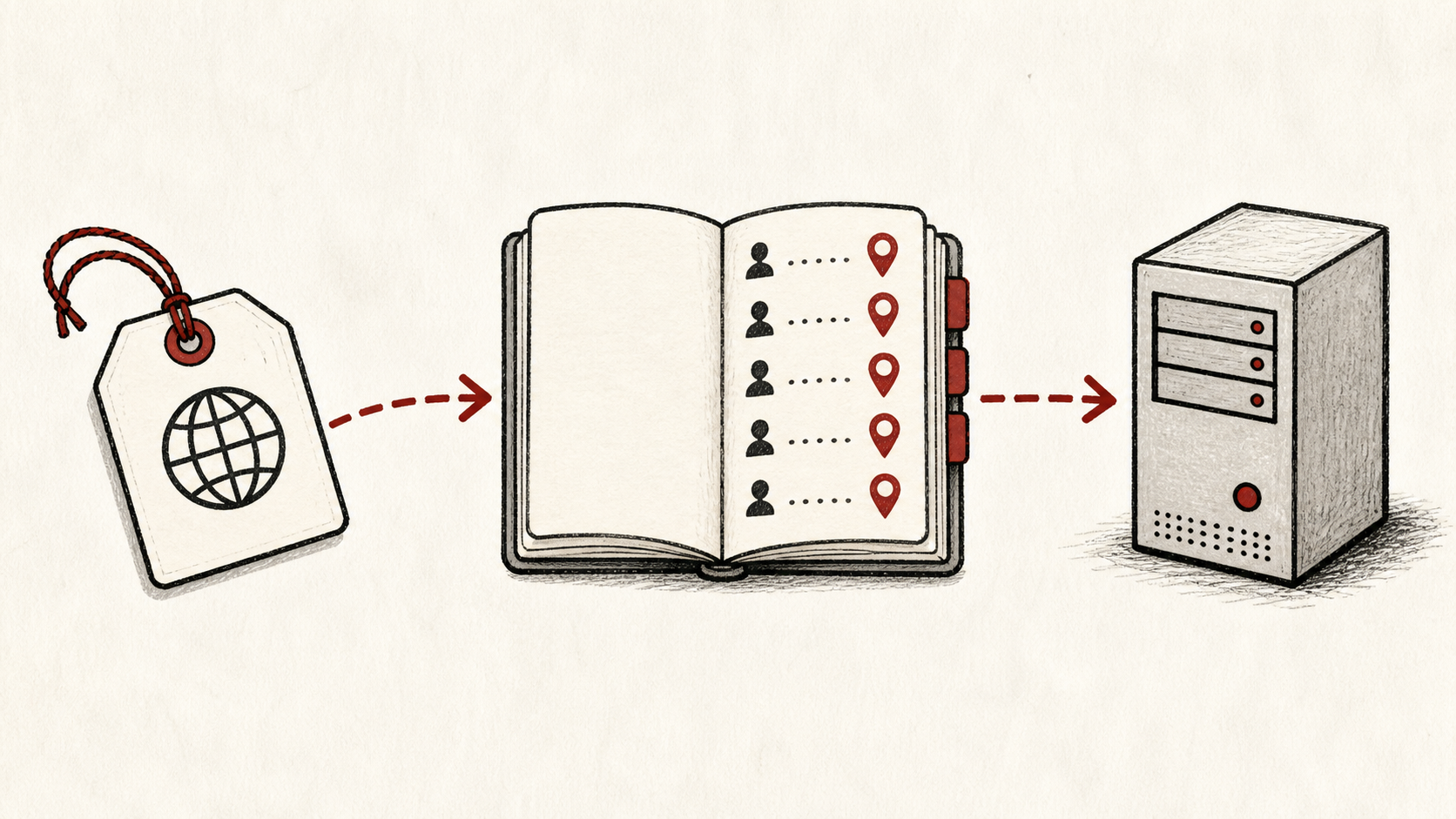
DNS propagation is caching, not copying. What controls DNS propagation time, how to check it worldwide, and how TTL speeds it up.
DNS records tell the internet where your site and email live. What A, CNAME, MX, and TXT records do, and how to edit them safely.
DNSSEC signs your DNS answers so forgeries get caught. What it protects, how it breaks, and whether a small site should turn it on.
Domain registration vs hosting, untangled: what a registrar does, what a host does, and when keeping them at separate companies pays off.
Domain transfer checklist: copy DNS records first, unlock the domain, get the EPP code, and keep email working while the move completes.
An ecommerce backup plan covers the database and files separately. How to apply the 3-2-1 rule to a store and prove restores work.
Ecommerce security for small stores: protect the money routes, keep card data with your processor, and add fraud prevention that fits.
Ecommerce hosting requirements explained: the capacity, SSL certificate, backups, and checkout checks an online store needs before picking a plan.
A staging site lets you test changes safely before customers see them. How to set one up for an ecommerce store and what to check before going live.
Ecommerce traffic spikes punish unprepared stores. How to cache, confirm capacity, and monitor before holiday and Black Friday traffic hits checkout.
Uptime monitoring for an online store: which URLs to watch, how to route downtime alerts to a human, and what an uptime SLA really promises.
Email deliverability for a new domain: set up SPF, DKIM, and DMARC, test with real messages, and keep your mail out of the spam folder.
Email forwarding is easy to set up and easy to break. Why forwarded email lands in spam, how SPF fails on a forward, and safer alternatives.
An email migration checklist for a domain move: copy mailboxes over IMAP, update the MX record last, and cut over without losing a message.
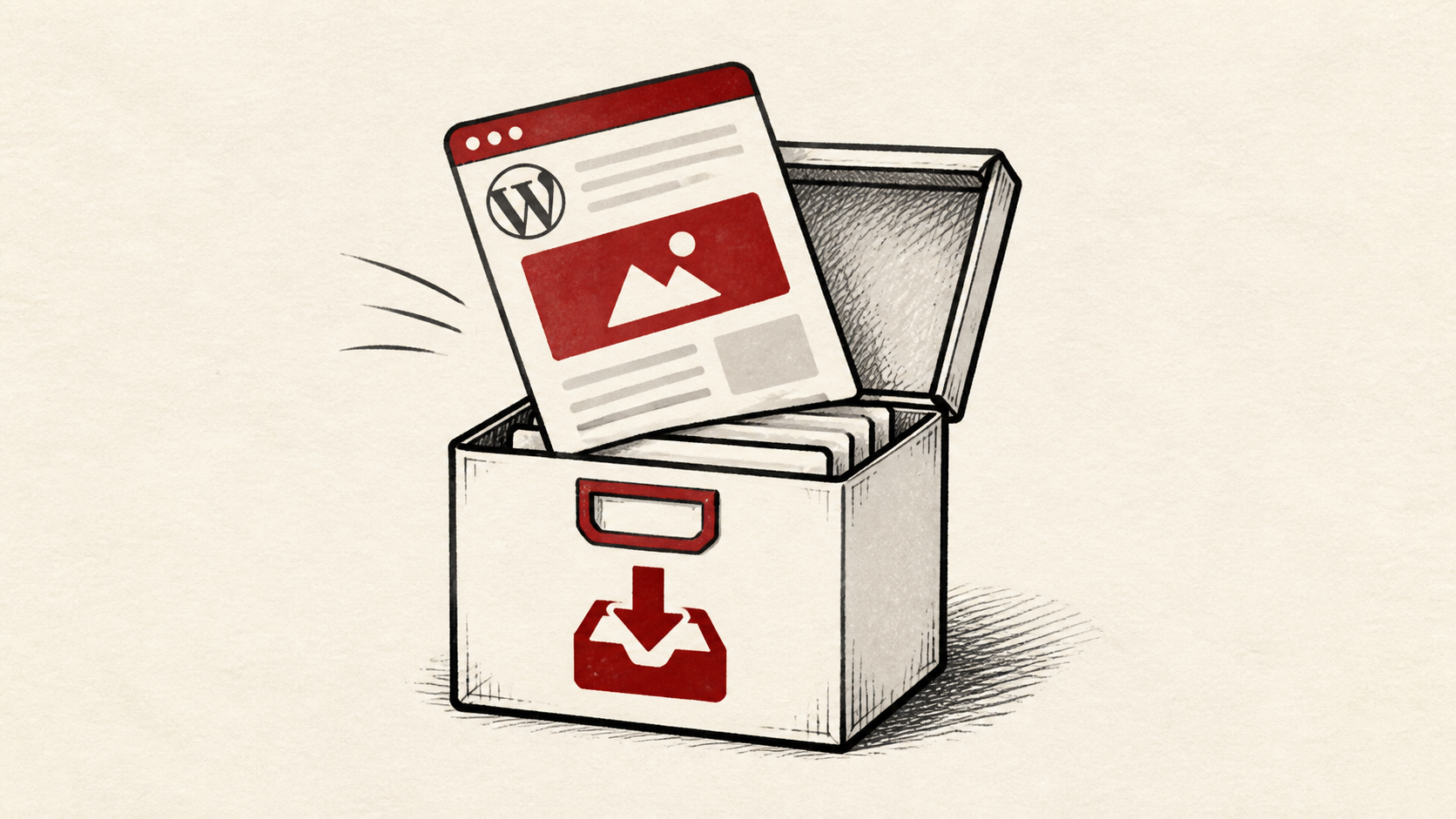
Export a website backup before leaving a host: download every file, run a database export, and verify the archive restores before you cancel.
File permissions explained in plain terms: what 644 and 755 mean, when chmod is the right tool, and how file ownership breaks updates and uploads.
A 500 internal server error means the server failed, not your browser. Where to find the server error log and how to fix the error step by step.
503 Service Unavailable means the server cannot handle requests right now. Learn whether overload, maintenance, or a crashed service is behind it.
504 Gateway Timeout means one server gave up waiting for another. Trace the slow upstream server, apply a safe fix, and confirm it like a visitor.
A free SSL certificate covers most small sites. What Let's Encrypt includes, how automatic renewal works, and what to check when it fails.
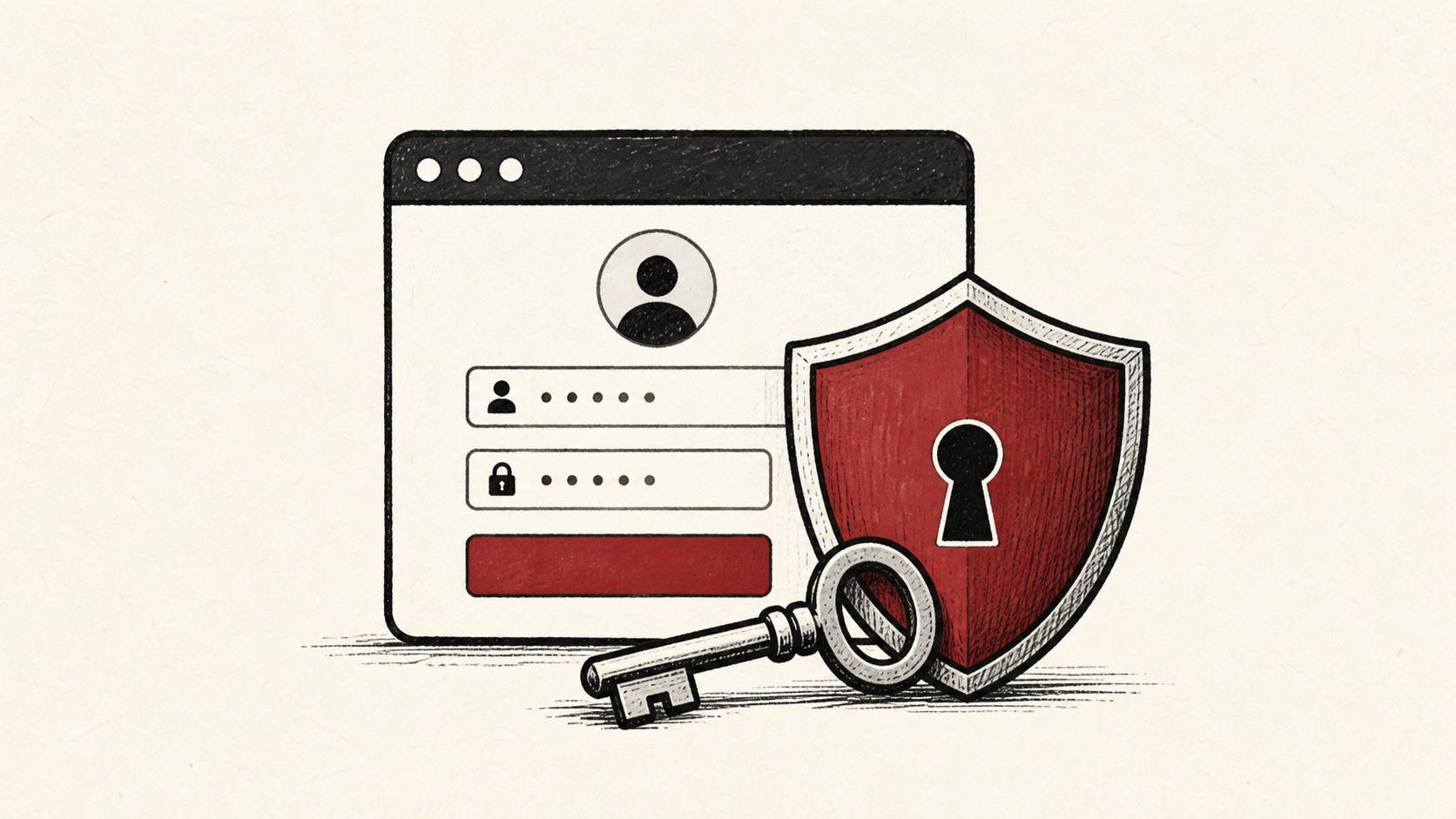
Hosting account security starts with two-factor authentication. Lock down the login that controls DNS, billing, and backups before an attacker does.
A hosting backup you have never restored is a hope, not a plan. How to test backups, practice a safe restore, and set sensible retention.
A hosting control panel manages files, email, DNS, and SSL in one place. What cPanel-style panels do and which features you will really use.
Portfolio website hosting can be simple and cheap. When static site hosting is enough, where free tiers make sense, and what to skip.
Small business web hosting without the sales copy. The features that matter, what hosting costs in 2026, and how to avoid renewal-price traps.
Server location drives hosting latency. Pick a data center near your visitors, measure ping time before you commit, and know when a CDN covers the gap.
A hosting refund policy rarely covers everything you paid. What money-back guarantees exclude, and how to cancel hosting before the window closes.
Hosting renewal costs often double or triple the intro rate. How to find the real number, price a three-year total, and dodge the renewal jump.
Web hosting requirements for a new site, as a checklist: storage and bandwidth, PHP and database versions, SSL, email, backups, and support.
Hosting resource limits explained: CPU throttling, memory, the inode limit, and bandwidth caps, and how to find the real ceilings on unlimited plans.
Scalable hosting means the next step is boring. How to judge upgrade paths, when to move to a VPS, and the limits to check before you outgrow a plan.
Hosting support is testable before you pay. The pre-sales questions, response times, and red flags that predict whether help shows up at 2 a.m.
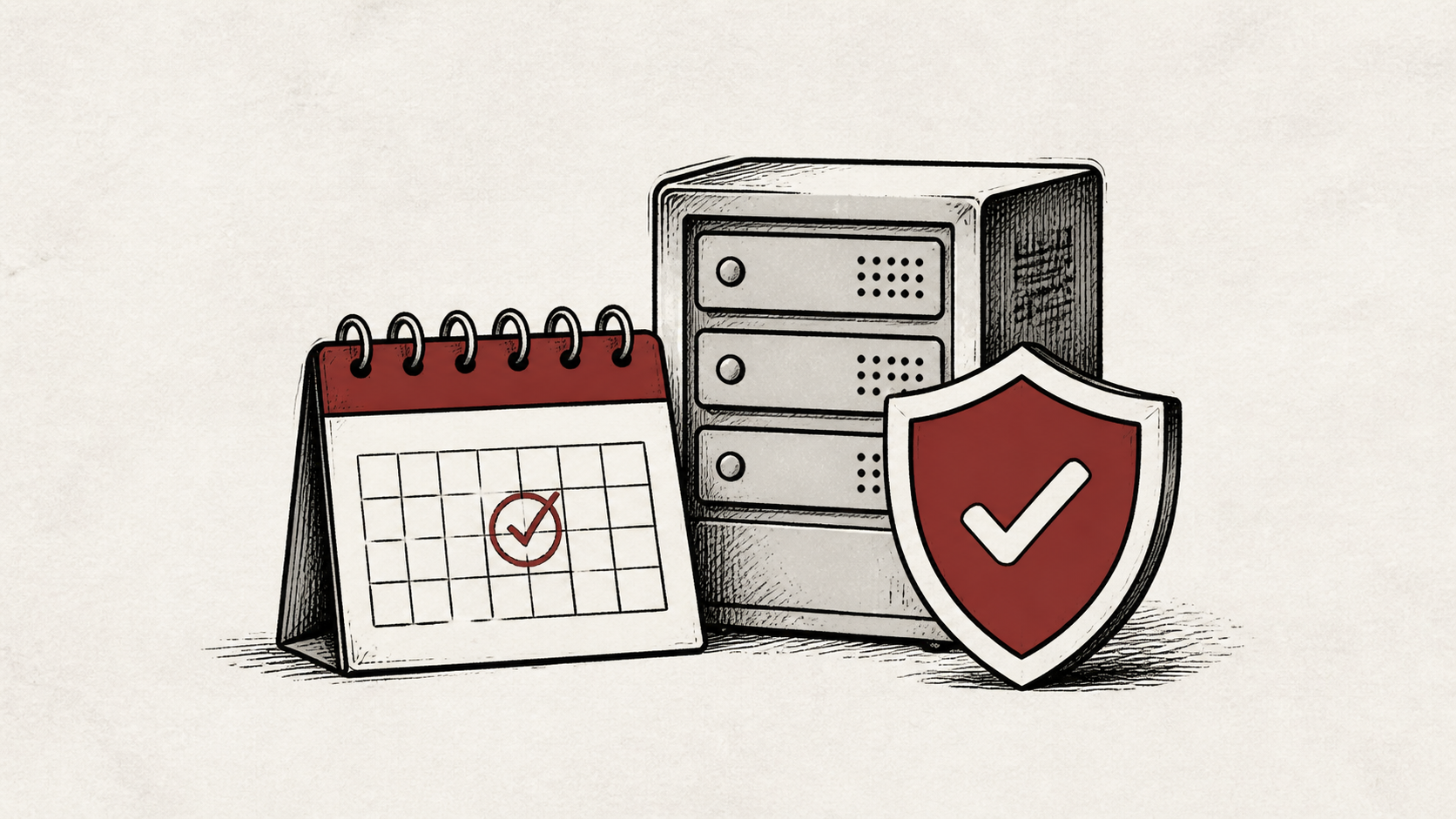
An uptime SLA sounds reassuring until you do the math. What 99.9 uptime allows, what SLA credits actually pay, and how to verify uptime yourself.
How does DNS work? Follow a DNS lookup from your browser to the answer, learn why changes take time, and see which settings you actually control.
Image optimization cuts bandwidth, storage, and load time at once. How to compress images, adopt WebP, and automate the pipeline so uploads stay small.
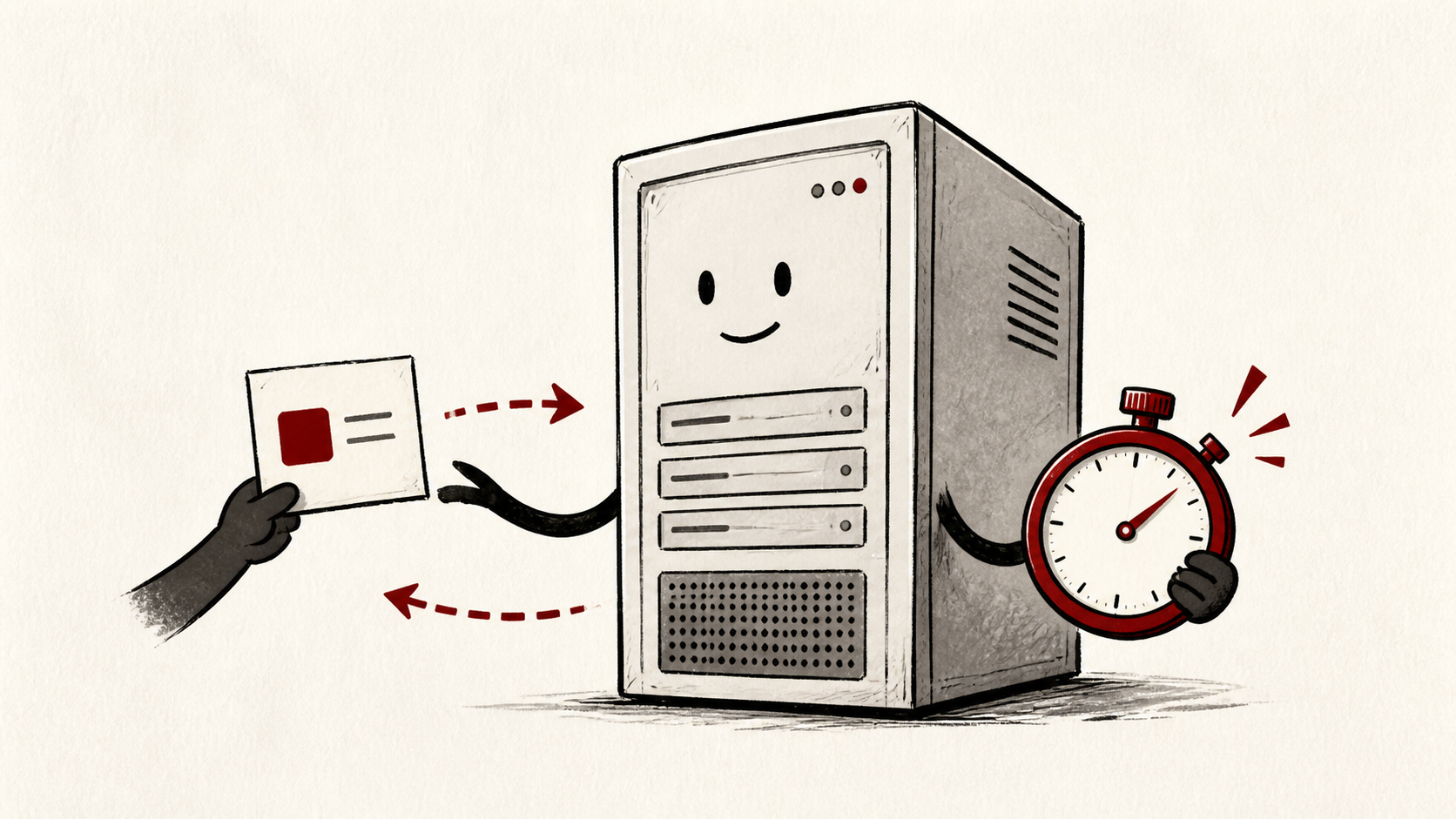
Lower your DNS TTL a day before a migration and the cutover finishes in minutes. What TTL controls, the value to set, and when to raise it back.
Managed VPS or unmanaged VPS comes down to whose time runs the server. What management covers, what root access demands, and how to price your hours.
Migrate email to a new host without losing messages: create mailboxes first, copy mail over IMAP, switch DNS last, and keep the old account live.
Static site hosting makes moving easy: copy the files, test on the new host, then point DNS. The steps, in the order that avoids broken links.
Move WordPress to a new host without breaking it: take a full backup, copy files and database, test before DNS changes, and keep a rollback ready.
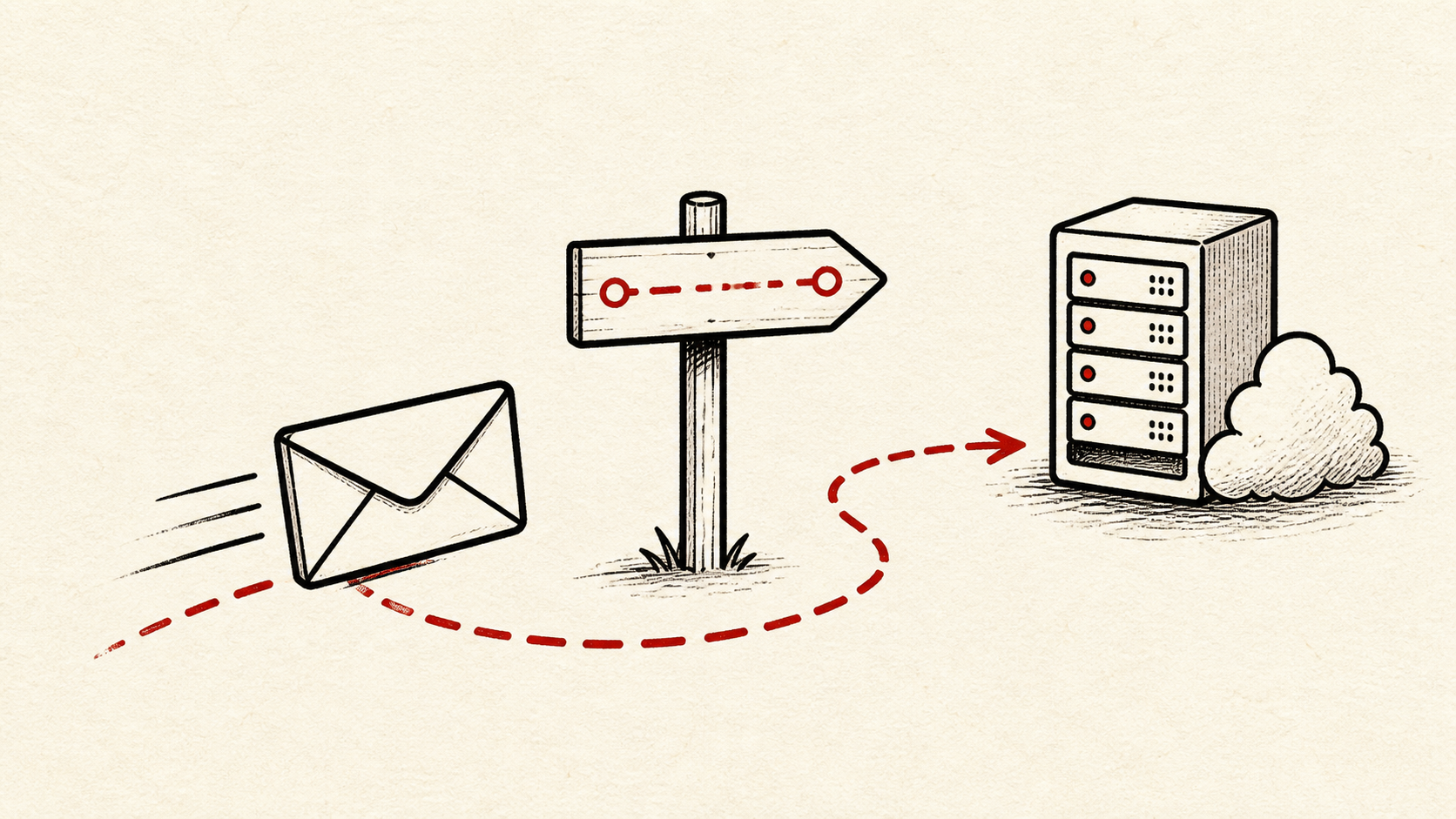
MX records tell the internet which server accepts email for your domain. How to read yours, change them safely, and test where mail really lands.
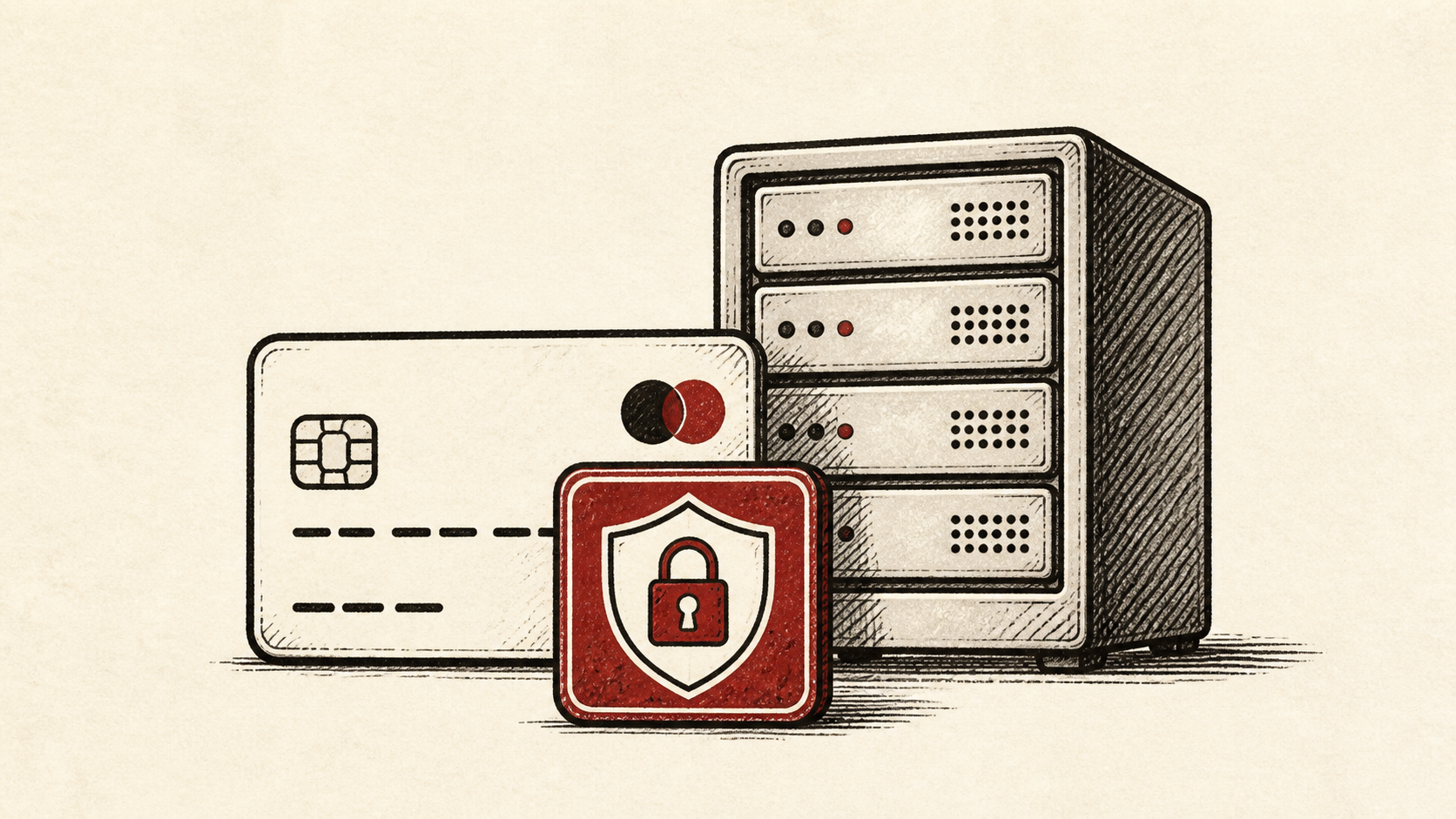
PCI compliance and hosting overlap: what PCI DSS asks of a small store, which requirements your host carries, and how to shrink your scope.
A post migration checklist for the first day and week: pages, forms, TLS, email, redirects, cron jobs, and the SEO checks that protect rankings.
Product image optimization for small stores: resize, compress, and serve WebP so product pages load fast without your photos looking worse.
Reseller hosting explained for agencies: how white label plans work, what to check in the resource policy, and when separate accounts win.
How to roll back a website migration safely: revert DNS, restore a backup without losing new data, and keep the old host as cheap insurance.
A security update policy you can keep: which software security updates need same-day action, a realistic patching schedule, and safe testing.
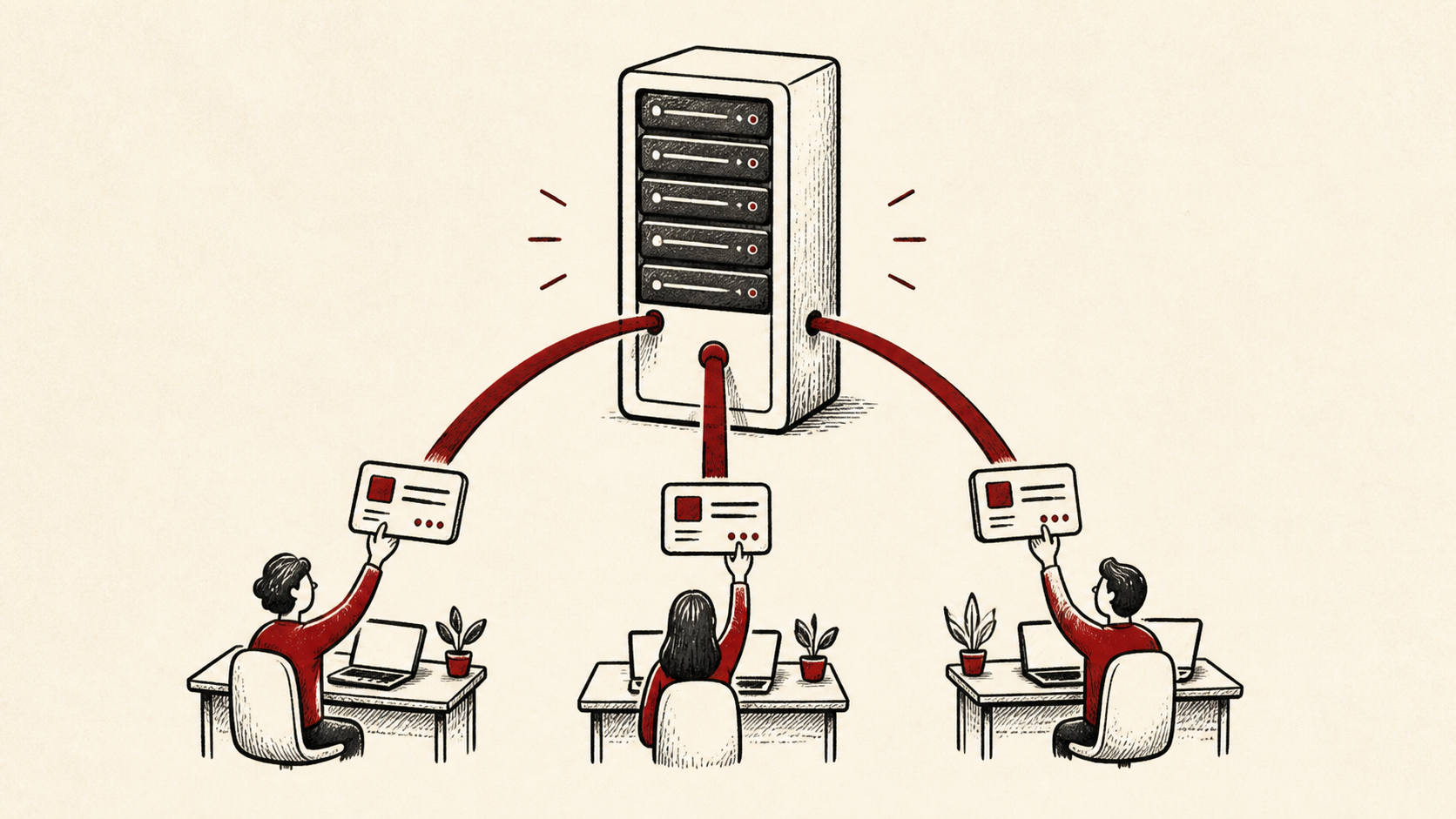
Server response time (TTFB) explained: how to measure time to first byte, what a good number looks like, and the fixes that reduce it.
Serverless vs VPS for a small web app: how billing, scaling, and maintenance chores differ, and a plain rule for choosing between them.
SPF, DKIM, and DMARC in plain English: what each DNS record does, the order to add them, and how to test that email authentication passes.
Subdomain vs subdirectory: what each one is, how the choice affects SEO and hosting, and a simple rule for deciding in 2026.
Test your website before the DNS change: preview it on the new host with your hosts file and fix what broke while visitors still see the old site.
A traffic spike shouldn't take your site down. Prepare your website for high traffic with caching, load testing, and a rollback plan.
Transactional email and marketing email need separate senders. Why mixing them lands receipts in spam, and how to split the two streams.
Transfer a domain without downtime. What a registrar transfer actually changes, why sites go dark mid-move, and the order that keeps yours up.
A web application firewall (WAF) blocks malicious traffic before it reaches your site. What a WAF can and can't do, and how to enable one safely.
Web caching comes in layers. What a page cache, object cache, CDN cache, and browser caching each store, and which one to turn on first.
The 3-2-1 backup rule — three copies, two kinds of storage, one offsite — applied to a real website backup, without enterprise tools.
Contact form not sending email? The usual causes — server mail defaults, missing SMTP, failed authentication — and how to fix each one.
Website down? A calm checklist — confirm it with a website down checker, work out why, and fix it without making the outage worse.
An incident response plan for a small website — who has access, what to check first, when to call the host, and the postmortem that prevents repeats.
Website malware removal, step by step: confirm the hack, preserve evidence, restore a clean copy, and lock down the accounts that matter.
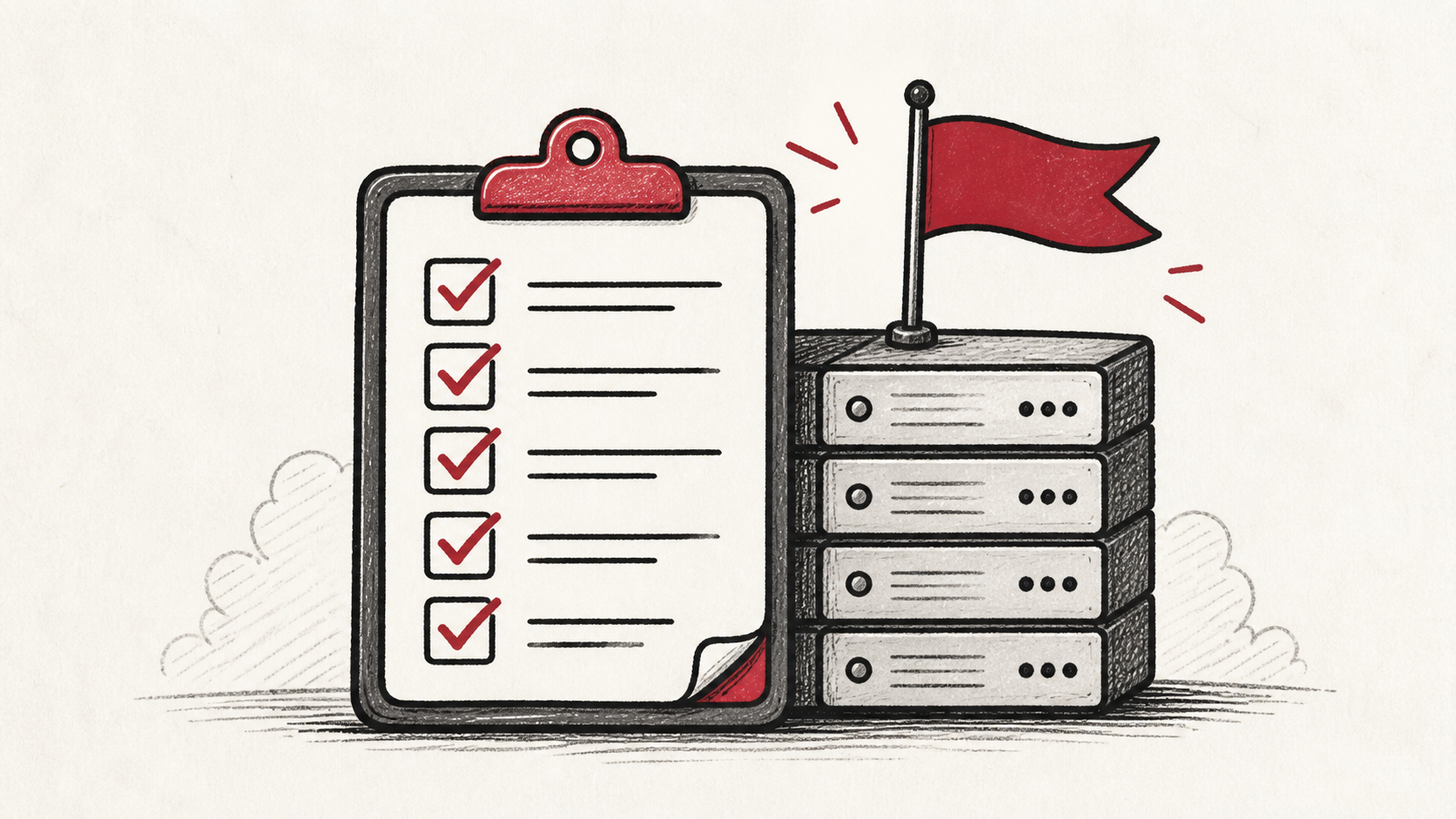
Website migration checklist for small sites: inventory everything, test on the new host, and keep a rollback ready before DNS moves.
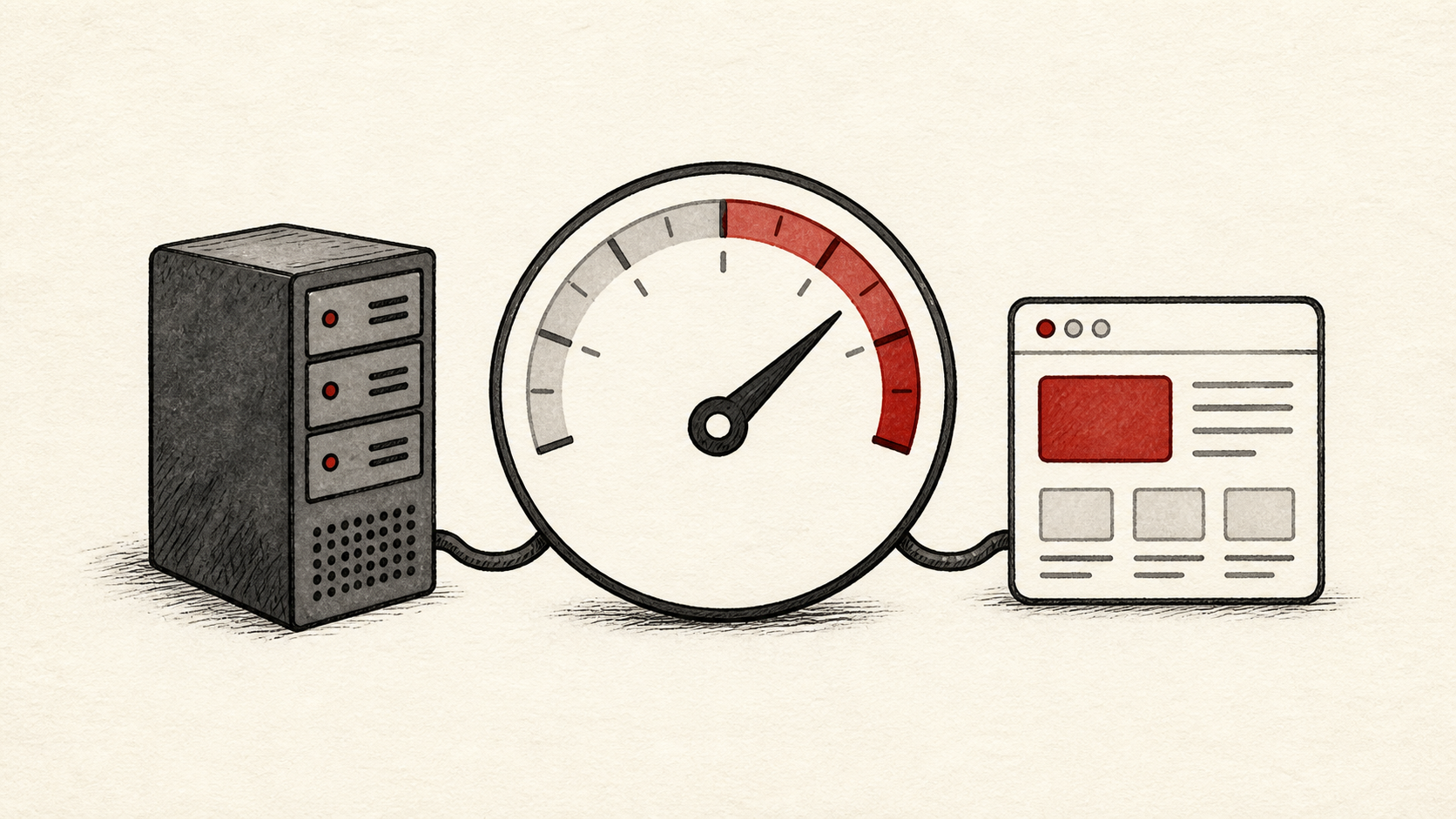
Website speed starts at the server. Learn how hosting affects load time, how to measure first, and which delay to fix before the others.
Cloud hosting explained for small sites: how it differs from shared hosting, what the resource policy hides, and when the move pays off.
Managed hosting explained: which server chores the host owns, which stay yours, and how to tell a real service level from a label.
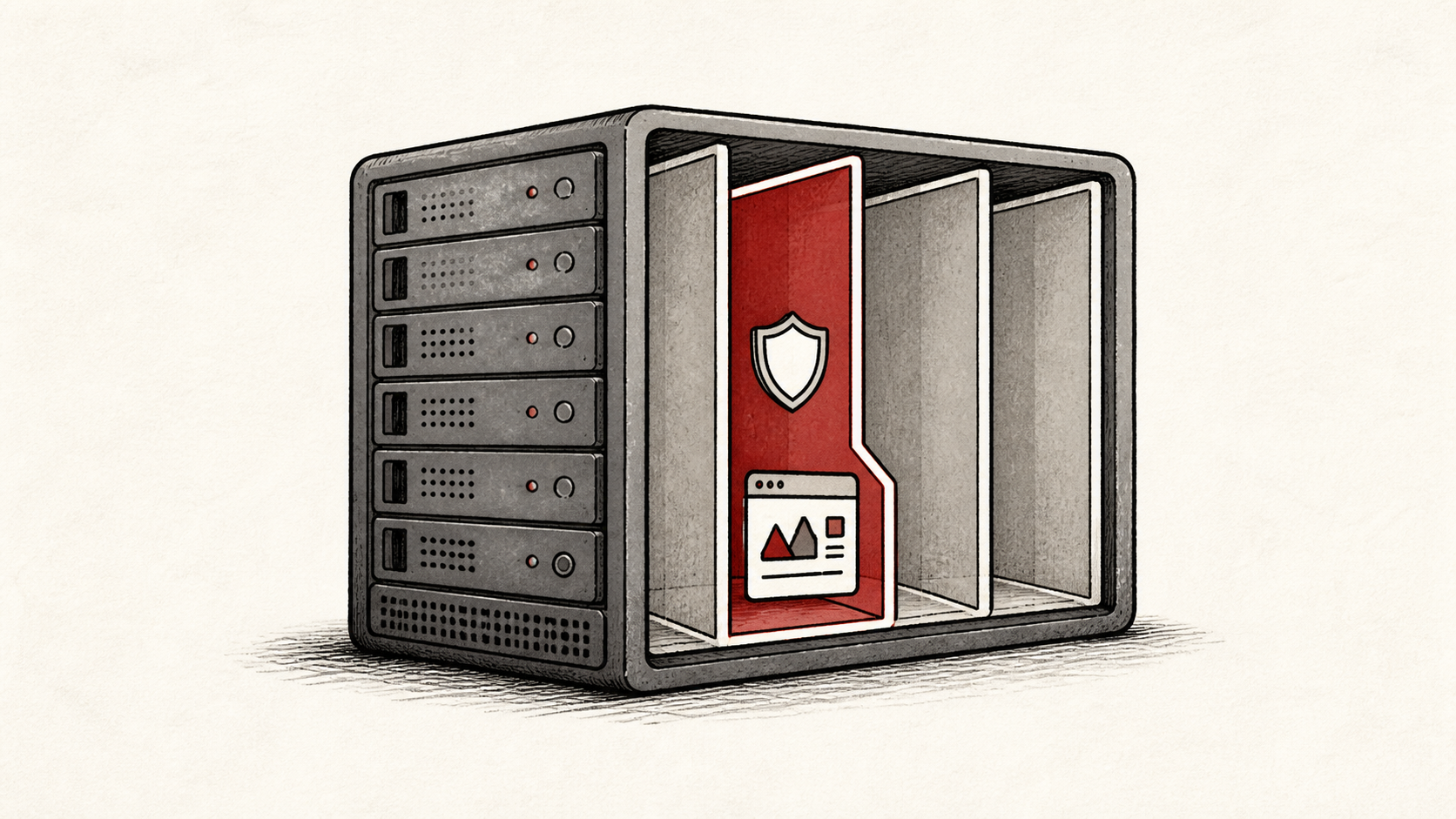
Shared hosting explained: how one server splits across many sites, which limits bite first, and when a small site should move up.
VPS hosting explained: what a virtual private server actually gives you, the chores it adds, and how to tell when it is time to move up.
WooCommerce hosting performance starts at checkout. Protect the money routes, test on staging, and plan capacity before the next sale.
WordPress admin security in practical steps: protect logins first, back up before changes, and test wp-admin after every update.
WordPress backup strategy in plain terms: what to copy, where to keep it, and how to prove the restore works before you need it.
WordPress database cleanup, done safely: what causes database bloat, which tables you can trim, and the backup to take before you touch wp_options.
Find your WordPress error log fast: where the PHP error log lives, how to turn on WP_DEBUG safely, and how to read the first useful line.
WordPress hosting requirements for 2026: the PHP version, database, memory, and HTTPS baseline to check before you buy or renew a plan.
WordPress hosting vs web hosting: what the label changes, when managed WordPress hosting earns its price, and when a regular plan is fine.
Change your WordPress PHP version without breaking the site: check PHP compatibility, test on staging, and keep a fast rollback path.
WordPress plugins slow your site by behavior, not count. How to find the slow one, measure plugin performance, and decide what earns its keep.
Use a WordPress staging site to test changes safely: what belongs on staging, what to sync, and how to push to production without surprises.
WordPress updates break sites when they run in the wrong order. A checklist to update WordPress safely: backup, staging, one change at a time.
WordPress white screen of death, fixed in a safe order: turn on error logging, rule out plugins and the theme, then check the PHP memory limit.
WWW vs non-www is a choice you make once: pick a canonical domain, set one permanent redirect, and check the certificate covers both names.
Game server hosting explained: why latency beats bandwidth, what slots and tick rates mean, and how to choose between home, VPS, and a game host.
Connect a domain to hosting in four steps: which A record or CNAME to change, how to verify with dig, and when to switch nameservers instead.
Migrate your website to a new host with zero downtime: copy, test via your hosts file, drop the DNS TTL, then cut over with a rollback ready.
Managed vs unmanaged hosting comes down to who carries the pager. What the managed markup actually buys, and when doing it yourself costs more.
Website hosting costs rarely match the sticker price. Realistic 2026 numbers by site type, the renewal jumps, and where cheap web hosting is safe.
The four types of web hosting compared: what shared, VPS, dedicated, and cloud hosting cost in 2026, and how to pick the right one.
How to choose a web host in 2026: verify uptime, test support, price at the renewal rate, and dodge the pricing traps that catch beginners.
One email when we publish something worth your time. No spam, unsubscribe whenever.