DDoS Protection Basics for Website Owners
DDoS protection for small sites: what your host covers, when a web application firewall helps, and what to do while an attack is running.
By Matthew Zhao · Editor, Hosted EZ
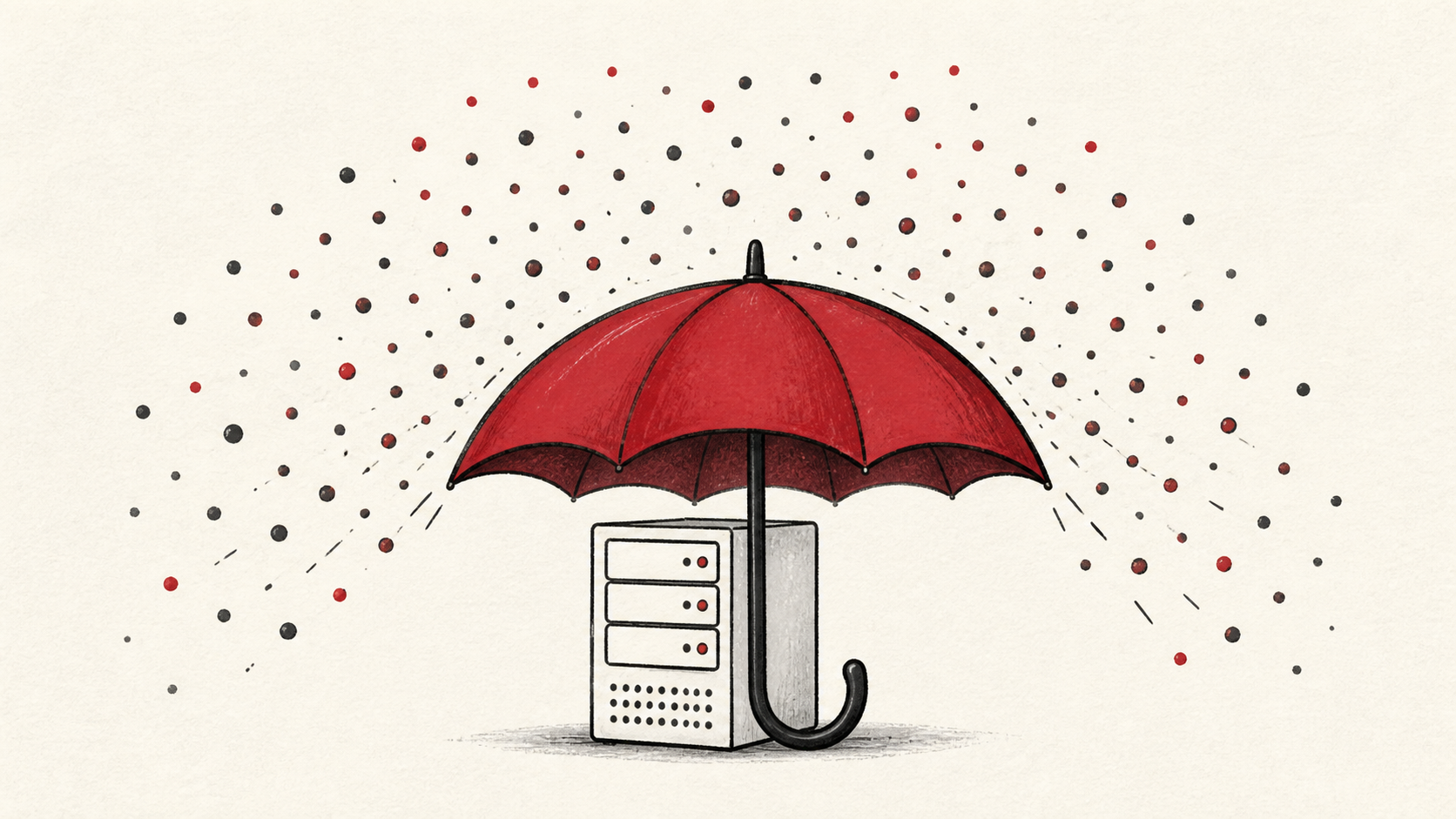
DDoS protection matters to small sites more than it used to, because renting an attack costs almost nothing in 2026 and the targets are often picked at random. A distributed denial-of-service (DDoS) attack floods your site with junk traffic until real visitors cannot get through. This guide covers what to set up before an attack, what your host should already provide, and how to behave during one so you keep the evidence you will need.
This guide focuses on the checks a small-site owner can make safely. It also points out where a host or a security service needs to take over. Read how to choose a web host if you are still picking a provider, and our guide to migrating without downtime before changing live infrastructure.
Start with the accounts, not the traffic
Protect the account that can change DNS, billing, and server access first. Use a unique password and multi-factor authentication where it is available. An attack makes a lot of noise, and attackers sometimes use that noise as cover for a quieter attempt on your control-panel login.
Make a short note with account names, domain names, the exact URL involved, and the last known working time. Do not put passwords or recovery codes in the note. You want enough detail to retrace the work without creating a new security risk.
Where DDoS protection lives
Most DDoS mitigation happens in front of your server, not on it. Your host's network absorbs the crude volumetric floods, and a web application firewall filters the sneakier requests that imitate real visitors. Ask your host which of these you already have; many plans include both, and a proxy service can add a firewall in front of any site.
Keep backups outside the production account and practice a restore. An attack sometimes accompanies a compromise, and a backup that has never been opened is a hope, not a recovery plan.
During a DDoS attack, preserve the evidence
When an attack starts, note the time, save whatever logs your panel offers, and turn on your host's attack mode if it has one; a challenge page that annoys visitors beats a site that will not load. Restrict access where you can and work from a known-good copy. Avoid making a string of unexplained changes that destroys the trail you need to understand the problem.
Once traffic returns to normal, test the ordinary path first, then the part with the most consequence. For a store, that is checkout. For a form, it is receiving the email.
When to stop and ask for help
Stop when the next action could overwrite data, break DNS, or remove access to the account. Send support the domain, time in UTC, exact error, and the changes you made. Include a screenshot when it shows the error, but do not include private keys, passwords, or full payment information.
Cloudflare's Learning Center explains what a DDoS attack is in plain language. Keep HTTPS working while you mitigate, too; a challenge page still needs a valid certificate, and Let's Encrypt documentation covers renewal if yours lapses mid-incident.
A sensible maintenance habit
Put the final configuration and the result in a short maintenance note. Security settings drift because nobody remembers which rule was added during which incident. A dated note turns the next attack into a lookup instead of an investigation.
Keep the change auditable
Use a short before-and-after record. Write the setting you found, its old value, the exact time you changed it, and the result of the test. If the change has a delay, such as a DNS TTL or a firewall rule rolling out, write the time you expect the new behavior to be visible. This record is useful even when everything works. A few months later, it tells you why a rule has an unusual value.
Do not confuse an account dashboard with evidence from the live site. A dashboard can show that mitigation is enabled. The visitor still needs to receive the page you intended. Test from outside the account, and use a second connection if a cached answer could mislead you.
If you hand the task to someone else, give them the record rather than a conclusion. "The site is down" is hard to investigate. "Traffic spiked at this time, from these regions, and the challenge page held" gives the next person a useful starting point.
One last check
Before you close the ticket, load the site the way a visitor would, not only through the account dashboard. If the result is different, note the difference and keep troubleshooting from that point. A quiet confirmation now is much easier than discovering the missed detail during the next attack.
Leave a useful handoff
Save the final test result with the date and account involved. If someone else needs to revisit your DDoS protection setup, they should be able to see what changed without reconstructing the whole incident from browser history.
Bottom line
DDoS protection for a small site means deciding in advance which layer filters your traffic: your host's network, a web application firewall, or both. Keep evidence during an attack, protect your backups, and ask support before a mitigation step turns into an outage of your own making.
Frequently asked questions
Should I change every security setting at once during an attack?
No. Change one related setting, test it, and keep the previous value until you know the result is stable.
What should I tell my host during a DDoS attack?
Give the domain, exact URL or service, UTC time, error text, and steps already tried. That is usually enough for support to find the relevant logs.
Do backups matter for DDoS protection?
Yes. Attacks sometimes cover for break-in attempts, so download or verify a recent backup before you change files, DNS, or software versions.
About the author
Matthew Zhao
Matthew has spent his career running production server fleets — tens of thousands of machines' worth. He writes about hosting the way he wishes someone had explained it to him: plainly.
About Hosted EZ →Get the next guide in your inbox
One email when we publish something worth your time. No spam, unsubscribe whenever.


