Email Deliverability Basics for a New Domain
Email deliverability for a new domain: set up SPF, DKIM, and DMARC, test with real messages, and keep your mail out of the spam folder.
By Matthew Zhao · Editor, Hosted EZ
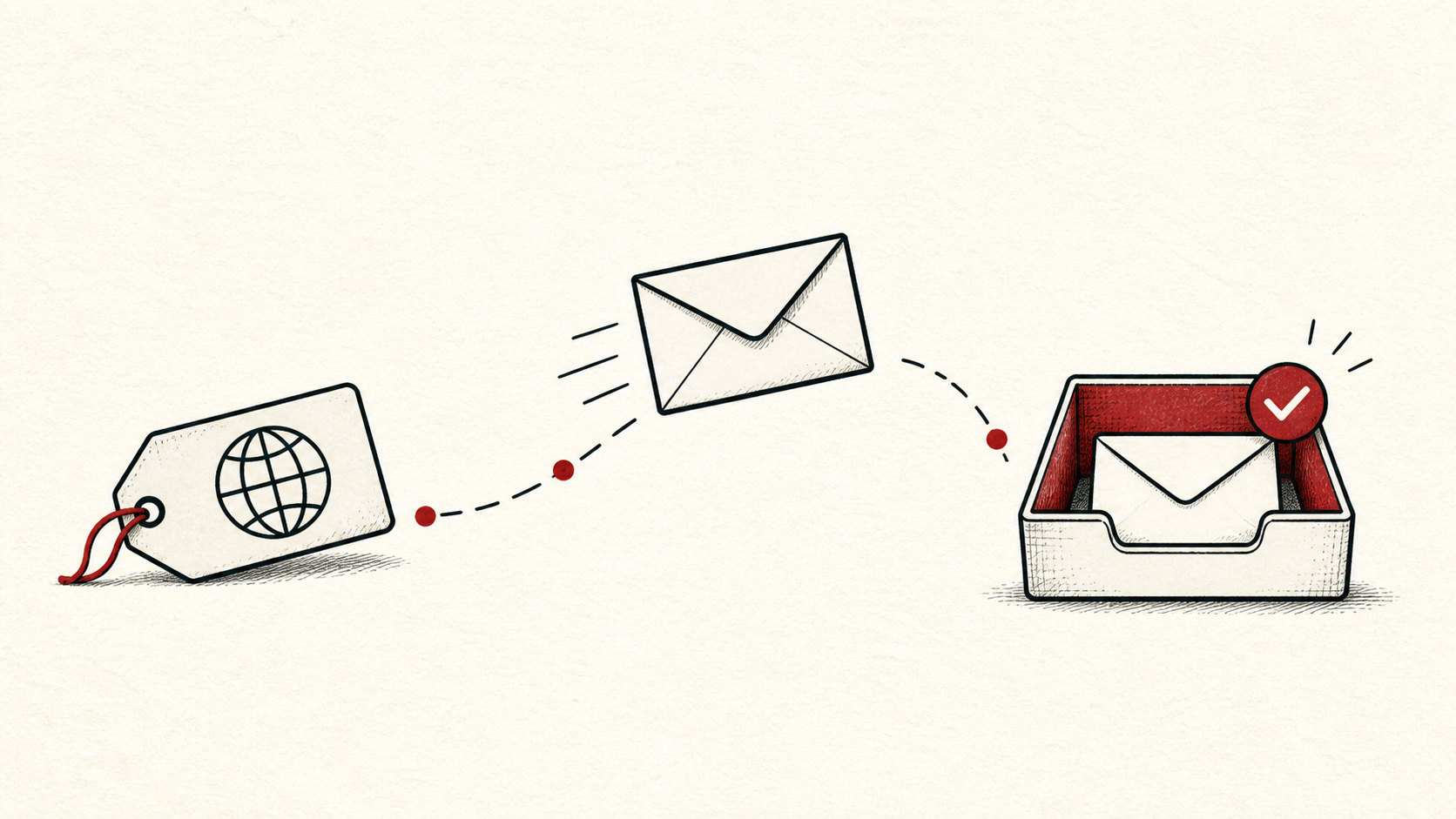
Email deliverability is a reputation problem before it is a technical one: a new domain has no sending history, so every receiving provider decides from scratch whether to trust it. This guide covers the basics for a new domain — publish the right DNS records, send real test messages, and read the headers that explain where your mail lands.
It focuses on the checks a small-site owner can make safely, and points out where a host, registrar, or email provider needs to take over. Read how to choose a web host if you need the broader setup, and our migration guide before changing live infrastructure.
Treat email deliverability as a DNS problem
Treat email delivery as a DNS and reputation problem as well as a mailbox problem. A message can leave your site and still fail authentication, get filtered, or arrive at the wrong service.
Make a short note with the domain, the DNS host, and every service that sends mail as you. Do not put passwords or recovery codes in the note. You want enough detail to retrace the work without creating a new security risk.
Set up SPF, DKIM, and DMARC first
List every sender before you edit MX, SPF, DKIM, or DMARC records — newsletters, forms, invoices, help desks, and staff mail. A record that fixes one sender can break another. Our SPF, DKIM, and DMARC guide explains what each record does in plain terms.
Publish all three before you send anything that matters. In 2026, the large mailbox providers expect authentication from day one, and an unauthenticated new domain starts in the spam folder more often than not.
Start DMARC in monitoring mode — the policy written as p=none — so providers send you reports about who is sending as your domain without rejecting anything yet. Tighten the policy once the reports show only senders you recognize. Keep the SPF record short, too: it has a built-in lookup limit, and stacking too many third-party services into one record silently breaks it.
Test with real messages, then read the headers
Test with a real message after each change and inspect the received headers. The inbox is the final result, but the headers tell you why a provider accepted or distrusted the message. Look for three verdicts — spf=pass, dkim=pass, and dmarc=pass; a failure names the record to fix, which beats guessing from the spam folder.
If a DNS record is involved, note the TTL and allow the old answer time to expire before assuming the change failed. Send follow-up tests from each service that sends as your domain, not only your personal mailbox.
When to stop and ask for help
Stop when the next action could change production mail or remove access to the account. Send support the domain, time in UTC, the exact error or full bounce message, and the changes you made. A complete bounce message is worth more than a screenshot of an empty inbox.
The SMTP standard has useful background on how mail servers actually hand messages to each other. Use it to understand the terms, then return to the small, reversible next step.
A sensible maintenance habit
Warm the domain up: start with low volume to engaged recipients and grow gradually. Put the final DNS records and the dates in a short note — email deliverability best practices are mostly about consistency, and the note keeps the setup consistent when someone adds a new sending service next year.
Keep the change auditable
Use a short before-and-after record for every DNS edit. Write the record you found, its old value, the exact time you changed it, and the result of the test message that followed. A few months later, it tells you why a record has an unusual value.
Do not confuse the DNS dashboard with evidence from a real inbox. A dashboard can show that a record was saved; the receiving provider still has to see it and trust it. Test from outside mailboxes at more than one provider.
One last check
Before you close the task, send one more message through the normal path — the contact form, the newsletter tool, the invoice system — and confirm it reaches an ordinary inbox rather than the spam folder. If it does not, keep troubleshooting from the headers, not from guesses.
Leave a useful handoff
Save the final records and test results with the date and account involved. Whoever adds the next sending service should see what already exists without reconstructing it from the DNS zone.
Bottom line
Email deliverability for a new domain comes down to authentication, patience, and evidence: publish the three authentication records, warm the domain slowly, and verify with real messages and headers. Keep notes, and ask support before a change touches production mail.
Frequently asked questions
Do I need to change all my email DNS records at once?
No. Change one record, test with a real message, and keep the previous value until you know the result is stable.
What information should I give support about an email deliverability problem?
Give the domain, UTC time, the full bounce or header text, and steps already tried. That is usually enough for support to find the relevant logs.
Should I keep a backup before editing email DNS records?
Yes. Copy the current DNS zone before edits that affect email, and verify a recent site backup before broader changes.
How long until a new domain's mail is trusted?
Expect weeks, not days. Reputation builds from consistent, low-volume sending to recipients who open and reply, and no setting skips the wait. Sending a large blast in week one is the fastest way to extend it.
About the author
Matthew Zhao
Matthew has spent his career running production server fleets — tens of thousands of machines' worth. He writes about hosting the way he wishes someone had explained it to him: plainly.
About Hosted EZ →Get the next guide in your inbox
One email when we publish something worth your time. No spam, unsubscribe whenever.


