Email Forwarding: The Convenience and the Deliverability Risk
Email forwarding is easy to set up and easy to break. Why forwarded email lands in spam, how SPF fails on a forward, and safer alternatives.
By Matthew Zhao · Editor, Hosted EZ
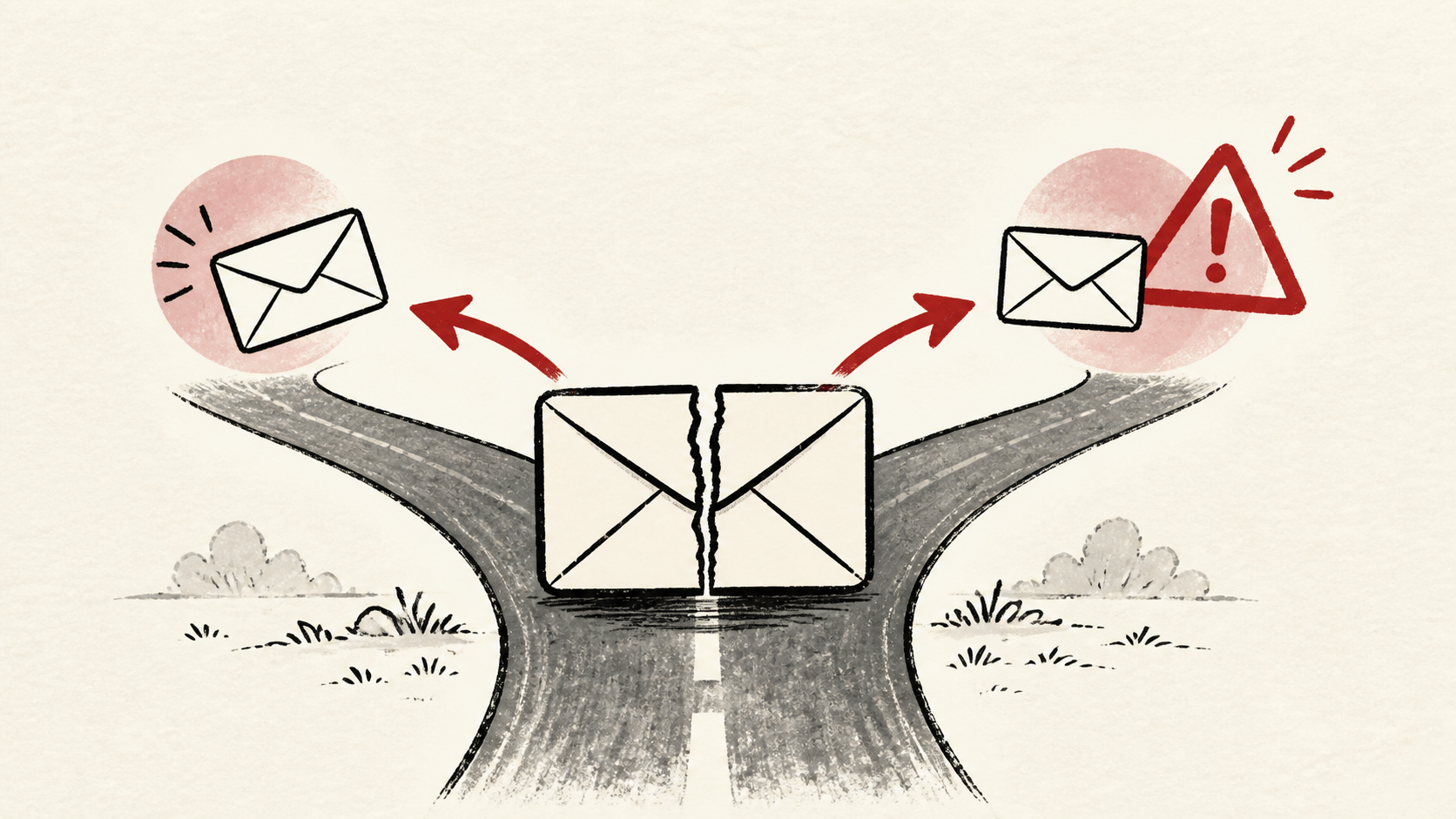
Email forwarding looks like the simplest way to get mail for your domain: point sales@yourdomain at your personal inbox and move on. The catch is deliverability. A forwarded message claims to come from the original sender but arrives from your server, which is exactly the pattern authentication systems are built to distrust. This guide explains where email forwarding breaks and what to use instead.
It focuses on the checks a small-site owner can make safely, and points out where a host, registrar, or email provider needs to take over. Read how to choose a web host if you are picking the provider that will handle your mail, and our migration guide before changing live infrastructure.
How email forwarding breaks SPF
SPF publishes the list of servers allowed to send mail for a domain. When your server forwards a message onward, it becomes the sender — and it is not on the original domain's list, so the check fails. Our SPF, DKIM, and DMARC guide covers the mechanics.
Some forwarding services compensate with sender rewriting, often labeled SRS: the forwarder swaps the hidden envelope sender for one of its own, so SPF is checked against the forwarder's servers instead of the original sender's. That repairs the check, but it ties your delivery to the forwarder's reputation — if the shared service gets abused by other customers, your mail is filtered along with theirs.
List every address that forwards before you change anything — sales, info, billing, and any catch-all. A rule that fixes one route can break another.
Why forwarded email lands in spam
Receiving providers score a message on authentication, sender reputation, and content. A forward fails or weakens the first two at once, so forwarded email is filtered far more often than directly delivered mail. Some services rewrite the sender to compensate, which fixes delivery but makes replies confusing.
If deliverability matters — invoices, password resets, customer replies — prefer a real mailbox on the domain over a forward. In 2026 a basic mailbox on your own domain costs little, often a few dollars a month, and many hosting plans include one, so the forward is rarely saving as much as it seems.
Test the forward with real messages
Test with a real message from an outside account after each change and inspect the received headers. They show whether SPF passed and which server the destination actually trusted.
Test the path with the most consequence first. For most small sites, that is the contact address customers actually use, not the aliases nobody mails.
When to stop and ask for help
Stop when the next action could change production mail or remove access to the account. Send support the domain, time in UTC, the full headers or bounce text, and the changes you made. Do not include passwords or recovery codes.
The SMTP standard has useful background on why a forwarded message is technically a brand-new delivery. Use it to understand the terms, then return to the small, reversible next step.
A sensible maintenance habit
Put the forwarding rules you settled on in a short note: which addresses forward where, and why. Mail problems repeat because nobody remembers which alias points at which inbox. A dated note turns the next incident into a lookup instead of an investigation.
Keep the change auditable
Use a short before-and-after record for every forwarding rule and DNS edit. Write the rule you found, its old value, the exact time you changed it, and the result of the test message that followed. A few months later, it tells you why a rule has an unusual value.
Do not confuse the control panel with evidence from a real inbox. The panel can show a forward as active; the destination provider still decides whether to accept, file, or reject the message. Test from an outside account.
One last check
Send one final message from an outside address through each forwarded alias and confirm where it lands. If it reaches spam, keep troubleshooting from the headers rather than resending until something changes.
Leave a useful handoff
Save the forwarding map and test results with the date and account involved. If someone else needs to revisit the setup, they should see which alias goes where without reconstructing it from the control panel.
Bottom line
Email forwarding is fine for low-stakes mail and risky for anything customers depend on. A forward weakens SPF by design, so watch where forwarded email actually lands, and move to a real mailbox when deliverability starts to matter.
Frequently asked questions
Does email forwarding hurt deliverability?
Yes, often. A forward re-sends the message from your server, which weakens authentication and reputation checks, so forwarded mail is filtered more aggressively at the destination.
Should I change all my forwarding rules at once?
No. Change one rule, test it with a real message, and keep the previous rule until you know the result is stable.
What information should I give support about a forwarding problem?
Give the domain, UTC time, the full headers or bounce text, and steps already tried. That is usually enough for support to find the relevant logs.
Should I keep a backup before editing forwarding or DNS?
Yes. Copy the current forwarding rules and DNS records before edits that affect email.
Can I reply from the forwarded address?
Not by default. A forward only delivers inbound mail; replies go out from your personal address, which looks unprofessional and confuses threading. Some providers let you configure a send-as address to compensate, but at that point a real mailbox on the domain is simpler and safer.
About the author
Matthew Zhao
Matthew has spent his career running production server fleets — tens of thousands of machines' worth. He writes about hosting the way he wishes someone had explained it to him: plainly.
About Hosted EZ →Get the next guide in your inbox
One email when we publish something worth your time. No spam, unsubscribe whenever.


