Email Migration Checklist for a Domain Move
An email migration checklist for a domain move: copy mailboxes over IMAP, update the MX record last, and cut over without losing a message.
By Matthew Zhao · Editor, Hosted EZ
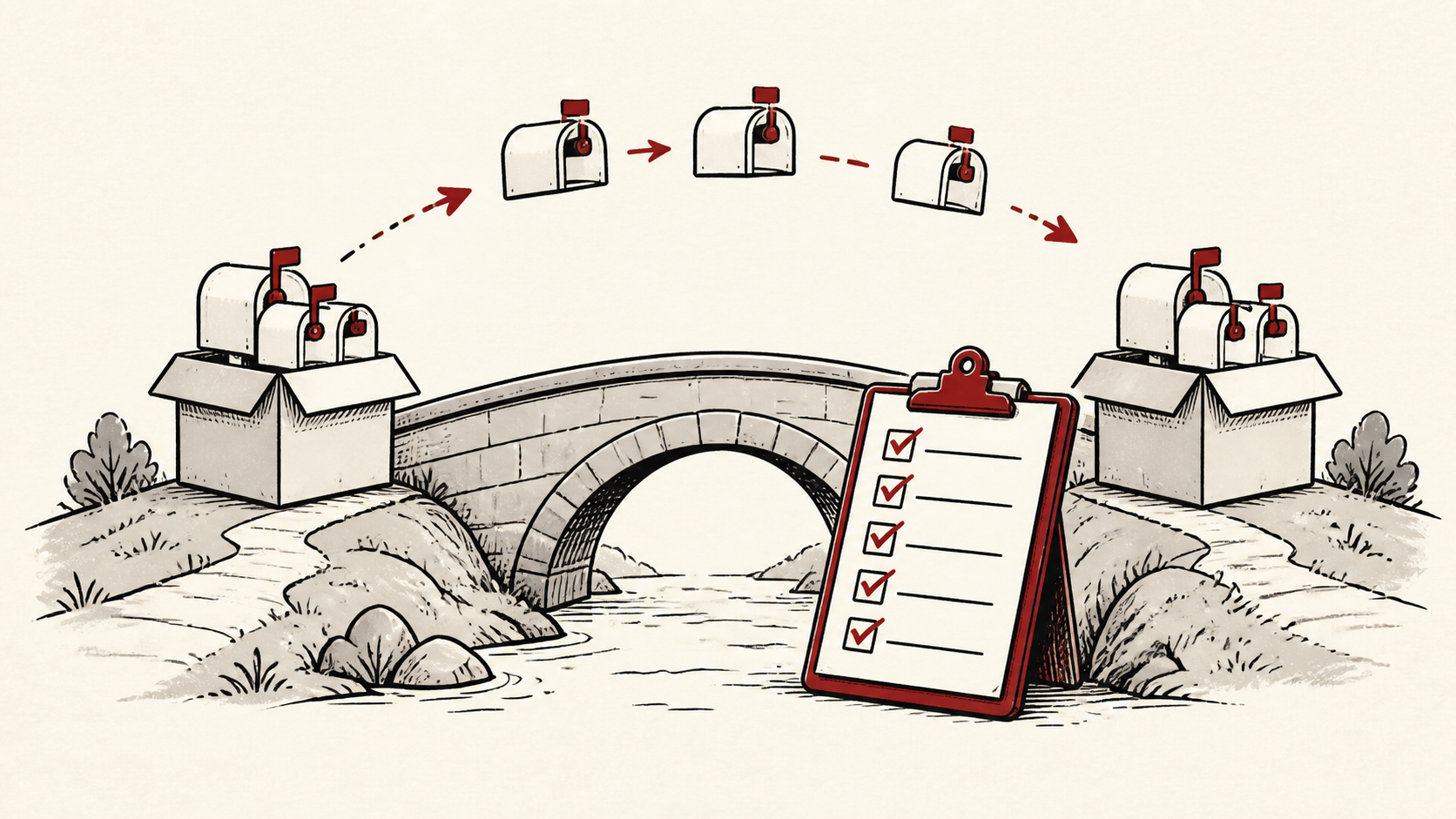
An email migration has one rule above all others: mail must keep arriving somewhere you can read it. Everything else on this checklist — copying mailboxes, timing DNS, testing senders — serves that rule. This guide walks through the steps for a domain move in the order that avoids lost messages.
It focuses on the checks a small-site owner can make safely, and points out where a host, registrar, or email provider needs to take over. Read how to choose a web host if the move includes your website too, and our migration guide before changing live infrastructure.
The email migration checklist at a glance
List every mailbox, alias, forward, and service that sends as your domain — newsletters, forms, invoices, help desks, and staff mail. A change that fixes one sender can break another. Then follow this order: inventory, create mailboxes at the new provider, copy mail, lower the DNS TTL, switch the MX record, verify, and only then retire the old service.
Make a short note with account names, domain names, and the current DNS records. Do not put passwords or recovery codes in the note.
Copy mailboxes with an IMAP migration
An IMAP migration copies existing mail from the old provider to the new one while both are running. Run it before the cutover, then run it again just before you switch so the last few days of messages come across. Large mailboxes can take hours, so start early.
Know what the copy does not carry. IMAP moves messages and folders, but contacts, calendars, signatures, and mailbox rules live outside it — export those separately from the old provider before the cutover. Passwords do not move either, so plan a moment to hand out new credentials and update the settings in every phone and mail app that touches each mailbox.
Treat email delivery as a DNS and reputation problem as well as a mailbox problem. Moving the mailbox without moving SPF and DKIM leaves your outgoing mail failing authentication from the new provider.
Switch the MX record last
The MX record tells the internet where your mail should be delivered. Change it only after mailboxes exist at the new provider and the first IMAP copy has finished. Lower the record's TTL a day ahead so the change propagates quickly, and expect a short window where mail arrives at both providers.
Test with a real message after the switch and inspect the received headers. An inbox is the final result, but the headers tell you which provider actually accepted the message.
When to stop and ask for help
Stop when the next action could change production mail or remove access to the account. Send support the domain, time in UTC, the exact error or bounce text, and the changes you made. Do not include passwords or recovery codes.
The SMTP standard has useful background on how mail is routed and retried during a cutover. Use it to understand the terms, then return to the small, reversible next step.
A sensible maintenance habit
Keep the old provider active for a short overlap rather than canceling on cutover day. Retries and slow DNS resolvers can deliver to the old service for a while. Put the final records and dates in a short note — a dated note turns the next incident into a lookup instead of an investigation.
Keep the change auditable
Use a short before-and-after record for every step of the email migration. Write the record you found, its old value, the exact time you changed it, and the result of the test that followed. If the change has a delay, such as a DNS TTL, write when you expect the new answer to be visible.
Do not confuse the dashboard with evidence from a real mailbox. A dashboard can show the record saved; a message from an outside account still has to arrive at the new provider. Test from outside, and from more than one sending provider if you can.
One last check
Before you retire the old service, send test messages to every mailbox and alias on the inventory, and confirm scheduled senders — invoices, forms, newsletters — still deliver. If anything routes to the old provider, keep the overlap running and troubleshoot from the headers.
Leave a useful handoff
Save the checklist with each step dated, plus the accounts involved. If someone else needs to revisit the move, they should see what changed without reconstructing it from browser history.
Bottom line
An email migration succeeds on sequencing: copy mail over IMAP first, switch the MX record last, and keep the old provider until tests from outside accounts land at the new one. Keep evidence at each step, and ask support before a change touches production mail.
Frequently asked questions
Do I need to migrate every mailbox at once?
No. Move one mailbox, test it, and keep the previous setup running until you know the result is stable.
What information should I give support during the move?
Give the domain, UTC time, the full bounce or header text, and steps already tried. That is usually enough for support to find the relevant logs.
Should I keep a backup before an email migration?
Yes. Export or verify a copy of existing mailboxes and the current DNS records before edits that affect email.
What happens to mail sent during the cutover?
Very little is lost. Sending servers retry for hours, sometimes days, so a message sent mid-switch lands at whichever provider the sender's DNS answer points to. That is why you keep both providers running and re-run the IMAP copy after the switch — it sweeps up anything the old service accepted.
About the author
Matthew Zhao
Matthew has spent his career running production server fleets — tens of thousands of machines' worth. He writes about hosting the way he wishes someone had explained it to him: plainly.
About Hosted EZ →Get the next guide in your inbox
One email when we publish something worth your time. No spam, unsubscribe whenever.


