Free SSL Certificates: What They Cover and How Renewal Works
A free SSL certificate covers most small sites. What Let's Encrypt includes, how automatic renewal works, and what to check when it fails.
By Matthew Zhao · Editor, Hosted EZ
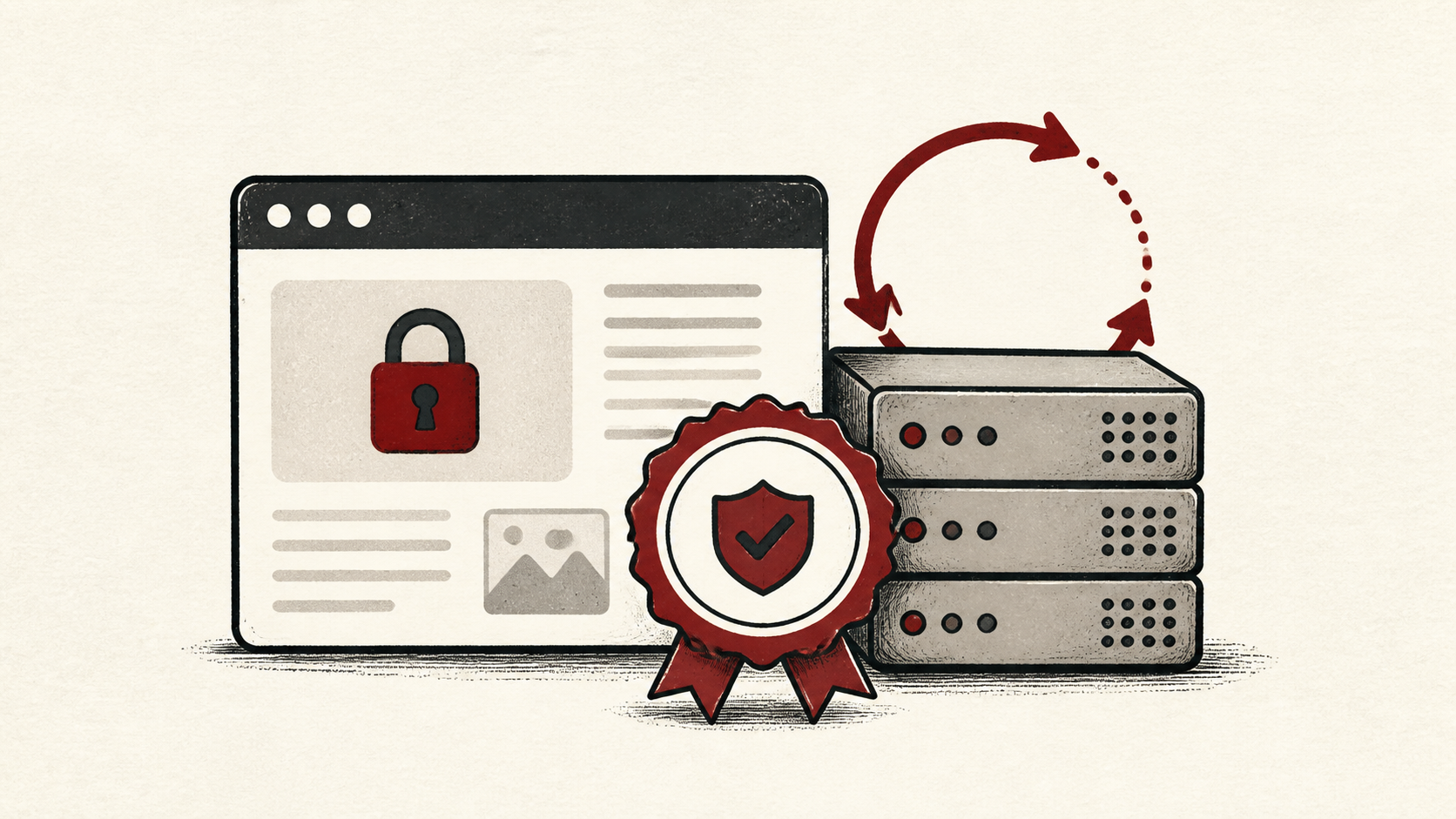
A free SSL certificate does the same core job as a paid one: it proves your domain to browsers and encrypts traffic, so visitors see a padlock instead of a warning. Most hosts now issue one automatically through Let's Encrypt. This guide covers what free certificates include, how renewal works, and what to check when the automation fails.
The advice stays within what a small-site owner can do safely, and flags where a host needs to take over. Read how to choose a web host if you are still picking a provider, and our migration guide before moving a site, since certificates are a common casualty of migrations.
Know where your free SSL certificate comes from
Protect the account that controls the certificate first: usually the hosting panel, sometimes a CDN or proxy in front of it. Use a unique password and multi-factor authentication where it is available. A stolen control-panel login defeats any HTTPS certificate.
Then make a short note of where the certificate is issued, which hostnames it covers, and when it expires. A certificate from Let's Encrypt lasts 90 days by design, so the renewal automation matters far more than the issue date.
How SSL renewal works
Your host's automation renews the certificate a few weeks before expiry, then installs it without asking you. That process usually depends on your domain pointing at the host, which is why renewals break silently after DNS changes. Find the renewal date, note it, and check the site shortly after it passes.
Behind the scenes, renewal is a short proof-of-control test: the certificate authority asks your server to publish a specific file, or a DNS record, and confirms it can see the answer from outside. That is why a forced redirect, a new firewall rule, or a proxy added in front of the site can break renewal without breaking the site itself — visitors get through while the authority's check fails.
Use a private browser window or a separate device after any certificate change. If a DNS record is involved, note the TTL and allow the old answer time to expire before assuming the renewal failed.
Test the certificate like a visitor
Load the site over https:// in a private window and click the padlock: the browser shows the issuer, the covered names, and the expiry date. Check both www and non-www, because a certificate that covers one but not the other produces warnings for half your visitors.
Test the normal path first, then the part that has the most consequence. For a store, that is checkout, where a certificate warning ends the sale. A test should answer one question rather than produce a vague impression.
When to stop and ask for help
Stop when the next action could remove access to the account or break the live site, such as editing web server configuration by hand. If renewal keeps failing, send support the domain, UTC time, and the exact error text. Include a screenshot when it shows the error, but never private keys.
The documentation behind most free certificates explains issuance and renewal in detail: Let's Encrypt documentation. Use it to understand the terms, then return to the small, reversible next step.
A sensible maintenance habit
Write down where the certificate lives, when it renews, and what fixed the last failure. Certificate problems repeat because nobody remembers whether the host, the CDN, or a plugin issued the thing. A dated note turns the next expiry scare into a lookup instead of an investigation.
Keep the change auditable
Write the setting you found, its old value, the exact time you changed it, and the result of the test. If the change has a delay, such as a DNS TTL, write the time you expect the new certificate to be visible. A few months later, this record tells you why a setting has an unusual value.
Do not confuse an account dashboard with evidence from the live site. A panel can claim a certificate was issued while visitors still receive the old one from a cache. Test from outside the account, and use a second connection if a cached answer could mislead you.
One last check
Before you close the tab, load the site over HTTPS the way an ordinary visitor would, not through the account dashboard. If the padlock, the covered names, or the expiry differ from what you expect, note the difference and keep troubleshooting from that point.
Leave a useful handoff
Save the final test result with the date and account involved. If someone else needs to revisit the certificate setup, they should see where it is issued and when it renews without reconstructing the work from browser history.
Bottom line
A free SSL certificate is the right choice for most small sites in 2026: the encryption is the same as paid options, and renewal is automatic once set up. Note where it is issued, watch the first renewal succeed, and keep evidence when something fails.
Frequently asked questions
Does a free SSL certificate renew automatically?
Yes, once your host's automation is set up. Let's Encrypt certificates last 90 days and renew on a schedule, but confirm the first renewal actually happened rather than assuming, because a lapsed certificate produces warnings site-wide.
What should I tell support when SSL renewal fails?
Give the domain, the exact hostname, UTC time, error text, and steps already tried. That is usually enough for support to find the failed renewal in their logs.
Should I keep a backup before changing certificate settings?
Yes. Download or verify a recent backup before edits that affect files, DNS, or web server configuration, and note the current values before you change them.
Do I need a paid SSL certificate for an online store?
No. The encryption on a free certificate is identical, and browsers show the same padlock either way. Paid certificates mainly add organization-validation paperwork and a support contract, which matter to some larger companies but change nothing about how safely a small store handles traffic.
About the author
Matthew Zhao
Matthew has spent his career running production server fleets — tens of thousands of machines' worth. He writes about hosting the way he wishes someone had explained it to him: plainly.
About Hosted EZ →Get the next guide in your inbox
One email when we publish something worth your time. No spam, unsubscribe whenever.


