How Does DNS Work? A Plain-English Explanation
How does DNS work? Follow a DNS lookup from your browser to the answer, learn why changes take time, and see which settings you actually control.
By Matthew Zhao · Editor, Hosted EZ
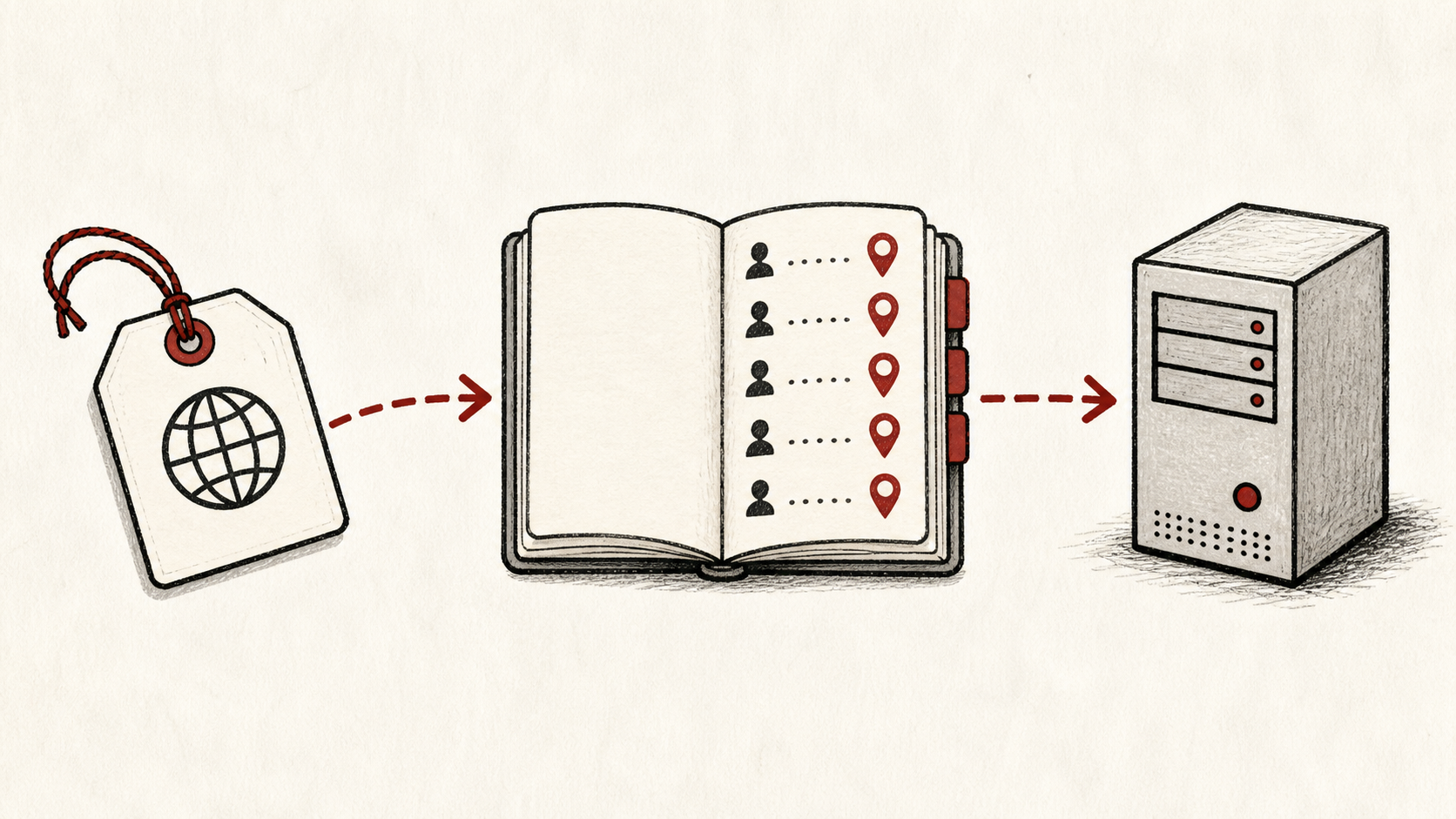
How does DNS work? Short version: DNS is the internet's contacts app. People remember names like yoursite.com; networks route by numeric addresses. DNS translates one into the other, billions of times a day, in the moment between typing an address and seeing a page.
Most site owners want DNS explained in plain language, not a protocol lecture, and that is what this guide is: you touch DNS every time you launch, move hosts, or set up email, so the mechanics are worth ten minutes. Read how to choose a web host if you are still setting up, and our migration guide before changing DNS on a live site.
What is DNS, and why you keep running into it
What is DNS, concretely? It is a distributed directory that maps names to values: your domain to your web server's address, your email to the right mail server, your ownership to a verification string. No single company runs it; registrars, DNS providers, and thousands of resolvers each hold a piece.
That distribution is why DNS feels slippery. There is no central switch to flip, only records that propagate outward. So how does DNS work when the site is yours? Follow one request through.
How does DNS work when someone visits your site
When a visitor types your address, their device asks a resolver, usually run by their internet provider or a public service, for your domain's records. If the resolver already knows the answer from a recent request, it replies instantly from cache.
If not, the resolver goes looking on the visitor's behalf. That chain of questions is the part worth understanding, because it is where your settings, and your mistakes, live.
The DNS lookup, step by step
A full DNS lookup works down a hierarchy. The resolver asks a root server, which points to the servers for your domain ending, such as .com. Those point to your domain's nameservers, the servers your registrar or DNS provider runs. Your nameservers give the final answer: the record you configured.
The whole trip typically finishes in tens of milliseconds, and caching means most visitors never trigger it at all. ICANN's DNS overview diagrams the chain well: ICANN's DNS overview.
Caching and TTL, or why changes take time
Every record carries a TTL, a time-to-live that tells resolvers how many seconds they may cache the answer. Until a cached answer expires, resolvers keep serving the old value, which is why a DNS change appears for some visitors before others.
This is propagation, and it is a feature, not a fault. Lower the TTL a day before a planned change and the switchover tightens from hours to minutes; the details are in our guide to DNS propagation.
Registrar, DNS host, web host: three different jobs
Keep the registrar login, DNS provider login, and hosting login straight. They may be the same company, but they are different jobs: the registrar owns where your nameservers point, the DNS provider owns your records, and the web host owns the server those records point at. Confusing them is how a small DNS change becomes a long afternoon.
Write down which account does which job for your domain. That one note prevents most DNS emergencies.
The records you will actually touch
Four record types cover nearly everything a site owner does: A records point a name at a server address, CNAME records alias one name to another, MX records route your email, and TXT records prove ownership or authorize senders. Our guide to DNS records walks through each with examples.
Record the current value before you edit it. DNS entries are short, but a single missing dot, wrong record type, or stale nameserver can send visitors and mail somewhere else.
Make changes one at a time
Make DNS changes one at a time, then confirm each with an independent lookup tool rather than your browser, which can keep an older answer in cache. One change per step means one suspect when something misbehaves.
If a change seems to have failed, check the TTL before undoing anything. The old answer may simply not have expired yet.
Keep a record of what you changed
Write the record you touched, its old value, the new value, the TTL, and the time. If the change has a delay, note when you expect the new answer to be visible everywhere. A few months later, this note tells you why a record has an unusual value, and it turns any handoff into a lookup instead of an investigation.
Bottom line
How does DNS work, in one line: your visitor's resolver either answers from cache or walks the chain from root to your nameservers, then caches the result for the TTL you set. Once that model is in your head, DNS stops being mysterious and becomes a small set of records you change one at a time, with a note.
Frequently asked questions
How long does a DNS lookup take?
Tens of milliseconds for a full lookup, and near zero when a resolver answers from cache, which covers most requests to an established site. A slow first visit is more often the server or the page than the lookup.
Why is my DNS change not showing everywhere yet?
Cached answers have not expired. Resolvers keep serving the old record until its TTL runs out, so a change spreads gradually across networks. Check the record with an independent lookup tool, wait out the TTL, and resist changing it again mid-wait.
Should I keep a copy of my DNS records?
Yes. Export or screenshot the full record list before any change, especially a host or registrar move. A current copy is the difference between restoring email in five minutes and reconstructing it from memory.
About the author
Matthew Zhao
Matthew has spent his career running production server fleets — tens of thousands of machines' worth. He writes about hosting the way he wishes someone had explained it to him: plainly.
About Hosted EZ →Get the next guide in your inbox
One email when we publish something worth your time. No spam, unsubscribe whenever.


