Static Site Hosting: How to Move Your Site to a New Host
Static site hosting makes moving easy: copy the files, test on the new host, then point DNS. The steps, in the order that avoids broken links.
By Matthew Zhao · Editor, Hosted EZ
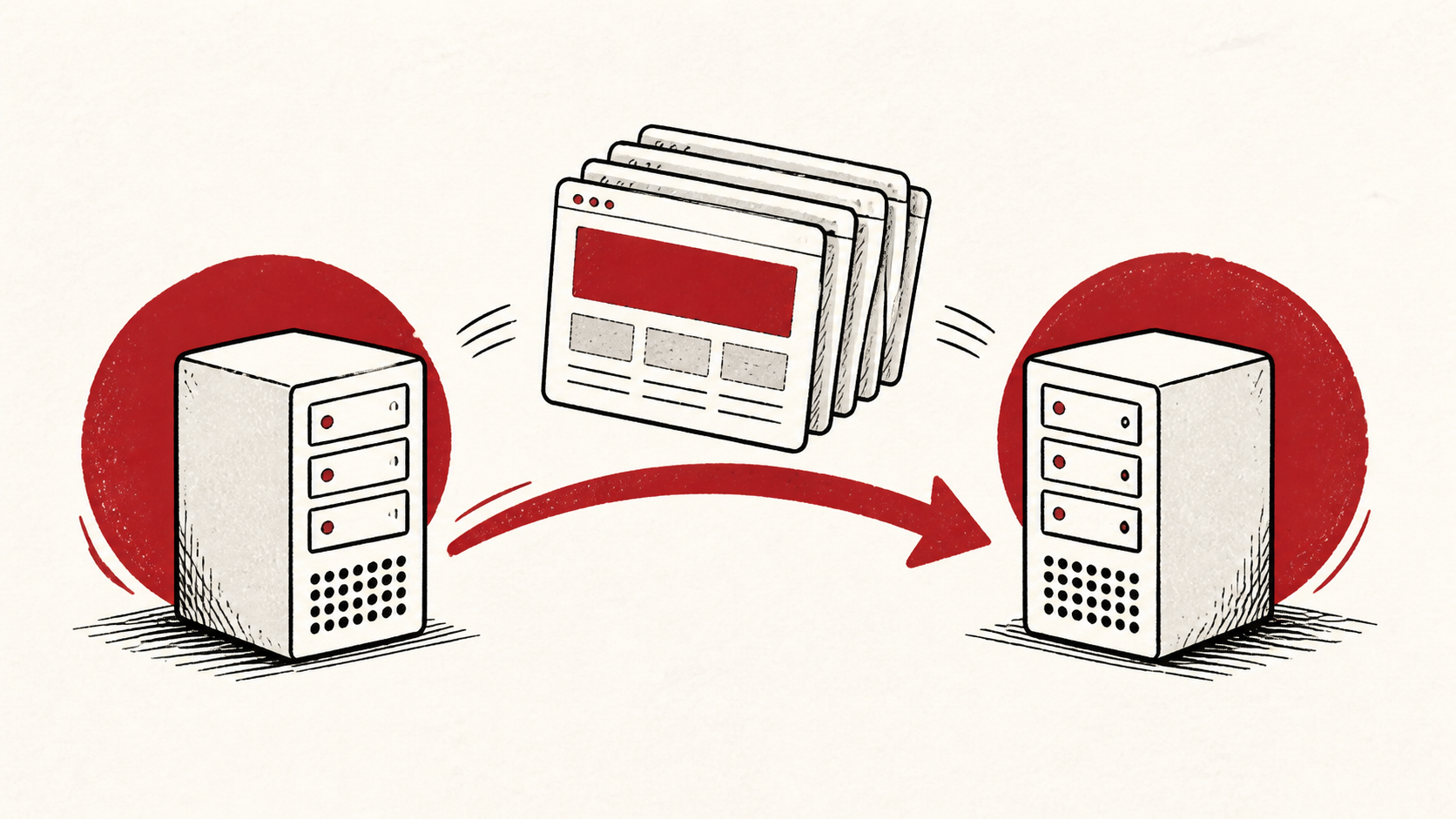
Static site hosting is the easiest kind to leave: your whole site is a folder of files, and any server that can serve files can host it. Moving that folder is mostly a matter of copying it, proving the new host serves it correctly, and pointing DNS — in that order. This guide walks the order and the few places it still goes wrong.
The general playbook is the same as any move — see our zero-downtime migration guide — and how to choose a web host covers picking the destination.
Inventory more than the files
A static site has no database, but it usually has more than HTML. List the redirects, custom error pages, form endpoints, DNS records, TLS setup, and any build pipeline that generates the files. The list catches the small dependencies that a file copy cannot see.
Make a short note with account names, the domain, and where the canonical copy of the files lives — a repository, a build tool, or a folder on your laptop. Do not put passwords or recovery codes in the note.
Test the new static site hosting before DNS moves
Upload the files and test the new host while the old one still serves visitors. Check the redirects, the 404 page, forms, and HTTPS — a green homepage is not the same as a working site, even a static one.
Use a private browser window or a separate device after each change. That removes the confusion caused by cookies and cached files, which static hosts lean on heavily.
Point DNS and keep the old host running
When the new host passes your checks, update DNS and keep the old hosting active until the change has settled everywhere. The old account is cheap insurance for the short period when caches disagree about where your site lives.
Test the normal path first, then the part with the most consequence. For a portfolio, that is the contact form; for a documentation site, the deep links people have bookmarked. A test should answer one question rather than produce a vague impression.
When to stop and ask for help
Stop when the next action could remove access to the domain or take the site offline with no rollback. Send support the domain, time in UTC, exact error, and the changes you made. Include a screenshot when it shows the error, but never credentials.
ICANN's registrant FAQ has useful background on how domains are controlled: ICANN's registrant FAQ. Use it to understand the terms, then return to the small, reversible next step.
A sensible maintenance habit
Put the final configuration in a short note: where the files deploy from, which service holds DNS, and how the TLS certificate renews. Static sites are easy to forget precisely because they rarely break, so the note matters more, not less, when something finally changes.
Keep the change auditable
Keep a before-and-after record: the old host's address, the DNS values you found, the time you changed them, and the result of the test. If a record carries a TTL, write down when you expect the new answer to be visible everywhere.
Do not confuse the dashboard with the live site. A host can show a successful deploy while visitors still receive the old copy from a cache. Test from outside the account, and use a second connection if a cached answer could mislead you.
If you hand the move to someone else, give them the record rather than a conclusion. "The site is showing old content" is hard to investigate. "This URL serves the old copy on mobile data but not on wifi" gives the next person a useful starting point.
One last check
Before you close the move out, click through the site the way a visitor would, including a few deep links and the form. If anything differs from the old host, note the difference and keep troubleshooting from that point. A quiet confirmation now is much easier than discovering a broken redirect during a launch.
Leave a useful handoff
Save the final test results with the date and accounts involved. Whoever touches the site next should see where it is hosted, where the files come from, and what was verified, without reconstructing it from browser history.
Bottom line
Moving to new static site hosting is the gentlest migration there is: copy the folder, test the new host while the old one still serves traffic, then point DNS with the old account held as rollback. The files are the easy part — the redirects, forms, and certificate are where the checking belongs.
Frequently asked questions
Is HTML website hosting the same as static site hosting?
Effectively, yes. Both mean serving prebuilt files with no server-side code, so a plain HTML site runs anywhere a static host does, including ordinary shared plans.
Do I need to move a static website all at once?
No. Change one piece at a time — files first, then DNS — and keep the previous setup until you know the result is stable.
What should I give support if the moved site misbehaves?
Give the domain, exact URL, UTC time, error text, and steps already tried. That is usually enough for support to find the relevant logs.
Should I keep a backup before moving a static site?
Yes. Keep a copy of the full folder — and the build source, if the files are generated — before touching DNS or deleting the old account.
About the author
Matthew Zhao
Matthew has spent his career running production server fleets — tens of thousands of machines' worth. He writes about hosting the way he wishes someone had explained it to him: plainly.
About Hosted EZ →Get the next guide in your inbox
One email when we publish something worth your time. No spam, unsubscribe whenever.


