How to Roll Back a Website Migration if Something Goes Wrong
How to roll back a website migration safely: revert DNS, restore a backup without losing new data, and keep the old host as cheap insurance.
By Matthew Zhao · Editor, Hosted EZ
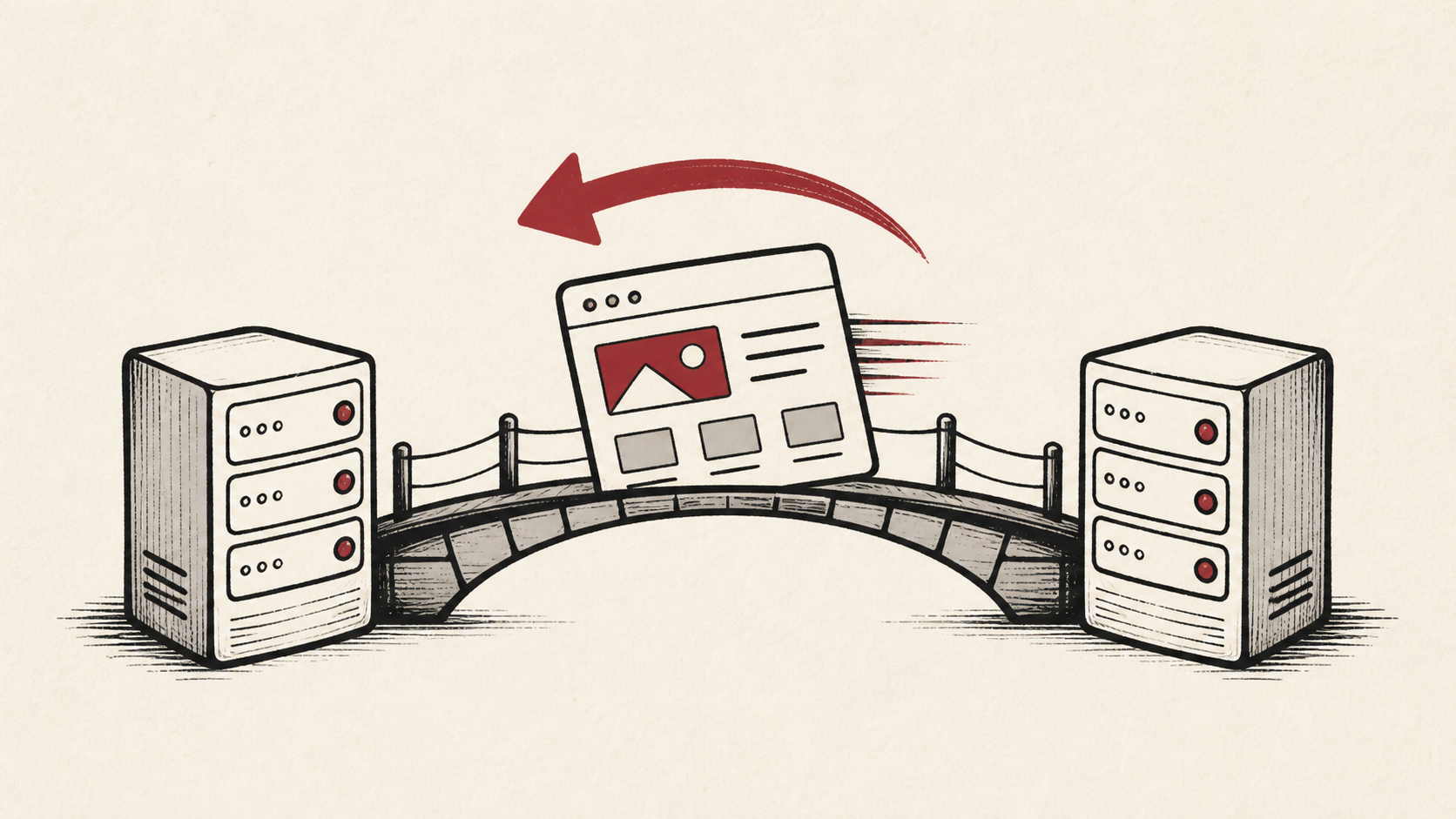
To roll back a website migration, you need two things to still exist: the old hosting account and a way to point the domain back at it. If you kept both, rolling back is a short, calm job; if not, it is a scramble. This guide covers the rollback decision — when to revert DNS, when to restore a backup, and how to avoid losing data created in between.
Read how to choose a web host if you are still picking the broader setup, and our guide to migrating hosts without downtime before the move itself — most rollbacks are won or lost in the preparation.
Inventory what has to come back
Make an inventory before copying anything: files, database, redirects, email, DNS records, cron jobs, and integrations. The list catches the small dependencies a file transfer cannot see — and if you do have to roll back a website migration, it doubles as the checklist of what must come back.
Note the account names, domains, and the last known working time for each piece. Do not put passwords or recovery codes in the note.
When to roll back a website migration, and when to fix forward
Test on the new host before moving live DNS — forms, logins, transactions, scheduled jobs, error logs. A green homepage is not a working site, and every problem found before the switch is one you never have to roll back for.
Set the threshold in advance: which failures you will fix in place, and which trigger the rollback. Deciding while checkout is down produces worse decisions than deciding the week before.
Revert DNS and keep the old host warm
Keep the old host running until DNS has settled and you have made a clean rollback decision. The old account is cheap insurance for the window when caches and mail routes disagree.
To revert DNS, change the records back to the old server's values — this is why you lower the TTL before a site migration, so the old answer returns in minutes instead of a day. Confirm with an independent lookup rather than your browser, which may cache the answer.
If the new site has already collected orders, comments, or uploads, a plain rollback strands them. Export that data before you revert, and if you must restore a backup on the old host, know exactly what it overwrites.
When to stop and ask for help
Stop when the next action could overwrite data, change production mail, or remove access to either account. Send support the domain, time in UTC, exact error, and the changes you made — including which DNS records you reverted and when. Never include private keys, passwords, or payment information.
ICANN's registrant FAQ has useful background on who controls a domain and its records. Use it to understand the terms, then return to the small, reversible next step.
A sensible maintenance habit
Write down the final state after the dust settles: which host serves the site, which handles mail, and what the DNS records say. Migration problems repeat because nobody remembers which account owns a record. A dated note turns the next incident into a lookup instead of an investigation.
Keep the change auditable
Keep a before-and-after record of every rollback step: the record you changed, its old value, the time, and when the TTL says the change becomes visible. This is what tells you, late at night, whether you are waiting on propagation or on a mistake.
Do not confuse the DNS dashboard with evidence. The panel accepting your reverted records is not the same as visitors receiving the old site — test from outside, on a second connection if a cached answer could mislead you.
If someone else takes over mid-rollback, hand them the record, not a summary. "We rolled back" is not actionable; the list of changed records and times is.
One last check
Repeat the action that started the trouble — place a test order, submit the form — through the public path on the restored site. If the result differs from before the migration, keep troubleshooting from that point rather than assuming the rollback fixed it.
Leave a useful handoff
Save the final test result, the date, and which accounts are now live. The site migration will be attempted again eventually, and the notes from this rollback are the checklist that makes the second attempt succeed.
Bottom line
Rolling back a website migration is easy when you planned for it: old host still running, low TTL, and new data exported before you revert DNS. Keep evidence, protect the backups on both sides, and decide your rollback threshold before you need it.
Frequently asked questions
Do I have to roll everything back at once?
No. You can revert DNS for the website while mail keeps flowing to the new provider, as long as the MX records point where you intend. Change one piece, test it, and keep the previous value until things are stable.
What should I give hosting support during a failed migration?
The domain, exact URL, UTC time, error text, and the changes you made — including the DNS records you reverted and when. That is usually enough for support to find the relevant logs.
Should I keep a backup before rolling back?
Yes. Back up the new site before abandoning it — anything created since the migration exists only there. Then revert with a copy of both sides in hand.
About the author
Matthew Zhao
Matthew has spent his career running production server fleets — tens of thousands of machines' worth. He writes about hosting the way he wishes someone had explained it to him: plainly.
About Hosted EZ →Get the next guide in your inbox
One email when we publish something worth your time. No spam, unsubscribe whenever.


