Subdomain vs Subdirectory: Which Should You Use?
Subdomain vs subdirectory: what each one is, how the choice affects SEO and hosting, and a simple rule for deciding in 2026.
By Matthew Zhao · Editor, Hosted EZ
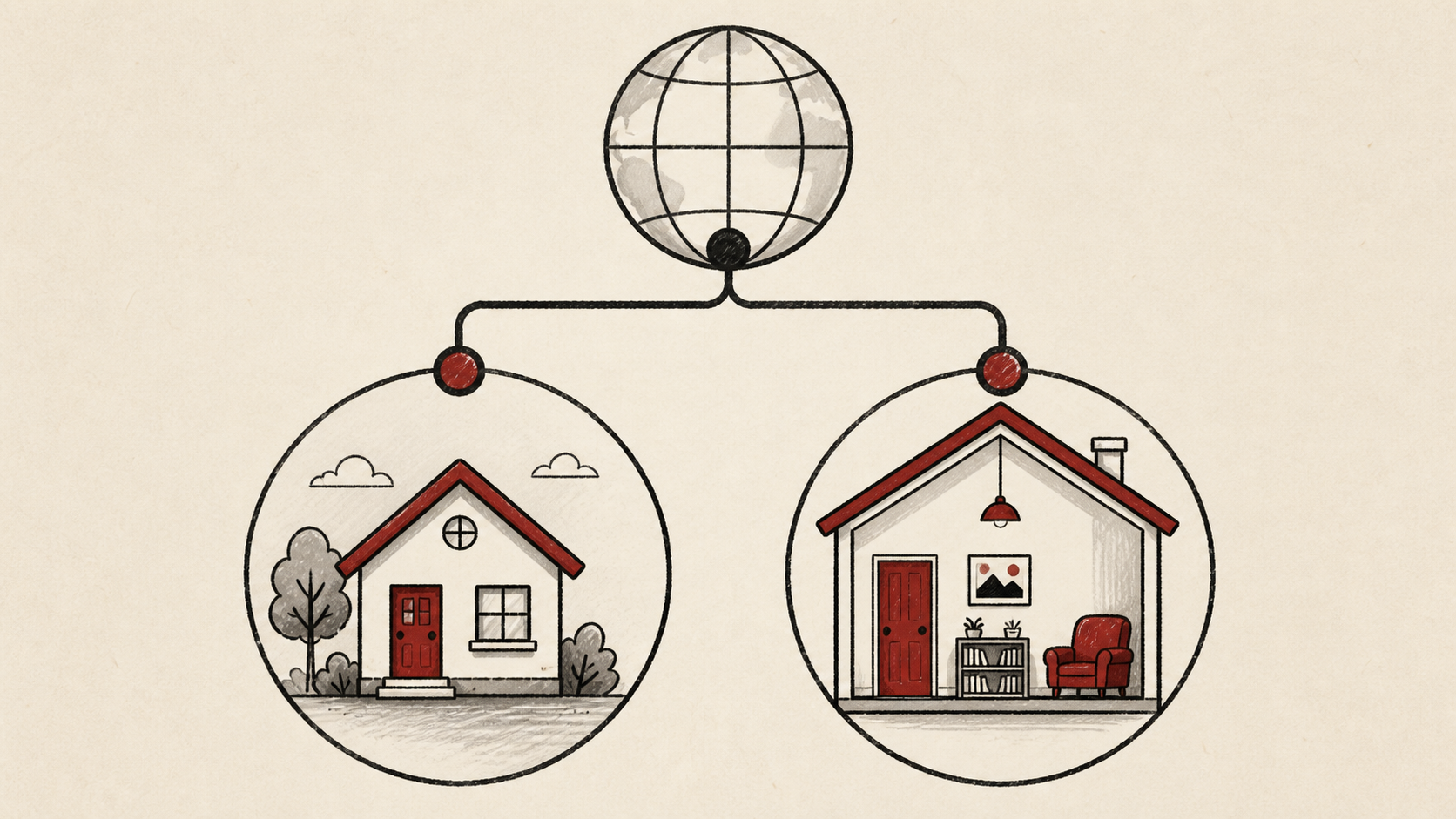
Subdomain vs subdirectory looks like a cosmetic choice and turns out to be a structural one: blog.example.com and example.com/blog are created in different places, can live on different hosting, and are treated differently by search engines. This guide explains what each one is, where each is set up, and a simple rule for choosing.
Read how to choose a web host if you are still picking the broader setup, and our guide to migrating hosts without downtime before changing live infrastructure.
Subdomain vs subdirectory: what each one actually is
A subdomain (blog.example.com) is created with a DNS record and can point at completely separate hosting — a different server, platform, or provider. A subdirectory (example.com/blog) is a path on your existing site: no DNS involved, one server answers for it.
That is why it pays to keep the registrar login, DNS provider login, and hosting login straight. They may be the same company, but they are different jobs — a subdomain change happens at the DNS provider, a subdirectory at the host.
SEO: subdomain vs subfolder
Search engines can treat a subdomain as a mostly separate site, while a subdirectory — a subfolder, in SEO writing — inherits the main domain's standing. If the content exists to strengthen your main site, such as a blog, guides, or documentation, a subdirectory is the safer default in 2026.
Use a subdomain when the thing genuinely is separate: an app, a store on a different platform, a regional site, or anything hosted somewhere your main server cannot serve from.
Make the change like a DNS change
Record the current value before you edit anything. DNS entries are short, but one missing dot, wrong record type, or stale nameserver can send visitors and mail somewhere else.
Make changes one at a time and confirm each with an independent lookup — a browser can keep an older answer in cache. Check the result from a second device before announcing the new address.
When to stop and ask for help
Stop when the next action could change production mail or remove access to the account — the DNS zone that carries your new subdomain also carries your MX records. Send support the domain, exact record, UTC time, and the change you made, but never passwords or recovery codes.
ICANN's DNS overview has useful background on how names resolve. Use it to understand the terms, then return to the small, reversible next step.
A sensible maintenance habit
Write down which subdomains exist, what each points at, and why. Subdomains accumulate — the campaign site from two years ago is still resolving somewhere — and a stale one pointing at abandoned hosting is a security risk, not just clutter.
Keep the change auditable
Keep a before-and-after record for each DNS edit: the record, its old value, the time, and the TTL that says when the new answer becomes visible.
Do not confuse the DNS dashboard with the visitor's experience. The panel accepting a record is not the subdomain resolving worldwide; check with an independent lookup, then from a second connection if a cached answer could mislead you.
If you hand the task to someone else, give them the record rather than a conclusion. "The blog is not loading" is hard to investigate; the exact record, its old value, and the time of the change is a starting point.
One last check
Load both forms of the address the way a visitor would — with and without www, over https — and click through to the new section. A redirect that works in your logged-in browser and fails elsewhere is the classic cached-answer trap.
Leave a useful handoff
Save the final layout: which sections are subdirectories, which subdomains exist, and where each points. The next person adding a section should be able to follow the pattern instead of guessing.
Bottom line
The subdomain vs subdirectory call is simpler than it looks: use a subdirectory when the content supports your main site, and a subdomain when it is genuinely a separate thing on separate infrastructure. Decide once, write the rule down, and stay consistent.
Frequently asked questions
Is a subdomain or subfolder better for SEO?
For content meant to strengthen your main site, a subfolder is the conservative choice, and it is what most SEO practitioners recommend in 2026. A subdomain can rank well too, but it behaves more like a separate site. Either way, the subdomain vs subdirectory decision matters less than redirecting old URLs correctly if you later change your mind.
Can a subdirectory be served from a different server?
Yes, with a reverse proxy: your main server or CDN accepts the request for /blog and quietly fetches the page from the other platform behind the scenes. It works well, but it adds a moving part that can break independently of either site. If your host or CDN cannot proxy, the subdomain is the pragmatic choice — a working blog.example.com beats a fragile /blog.
Can I move from a subdomain to a subdirectory later?
Yes, but treat it as a migration: move one section at a time, redirect every old URL to its new home, and keep the previous setup until you know the result is stable.
What should I give support if a subdomain stops resolving?
The domain, the exact subdomain, UTC time, error text, and the records you changed. That is usually enough for support to find the relevant logs.
Should I keep a backup before this work?
Yes. Copy the current DNS records and verify a site backup before edits that affect files, DNS, or email — a subdomain pointing at the wrong place can take mail down with it.
About the author
Matthew Zhao
Matthew has spent his career running production server fleets — tens of thousands of machines' worth. He writes about hosting the way he wishes someone had explained it to him: plainly.
About Hosted EZ →Get the next guide in your inbox
One email when we publish something worth your time. No spam, unsubscribe whenever.


