Domain Registration vs Hosting: Should You Keep Them Separate?
Domain registration vs hosting, untangled: what a registrar does, what a host does, and when keeping them at separate companies pays off.
By Matthew Zhao · Editor, Hosted EZ
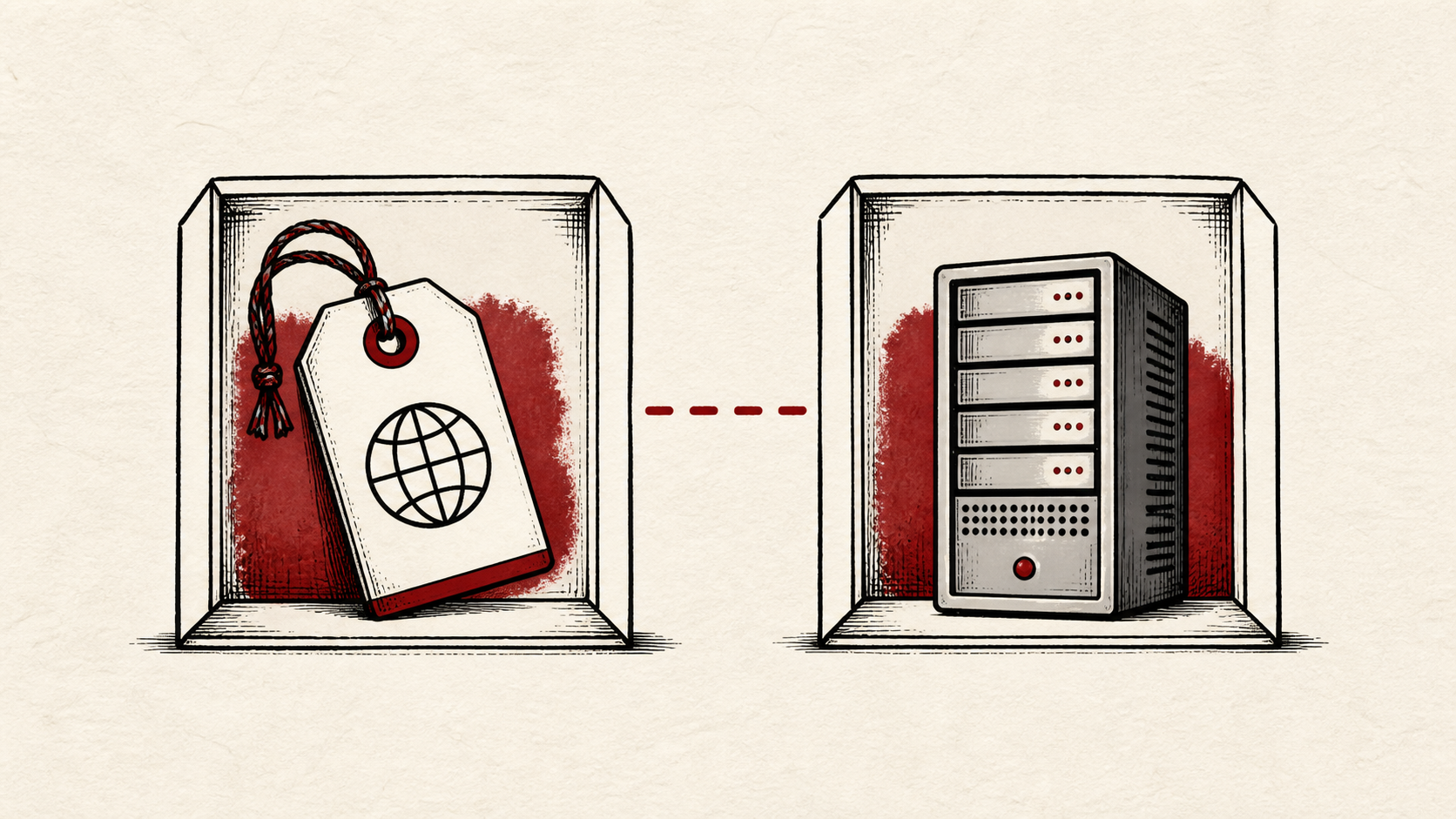
Domain registration vs hosting trips people up because one company will happily sell you both at checkout. They are different jobs: a domain registrar leases you the domain name for a yearly fee, and a web hosting account serves your site's files. This guide separates the two, shows where each setting lives, and answers whether keeping them at different companies is worth the second login.
This guide focuses on the checks a small-site owner can make safely. It also points out where a registrar or host needs to take over. Read how to choose a web host if you are picking the hosting side, and our guide to migrating without downtime before moving either service.
One domain name, three different logins
Keep the registrar login, DNS provider login, and hosting login straight. They may be the same company, but they are different jobs. Confusing them is how a small DNS change becomes a long afternoon.
Make a short note of which company holds each role for your domain name, plus the exact URLs involved and the last known working time. Do not put passwords or recovery codes in the note. You want enough detail to retrace the work without creating a new security risk.
Domain registration vs hosting: where each setting lives
Renewals, transfer locks, and nameservers live with the domain registrar. DNS records live with whoever runs your nameservers. Site files, databases, and usually email live with the web hosting account. Record the current value before you edit anything in any of the three; a single missing dot, wrong record type, or stale nameserver can direct visitors and mail somewhere else.
DNS is the practical link in domain registration vs hosting: the registrar says which nameservers speak for the domain, and those nameservers point the domain at your hosting.
Test changes one at a time
Whether you split domain registration and hosting or keep them together, make changes one at a time, then confirm them with an independent lookup. A browser is useful, but it can keep an older answer in cache. If a DNS record is involved, note the TTL and allow the old answer time to expire before assuming the change failed.
Test the path with the most consequence. For a website move, load the site from a second connection. For anything touching mail, send a test email from an outside account.
When to stop and ask for help
Stop when the next action could overwrite data, change production mail, or remove access to the account. Send support the domain, exact URL or service, time in UTC, and the changes you made. Be precise about which company you are asking; the registrar cannot see your hosting logs, and the host cannot unlock your domain.
ICANN's DNS overview has useful background on how registration fits together: ICANN's DNS overview. Use it to understand the terms, then return to the small, reversible next step.
A sensible maintenance habit
Put the final configuration and the result in a short maintenance note, including which company holds the registration and which holds the hosting. These problems repeat because nobody remembers which account owns a record. A dated note turns the next incident into a lookup instead of an investigation.
Keep the change auditable
Use a short before-and-after record. Write the setting you found, its old value, the exact time you changed it, and the result of the test. If the change has a delay, such as a DNS TTL or a cache expiry, write the time you expect the new answer to be visible. This record is useful even when everything works. A few months later, it tells you why a setting has an unusual value.
Do not confuse an account dashboard with evidence from the live site. A dashboard can show that it accepted a record or a deployment. The visitor still needs to receive the page, email, redirect, or certificate you intended. Test from outside the account, and use a second connection if a cached answer could mislead you.
If you hand the task to someone else, give them the record rather than a conclusion. "The site is down" is hard to investigate. "The nameservers changed at this time, and the site works on new DNS but mail does not" gives the next person a useful starting point.
One last check
Before you close the ticket or move to the next task, repeat the action that prompted the change. Use the ordinary path a visitor or colleague would use, not only the account dashboard. If the result is different, note the difference and keep troubleshooting from that point. A quiet confirmation now is much easier than discovering the missed detail during a launch or an outage.
Leave a useful handoff
Save the final test result with the date and accounts involved. Whoever renews the domain name next year should be able to see how the pieces connect without reconstructing it from billing emails.
Bottom line
Domain registration vs hosting is a question of blast radius. Keeping the domain at a separate registrar means a hosting failure, dispute, or compromise cannot take your name down with it; you repoint the domain and move on. Bundle them only when the convenience matters more than that escape hatch.
Frequently asked questions
Should I move my domain and my web hosting at the same time?
No. Move one service, test it, and keep the other unchanged until you know the result is stable.
What should I tell support when a domain or hosting change fails?
Give the domain, exact URL or service, UTC time, error text, and steps already tried, and make sure you are asking the company that owns that setting.
Should I keep a backup before changing registrar or hosting settings?
Yes. Download or verify a recent backup, and save your current DNS records, before edits that affect files, email, DNS, or the registration itself.
About the author
Matthew Zhao
Matthew has spent his career running production server fleets — tens of thousands of machines' worth. He writes about hosting the way he wishes someone had explained it to him: plainly.
About Hosted EZ →Get the next guide in your inbox
One email when we publish something worth your time. No spam, unsubscribe whenever.


