Uptime Monitoring for an Online Store: What to Track
Uptime monitoring for an online store: which URLs to watch, how to route downtime alerts to a human, and what an uptime SLA really promises.
By Matthew Zhao · Editor, Hosted EZ
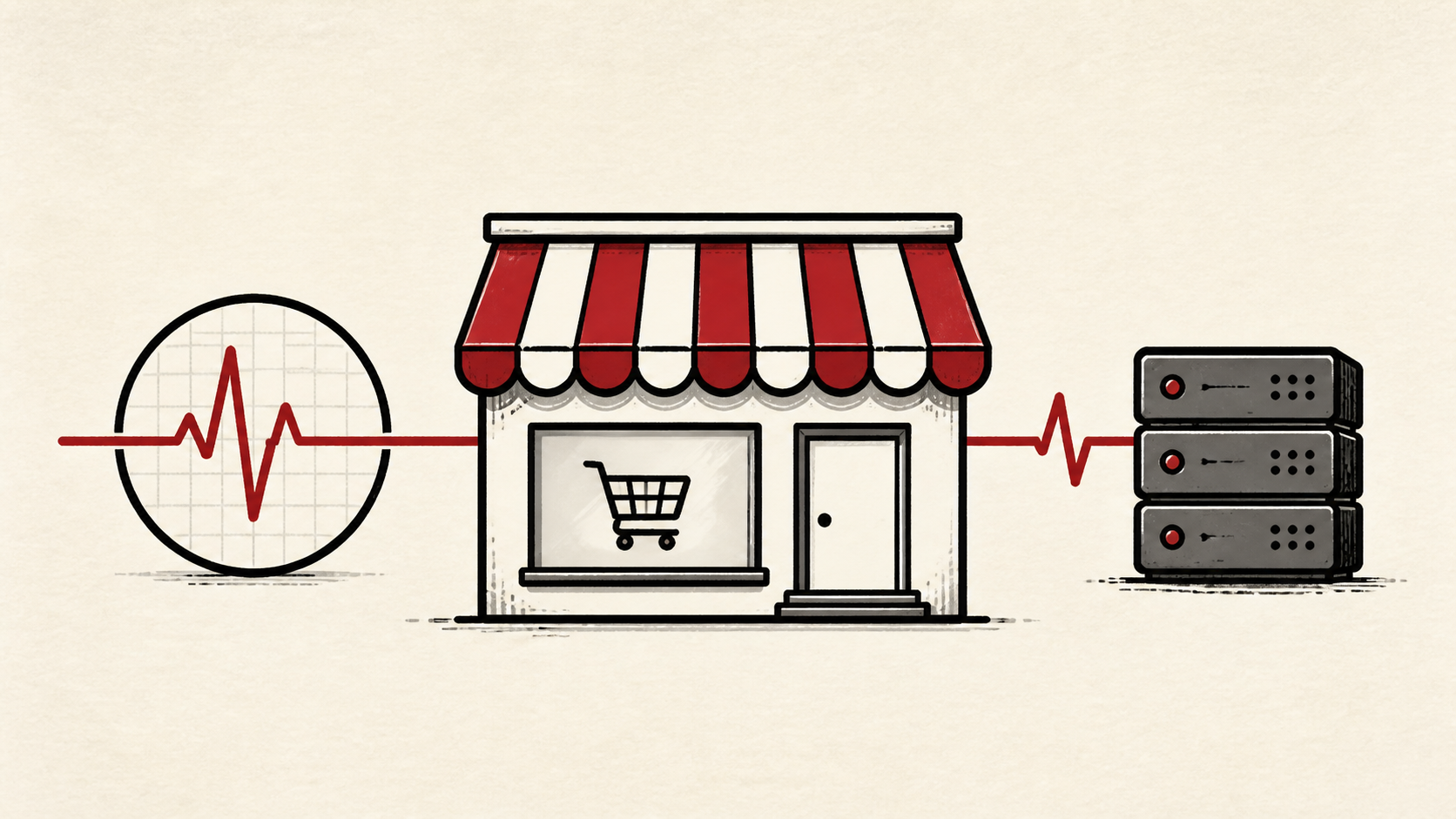
Uptime monitoring answers one question: is the store taking orders right now? For an online store, a homepage that loads is not proof — checkout can fail while every marketing page looks fine. This guide covers what to watch, how alerts should reach you, and how to read the fine print in your plan's guarantee.
It focuses on the checks a small-store owner can make safely, and points out where a host or developer should take over. Read how to choose a web host if reliability is why you are shopping, and our migration guide before changing live infrastructure.
What uptime monitoring should watch in a store
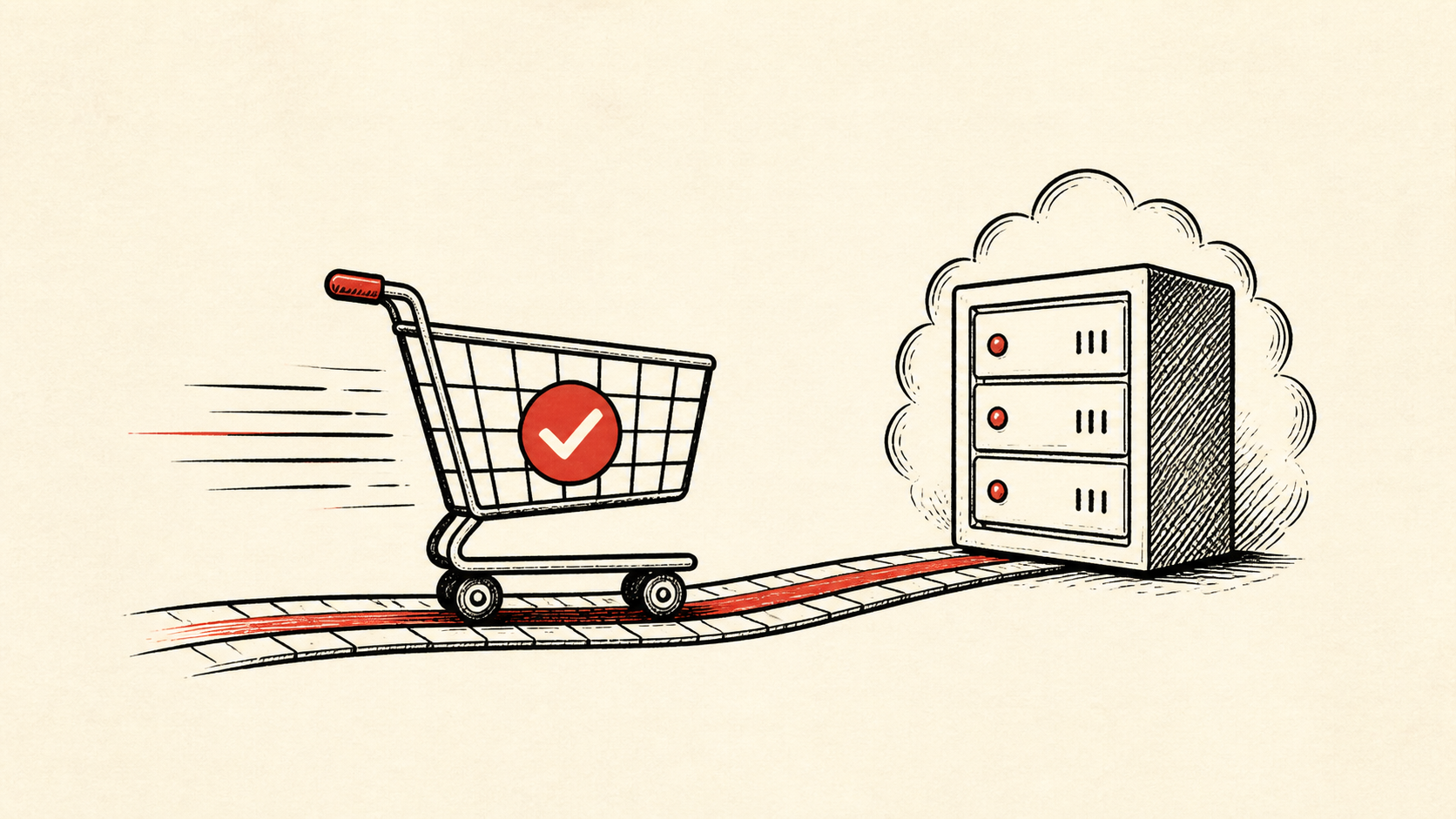
Monitor the routes that make money: product pages, cart, login, checkout, payment callbacks, and order email. A store can have a perfect homepage record and still lose the sale at the one page that matters.
Order email is the easiest of these to forget. A store can accept payment and silently fail to send the confirmation, which produces support tickets rather than alerts. A daily test order, or a check on the mailbox that receives order copies, covers the gap.
Make a short note of which URLs are monitored, from where, and how often. Website uptime is only as meaningful as the pages you actually check.
Use checks that see what customers see
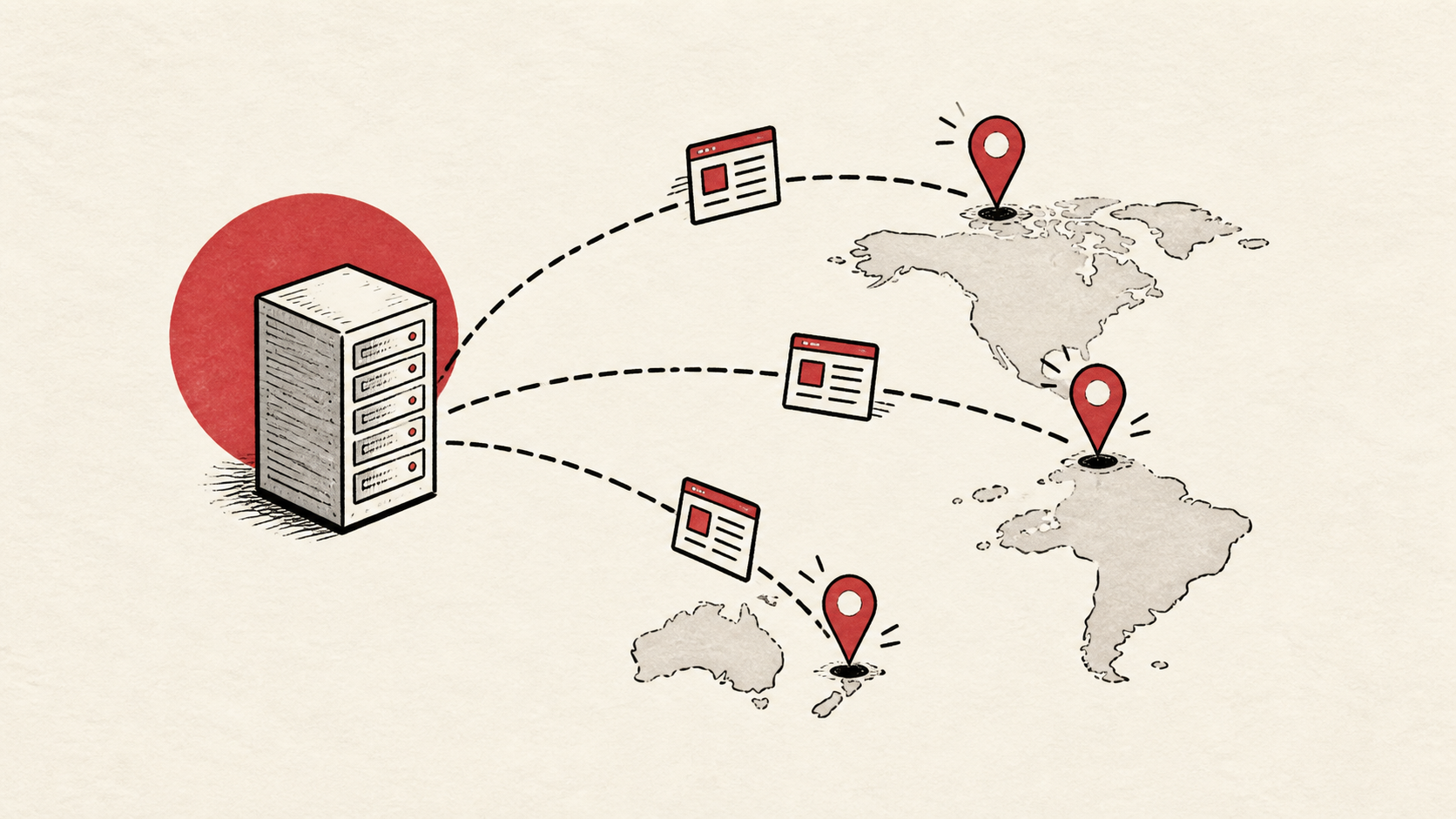
Use checks that request a real page and look for expected content, not only a ping. A server can answer a ping while the application behind it returns errors. Check from more than one region if your customers are spread out.
Interval and confirmation both matter. Most services let you check every one to five minutes; pick the faster end for checkout and the slower end for less critical pages. Require two consecutive failures before an alert fires, so a single dropped connection does not page anyone at night.
If a check fails, confirm from a private browser window or a second connection before acting — our website-down walkthrough covers telling a local problem from a real outage.
Send downtime alerts a human will act on
Alerts should reach a person who can do something: restart, roll back, or call the host. An alert that lands in an unread inbox is a report, not an alarm. Set a simple escalation — email first, then a phone notification if the outage persists.
Test the alert path on purpose once. A monitoring service you have never seen fire is a hope, not a system.
What an uptime SLA actually promises
An uptime SLA is a refund policy, not a guarantee. A 99.9 percent commitment still allows real minutes of downtime each month, and the credit rarely matches the lost sales. Treat the SLA as a signal of the host's confidence, and keep your own uptime monitoring as the source of truth.
When to stop and ask for help
Stop when the next action could overwrite order data, change production mail, or remove your access to the account. Send support the domain, time in UTC, exact error, and your monitoring history for the window — that log usually says more than a screenshot.
PCI Security Standards Council guidance has useful background on the payment-security standards behind checkout availability. Use it to understand the terms, then return to the small, reversible next step.
A sensible maintenance habit
Review the monitoring log monthly. Repeated short outages at the same hour usually point at a scheduled job or a noisy neighbor, and that pattern is invisible without notes. A dated note turns the next incident into a lookup instead of an investigation.
Keep the change auditable
Use a short before-and-after record when you change checks or thresholds. Write the setting you found, its old value, the exact time you changed it, and the result. A few months later, it tells you why an alert behaves the way it does.
Do not confuse the host's status page with evidence from your store. A green dashboard can coexist with a failing checkout. Your own uptime monitoring, tested from outside the account, is the record that settles the question.
One last check
After changing anything about monitoring, pause a check or trigger a test failure in a maintenance window and confirm the alert actually arrives. If nothing does, note the gap and keep troubleshooting from that point.
Leave a useful handoff
Save the alert contacts and escalation order with the date and account involved. If someone else covers a sale weekend, they should see who gets notified without reconstructing the setup.
Bottom line
Uptime monitoring earns its keep the first time it catches a broken checkout before a customer does. Watch the money pages, send downtime alerts to a human who can act, and treat website uptime as something you verify rather than assume.
Frequently asked questions
Do I need to change my monitoring setup all at once?
No. Change one check or threshold, test it, and keep the previous value until you know the result is stable.
What information should I give hosting support during an outage?
Give the domain, exact URL or service, UTC time, error text, and steps already tried. That is usually enough for support to find the relevant logs.
Should I keep a backup before changing hosting settings?
Yes. Download or verify a recent backup before edits that affect files, databases, email, DNS, or software versions.
What should the check actually look for on the checkout page?
Match a string that only appears when checkout genuinely works — a field label or the button text. Match anything vaguer and an error page returning a normal status code can pass the check, which is exactly the failure you set this up to catch.
About the author
Matthew Zhao
Matthew has spent his career running production server fleets — tens of thousands of machines' worth. He writes about hosting the way he wishes someone had explained it to him: plainly.
About Hosted EZ →Get the next guide in your inbox
One email when we publish something worth your time. No spam, unsubscribe whenever.