Hosting Control Panels Explained: What You Actually Need
A hosting control panel manages files, email, DNS, and SSL in one place. What cPanel-style panels do and which features you will really use.
By Matthew Zhao · Editor, Hosted EZ
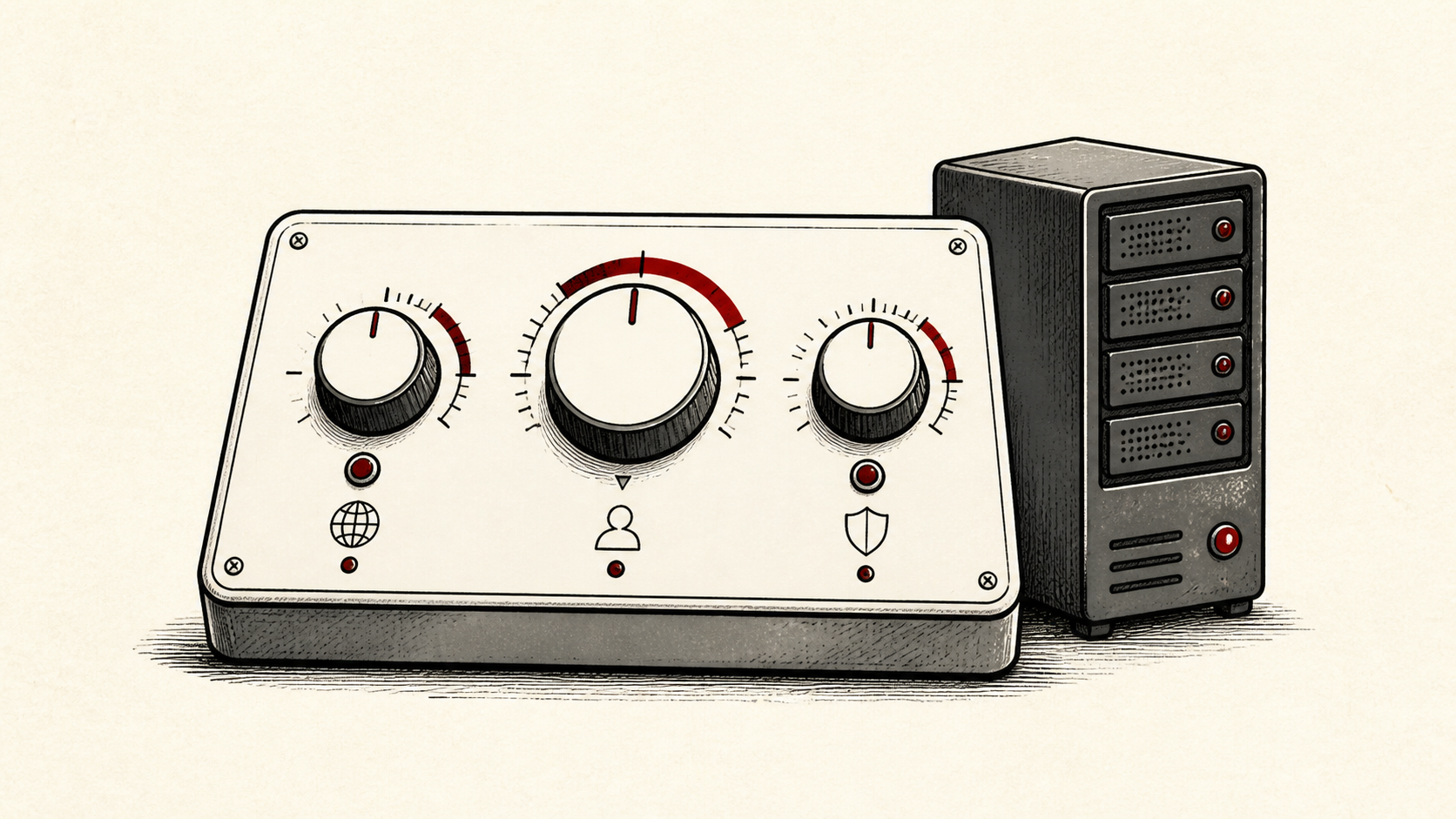
A hosting control panel is the web dashboard where you manage files, email accounts, DNS, databases, and SSL certificates without touching a command line. Most shared hosts include one, and the differences matter less than the marketing suggests. This guide covers what panels actually do and which features you will genuinely use.
It focuses on what a small-site owner needs, and flags where a host or developer should take over. Read how to choose a web host for the broader decision, and our migration guide before switching hosts, since the panel is where most migration work happens.
Start with the tasks, not the feature grid
Write down the jobs you will actually do in a panel: create an email address, install WordPress, add a DNS record, restore a backup, renew a certificate. That list is the useful input for comparing hosts. A screenshot tour of two hundred icons has much less to tell you.
Note which of those tasks you do monthly versus once a year. A panel only needs to make the monthly ones easy.
cPanel and other hosting control panels
cPanel is the panel most shared hosts license, so tutorials for it are everywhere. Other hosts build their own web hosting control panel instead, and the custom ones are often simpler while covering the same jobs: files, mail, domains, databases, backups, SSL. Compare the renewal bill, backup access, and the export process before you compare panel screenshots; a low first-year price cannot fix a bad exit path.
Backup formats are the practical difference between panels. An archive made by one panel does not always restore into another, so check that yours can export a plain file archive and a standard database dump rather than only its own restore bundles. Plain exports move to any host; proprietary ones move only between hosts running the same panel, which quietly narrows your options later.
A server admin panel bundled with a VPS is a different product. It manages the operating system, services, and firewalls rather than one website, so you only need that layer if you rent unmanaged servers.
Test the panel before you commit
Test pre-sales support with a question that has a concrete answer: which panel do you use, is there a demo, how do I restore a backup from it. You are testing whether a person reads the question, not whether the chatbot is cheerful.
If a demo exists, try your monthly tasks in it. Creating an email address and adding a DNS record tell you more in five minutes than a feature list will.
When to stop and ask for help
Stop before changes you cannot reverse from the panel itself, such as deleting a database or editing server configuration files. Send support the domain, UTC time, exact error, and what you tried. A panel screenshot usually helps, but crop out any keys or passwords.
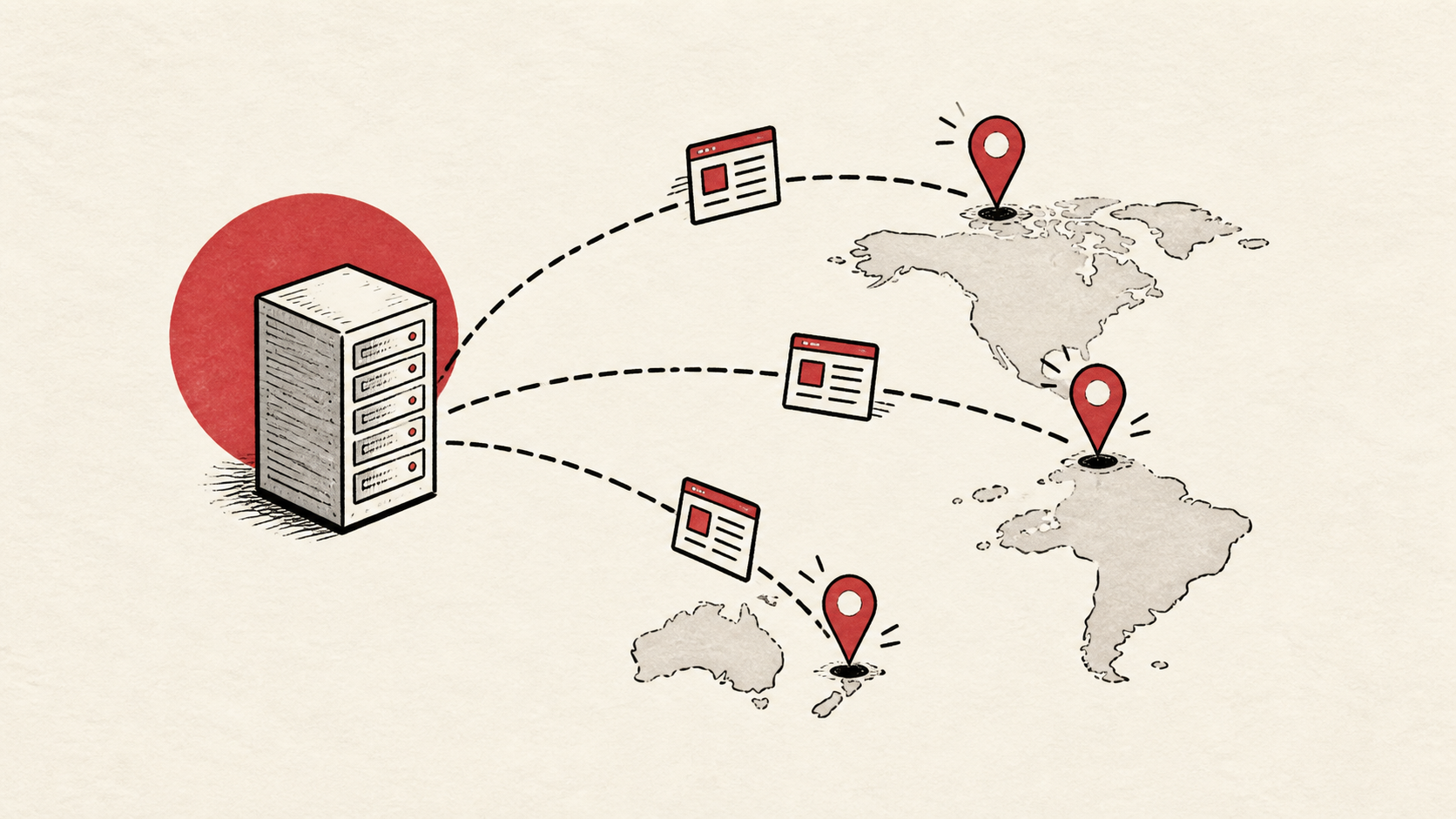
Panels increasingly bundle CDN and caching toggles, and Cloudflare's explanation of CDNs is a good primer on what those switches actually do: Cloudflare's explanation of CDNs. Understand the toggle before you flip it.
A sensible maintenance habit
Keep a short note of what you changed in the panel and why. Hosting problems repeat because nobody remembers which setting was toggled last time. A dated note turns the next incident into a lookup instead of an investigation.
Keep the change auditable
Panels make changes feel free, which is exactly why they deserve a record. Write the setting you found, its old value, the time you changed it, and the result of the test. If a change has a delay, such as a DNS TTL, write when you expect it to be visible.
Do not confuse the panel with evidence from the live site. A panel can show that it accepted a record or issued a certificate; the visitor still needs to receive it. Test from outside the account, and use a second connection if a cached answer could mislead you.
One last check
Before you close the panel, repeat the task the way a visitor or colleague would experience it: send a message to the new address, load the site after the DNS change. A quiet confirmation now is much easier than discovering the missed detail during a launch.
Leave a useful handoff
Save which panel the account uses, the login URL, and your recent changes. The panel is where a future you, or a hired developer, will start. Do not make them rediscover it.
Bottom line
A hosting control panel is a convenience layer, not a differentiator: the well-known panels and the better custom ones all cover files, mail, DNS, backups, and SSL. Judge a panel by whether your monthly tasks are easy, and keep notes on what you change in it.
Frequently asked questions
Do I need cPanel specifically?
No. It is common and well documented, but any maintained panel that covers mail, DNS, backups, and SSL does the job. Switching panels costs you an afternoon of relearning, not a month.
What should I give support when a panel change goes wrong?
The domain, exact URL or service, UTC time, error text, and steps already tried. That is usually enough for support to find the relevant logs.
Should I back up before changing panel settings?
Yes. Download or verify a recent backup before edits that affect files, databases, email, DNS, or software versions, and note the old value of anything you change.
What is the difference between a control panel and a website builder?
The panel manages the hosting account — files, mail, DNS, databases, certificates — while a builder edits the pages themselves. Many hosts bundle both, and the builder's output lives in the file space the panel manages. You can replace a builder without changing hosts; replacing the panel usually means changing hosts.
About the author
Matthew Zhao
Matthew has spent his career running production server fleets — tens of thousands of machines' worth. He writes about hosting the way he wishes someone had explained it to him: plainly.
About Hosted EZ →Get the next guide in your inbox
One email when we publish something worth your time. No spam, unsubscribe whenever.