Hosting Latency: Choose a Server Location That Makes Sense
Server location drives hosting latency. Pick a data center near your visitors, measure ping time before you commit, and know when a CDN covers the gap.
By Matthew Zhao · Editor, Hosted EZ

Server location is the hosting decision you cannot patch later with a plugin. Every request travels from your visitor to the data center and back, and that round trip, the ping time, puts a floor under how fast your site can feel. This guide covers how to pick a location, how to measure the difference, and when a CDN makes the choice matter less.
It stays within what a small-site owner can test safely, and flags where a host or developer should take over. Read how to choose a web host if location is one factor among many, and our migration guide before moving a site to a closer region.
Measure before you move anything
Measure the page before you change it. Check a repeat visit as well as a first visit, keep the test location consistent, and test from where your visitors are rather than from your own desk. Otherwise a change in the test can look like an improvement in the site.
Make a short note of the numbers: time to first byte from two or three visitor regions, and the round-trip time to your current server. You want a before picture that the after picture can be compared against.
How much server location actually matters
Work from the biggest delay toward the small ones. Hosting latency from a distant data center location adds a fixed cost to every request, but slow server response, uncompressed images, and a heavy script are often bigger. Distance does not become the main problem just because a speed test lists it first.
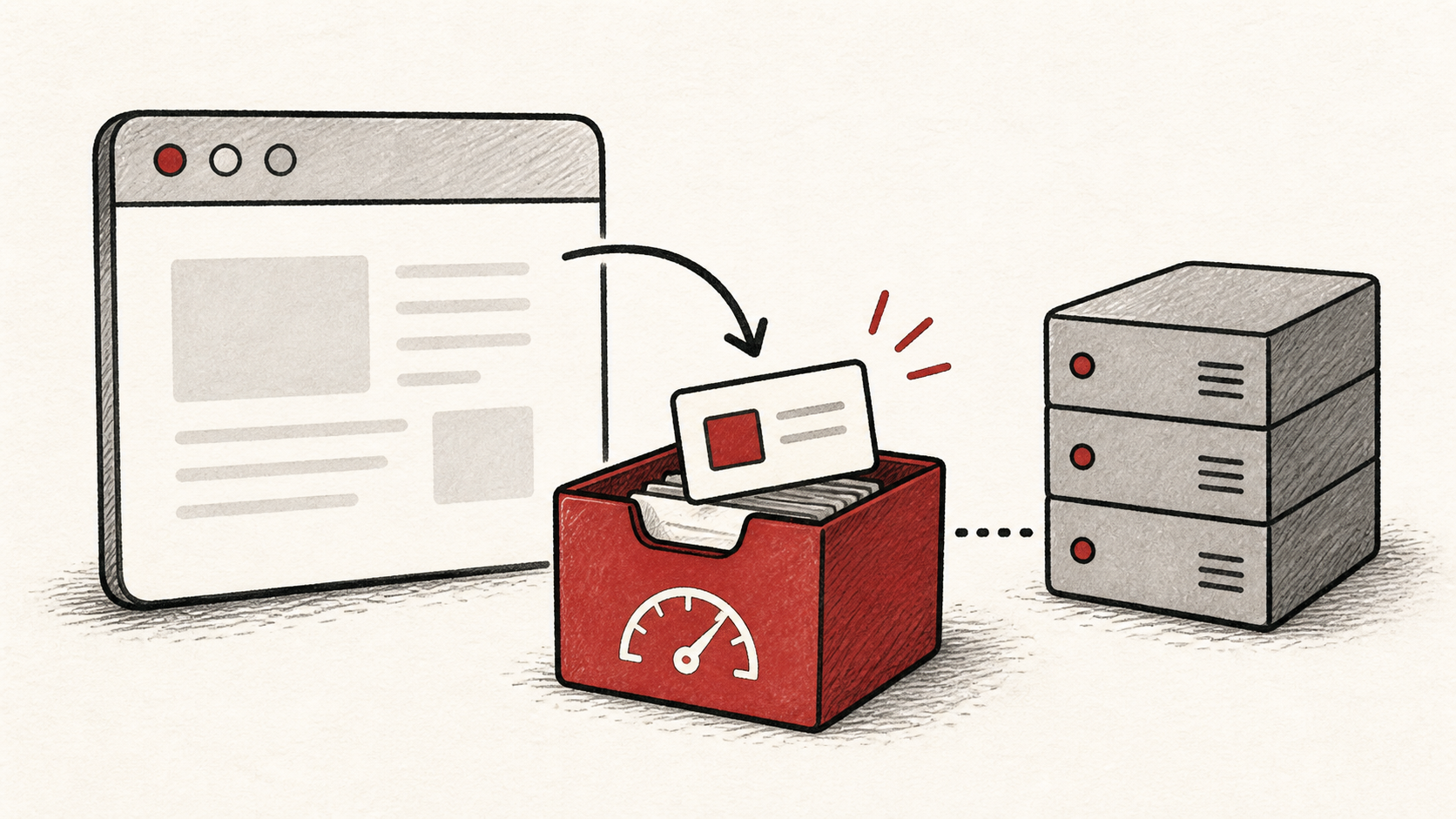
As a rule of thumb, same-continent hosting keeps the round trip small, while cross-continent hosting adds a delay you can feel on every click. Pick the region where most of your visitors are, and let a CDN serve the rest.
Distance also costs more than one trip. A first-time visit has to open a connection and negotiate encryption before the first byte of the page arrives, and each of those steps is another journey to the server and back. That is why a distant server feels slower than the raw ping suggests: the same delay is paid several times before anything renders, and again for every asset that is not cached nearby.
Test the result like a visitor
Verify the change with real pages from real places: free testing tools will load a URL from several regions. A cache can make the homepage fast worldwide while search, checkout, or logged-in pages still travel to the origin every time.
Test the normal path first, then the part that has the most consequence. For a store, that is checkout. A test should answer one question rather than produce a vague impression.
When to stop and ask for help
Stop when the next step means moving the site, because a region change is a migration with everything that implies. Ask your host whether they can move you between data centers and what changes, and send them your measurements: the domain, URLs tested, UTC times, and the regions that are slow.
web.dev's Core Web Vitals guide explains the metrics that latency feeds into: web.dev's Core Web Vitals guide. Use it to understand the terms, then return to the small, reversible next step.
A sensible maintenance habit
Re-measure after any change and put the result in a dated note. Latency regressions arrive quietly, with a new script or a moved server, and a note turns "the site feels slower" into a comparison instead of an argument.
Keep the change auditable
Record what you changed, the old measurements, and the new ones, with dates. If the change has a delay, such as a DNS TTL after a region move, write when you expect the new answer to be visible. Months later, this record explains why the site is hosted where it is.
Do not confuse a dashboard with evidence. Your host's status page can be green while visitors on another continent wait. Test from outside the account, from their side of the map.
One last check
Before you call it done, load the site from your slowest important region once more, using the ordinary path a visitor would take. If the result differs from your measurements, note the difference and keep troubleshooting from that point.
Leave a useful handoff
Save the region you chose, the regions you measured, and the numbers. If someone later proposes a move or a CDN, they should start from data rather than reconstructing the decision from memory.
Bottom line
Pick a server location close to the majority of your visitors, measure ping time before and after, and let a CDN cover the long tail. Hosting latency is a floor, not the whole building: fix the distance once, then spend your effort on the payload.
Frequently asked questions
Should I move servers and change the site at the same time?
No. Change one thing, measure it, and keep the previous setup until you know the result is stable. Two changes at once means neither can be credited or blamed.
What should I give hosting support about latency?
The domain, URLs tested, UTC times, your measurements, and the visitor regions affected. That is usually enough for support to check routing and server load.
Should I keep a backup before moving to a new server location?
Yes. A region move is a migration: verify a full backup of files, databases, and DNS records before anything moves.
Does server location affect search rankings?
Only through speed. Search engines measure how fast pages load for real visitors; they do not reward hosting in any particular country. Choose the region where your audience is, and if you serve several countries, let a CDN close the distance rather than chasing a supposedly better flag on the data center.
About the author
Matthew Zhao
Matthew has spent his career running production server fleets — tens of thousands of machines' worth. He writes about hosting the way he wishes someone had explained it to him: plainly.
About Hosted EZ →Get the next guide in your inbox
One email when we publish something worth your time. No spam, unsubscribe whenever.