How to Read a Hosting Refund Policy Without Missing the Catch
A hosting refund policy rarely covers everything you paid. What money-back guarantees exclude, and how to cancel hosting before the window closes.
By Matthew Zhao · Editor, Hosted EZ
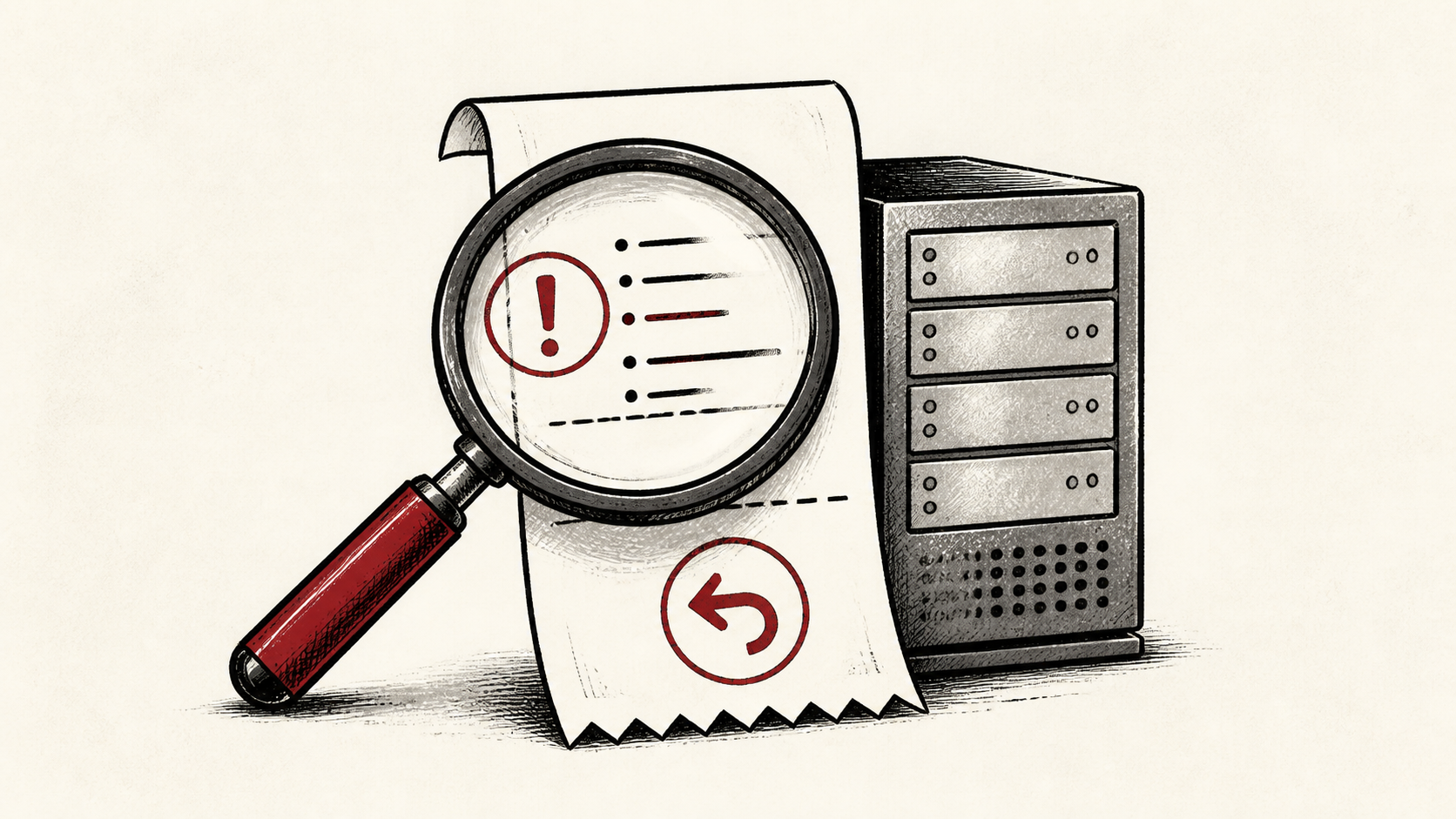
A hosting refund policy is marketing until you read the terms. The headline says 30-day guarantee; the fine print says the domain, the add-ons, and the setup fee are yours to keep. Read the policy the way you would read a lease, because the exclusions matter more than the promise.
This guide walks through what refund policies typically cover in 2026, where they quietly stop covering, and how to leave cleanly if the host disappoints. Read how to choose a web host if you are still comparing candidates, and our migration guide before you move a live site.
What a hosting refund policy actually covers
Most refund windows cover the base hosting plan and nothing else. That means the shared, VPS, or managed plan fee you paid upfront, refunded in full or prorated depending on the host. Typical windows in 2026 run from 14 to 45 days, and reputable hosts publish the number plainly.
Check whether the refund is automatic on cancellation or something you must request. The difference sounds small. It decides whether you get money back or an account credit you can only spend with the host you just left.
Read the exclusions before the promise
Every hosting refund policy has an exclusions section, and it deserves your attention first. Domains are the classic catch: a free first-year domain usually converts to a charge, deducted from your refund, if you cancel. Add-ons follow the same pattern, so expect SSL upsells, sitebuilder fees, migration services, and dedicated IP addresses to be non-refundable.
Watch the payment-method exclusions too. Some hosts refuse refunds on cryptocurrency, wire transfers, or very long prepay terms. If the policy is vague, ask pre-sales to point at the exact clause, and keep the reply.
A money-back guarantee is not a free trial
A hosting trial and a guarantee feel similar and behave differently. A trial charges you nothing until it ends. A guarantee takes the full payment, sometimes one to three years upfront, and asks you to claw it back later.
Prefer monthly billing for the first cycle when the price gap is small. You give up some discount, and you avoid chasing a large refund if the host is not a fit.
Use the window to test everything
Treat the refund window as a working hosting trial. Load your real site, point a free uptime monitor at it, and open a support ticket with a genuine question. You want the answers while leaving is still cheap.
Test performance from where your visitors actually are, not just your own desk. Cloudflare's explanation of CDNs has useful background if the plan bundles one: Cloudflare's explanation of CDNs.
How to cancel hosting cleanly
Cancel through the account panel or a ticket, not by disputing the charge with your bank. A chargeback usually voids the refund policy and can freeze the account, along with your files, while it is investigated.
Turning off auto-renew and cancelling are different actions in most billing panels. Auto-renew off lets the plan lapse at the end of the term you already paid for; cancelling can end service immediately and start the refund clock. If you plan to leave at term without a refund claim, switch off auto-renew and keep the confirmation, because a plan left on auto-renew will charge the card on file even if you deleted the site months ago.
Download a full backup before you cancel: files, databases, and email. Most hosts delete your data quickly after closure, and some charge to restore an archived account.
Keep evidence of the cancellation
Save the cancellation confirmation, the ticket number, and the date, and note the refund amount you expect. Billing disputes are usually won by whoever kept the paperwork.
If the refund does not arrive in the stated period, reply on the same ticket rather than opening a new one. A single thread with dates is harder to lose and easier to escalate.
Watch the renewal, not just the signup
Refund terms almost never apply to renewals. The window covered your first invoice; the year-two invoice at the higher renewal rate is typically final the moment it processes.
Set a calendar reminder two weeks before the term ends. That is your real decision point, and it deserves the same scrutiny as the original purchase.
One last check before you commit
Before you pay, find three numbers in writing: the length of the refund window, the deduction for the free domain, and the renewal price. If any of the three takes more than a few minutes to find, you have learned something about the host that no guarantee fixes.
Bottom line
A hosting refund policy is only as good as its exclusions are short. Confirm what the guarantee covers, treat the window as a live trial, and cancel through the proper channel with a backup already in hand.
Frequently asked questions
How long is a typical hosting refund window?
Between 14 and 45 days for reputable hosts in 2026. Shorter than 14 days is a yellow flag, and no refund window at all is a reason to keep shopping.
Does a hosting money-back guarantee cover domain names?
Usually not. If the plan included a free domain, most hosts deduct its list price from your refund, because the registration is already paid to the registry. Keep the domain anyway; it is yours to transfer.
Should I keep a backup before I cancel hosting?
Yes. Download your files, databases, and email before you cancel, and verify the archive actually opens. Hosts routinely purge data shortly after an account closes.
Can I get a refund on a renewal charge I did not want?
The policy rarely promises one, but many hosts will reverse a renewal billed in the last few days if you ask promptly through a ticket. Ask before disputing with your bank; a chargeback usually freezes the account and ends any goodwill the billing team had.
About the author
Matthew Zhao
Matthew has spent his career running production server fleets — tens of thousands of machines' worth. He writes about hosting the way he wishes someone had explained it to him: plainly.
About Hosted EZ →Get the next guide in your inbox
One email when we publish something worth your time. No spam, unsubscribe whenever.