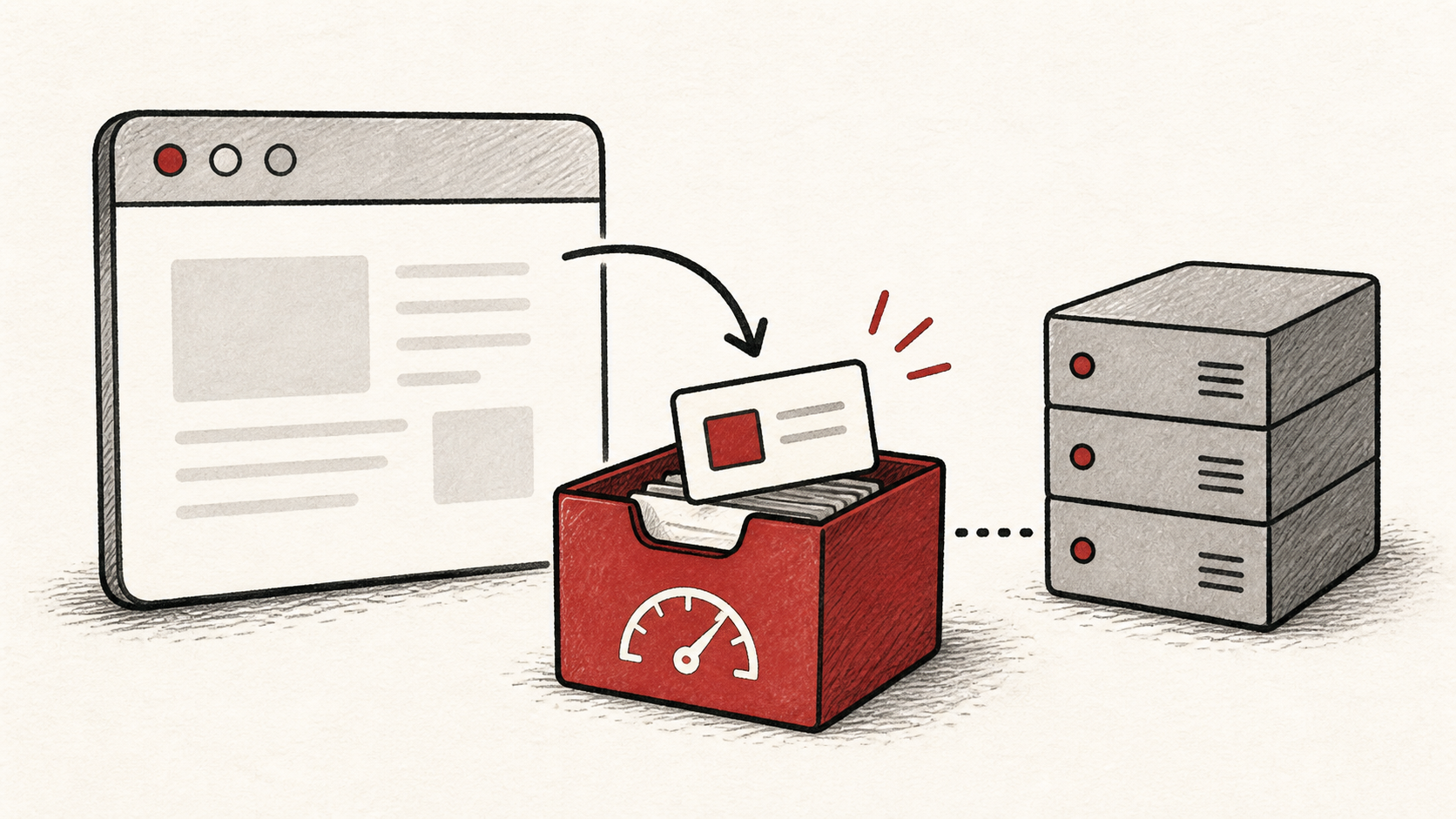
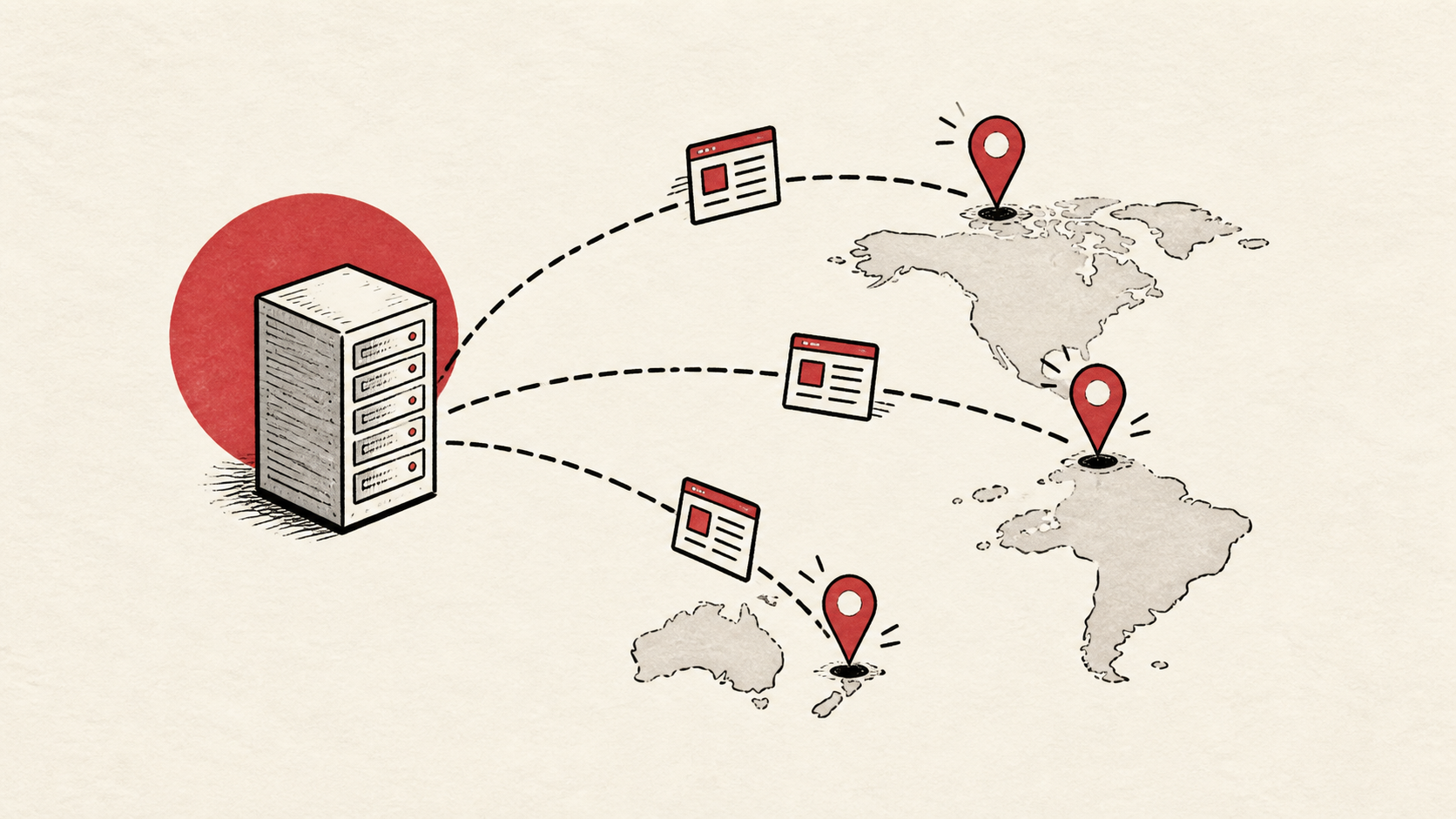
Web Hosting Requirements Checklist for a New Site
Web hosting requirements for a new site, as a checklist: storage and bandwidth, PHP and database versions, SSL, email, backups, and support.
By Matthew Zhao · Editor, Hosted EZ
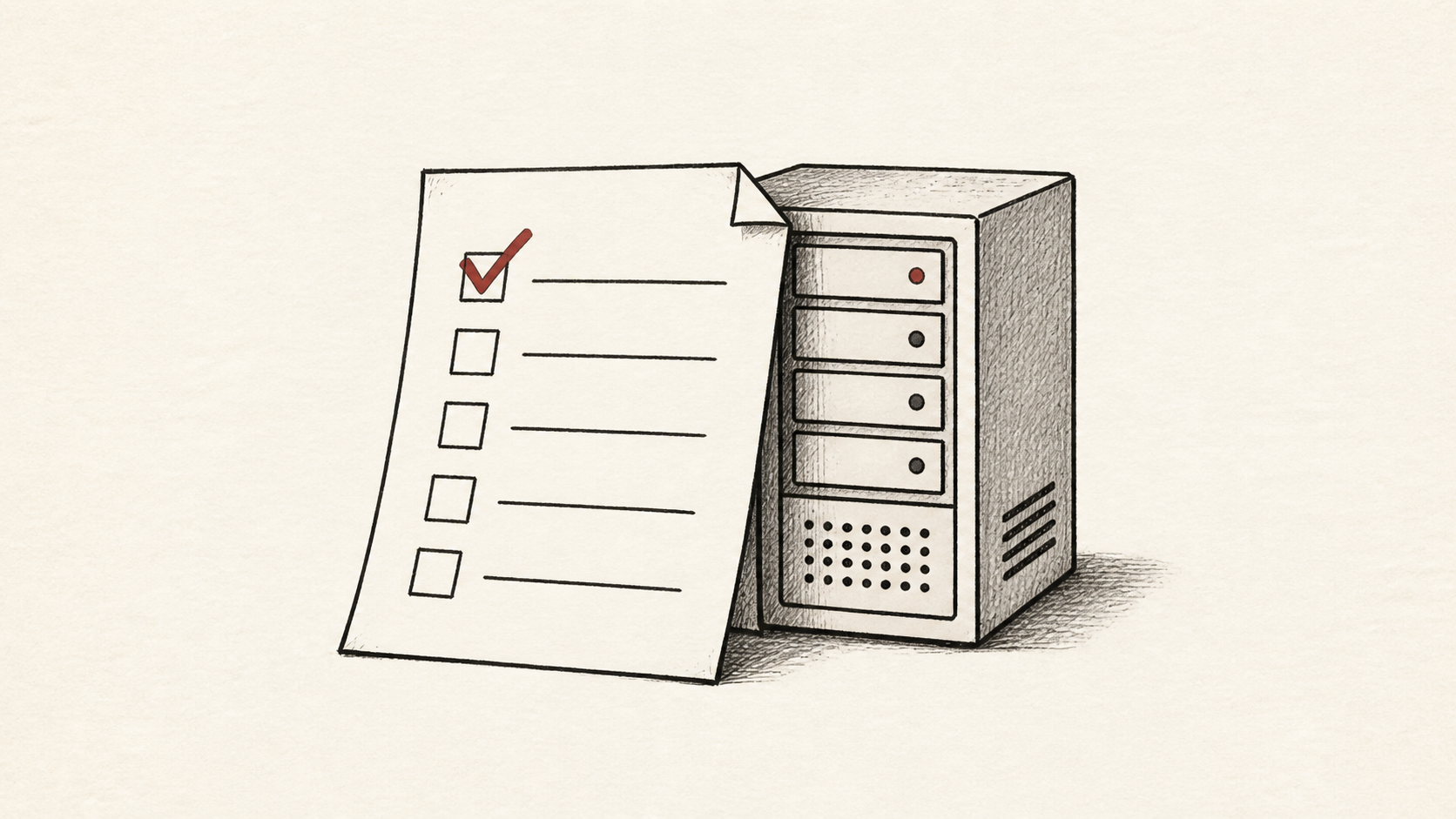
Web hosting requirements are easier to pin down than pricing pages suggest. A new site needs a short list of concrete things: enough storage and bandwidth, the right software versions, an SSL certificate, working email, and a way back when something breaks. Everything else on the feature grid is decoration.
This guide turns that list into a checklist you can run against any plan. Read how to choose a web host for the wider decision, and our migration guide if you are moving an existing site rather than starting fresh.
Start with your site, not the plan
Write down the site type, expected traffic, the software it runs, and who will maintain it. That is the useful input for a hosting choice, and it decides your real web hosting requirements before you look at a single plan.
Keep the note factual and short. "WordPress site, maybe 5,000 visits a month, one non-technical owner" narrows the field more than an hour of comparison shopping.
Storage and bandwidth
Storage is where your files and database live; bandwidth is the data transferred to visitors. A typical small site in 2026 fits comfortably in a few gigabytes of storage, and modest traffic uses far less bandwidth than plans advertise.
Ignore "unlimited" claims and find the real ceilings instead: file-count limits, CPU allowances, and throttling rules. We cover where those hide in our guide to hosting resource limits. If your pages are media-heavy, a CDN carries most of the transfer for you; Cloudflare's explanation of CDNs has the background: Cloudflare's explanation of CDNs.
Software: PHP, databases, and SSL
Match the plan to what your site actually runs: a current PHP version, a MySQL or MariaDB database, and one-click SSL. In 2026, free certificates through Let's Encrypt are table stakes, so a host charging for basic SSL fails the checklist immediately.
Check that you can switch software versions yourself. Waiting on a ticket to change a PHP version gets old fast.
Email, domains, and DNS
Decide early whether the host will carry your email or only your website. Bundled mailboxes are convenient and mediocre; separate email hosting survives a future migration better.
Confirm you can edit DNS records yourself and that the domain is registered in your own name. Keeping the domain at a separate registrar is a small habit that makes every future move easier.
Backups and restores
Web hosting requirements should always include backups you can download yourself, on a schedule the host publishes. Automatic daily backups are common; free self-service restores are less common, and that difference matters at the worst possible time.
Test a restore once during the refund window. A backup you have never restored is a hope, not a plan.
The test is simpler than it sounds. Download a full backup, rename one file on the site, then use the panel's restore tool to bring it back. You are confirming three things at once: the backup downloads without a support ticket, the restore tool exists at your tier, and the restore finishes without a fee. Note how long the download takes; a backup that crawls through a throttled connection is worth knowing about before an emergency.
Support and account access
Confirm which support channels exist at your price tier, then test one with a concrete pre-sales question. Time the response and judge whether a person read it.
Check account basics while you are there: two-factor authentication, multiple user logins if a developer helps you, and a sane password-reset process.
Write the checklist down
Turn the answers into a one-page hosting requirements checklist and score each candidate against it: storage, bandwidth, software versions, SSL, email, backups, support, and exit terms. A plan either meets the list or it does not.
Keep the filled-in checklist with your account notes. When you revisit hosting in a year, you will know exactly what you signed up for and why.
One last check before you buy
Reread the two numbers people skip: the renewal price and the refund window. A plan that meets every technical requirement can still fail you at the first invoice.
Bottom line
Web hosting requirements for a new site come down to storage, bandwidth, current software, SSL, email, backups, and support you have actually tested. Put them in a checklist, score two or three candidates, and pick the one that passes without asterisks.
Frequently asked questions
How much storage and bandwidth does a small site need?
Less than plans imply. A small business site or blog usually fits in a few gigabytes of storage, and a few thousand monthly visits consume a small fraction of advertised bandwidth. Media-heavy sites are the exception, so count your images and video first.
What belongs on a hosting requirements checklist?
Storage, bandwidth, PHP and database versions, free SSL, email arrangements, DNS access, downloadable backups with free restores, support channels at your tier, the renewal price, and the refund window. If a host cannot answer any line plainly, treat that as an answer.
Do web hosting requirements change if I use WordPress?
Slightly. WordPress wants a current PHP version, a MySQL or MariaDB database, and enough memory for your plugins. Any competent shared plan in 2026 meets that, so the differentiators are backups, support, and staging rather than raw compatibility.
Should I buy hosting and my domain from the same company?
Convenient, but no. Registering the domain where you host is how people end up feeling locked in. Keep the domain at a separate registrar and point its DNS at the host; if the hosting relationship sours, you change a couple of records instead of negotiating a transfer with the company you are leaving. The price difference in 2026 is a few dollars a year at most.
About the author
Matthew Zhao
Matthew has spent his career running production server fleets — tens of thousands of machines' worth. He writes about hosting the way he wishes someone had explained it to him: plainly.
About Hosted EZ →Get the next guide in your inbox
One email when we publish something worth your time. No spam, unsubscribe whenever.