Scalable Hosting: How to Choose a Plan That Grows With Your Site
Scalable hosting means the next step is boring. How to judge upgrade paths, when to move to a VPS, and the limits to check before you outgrow a plan.
By Matthew Zhao · Editor, Hosted EZ
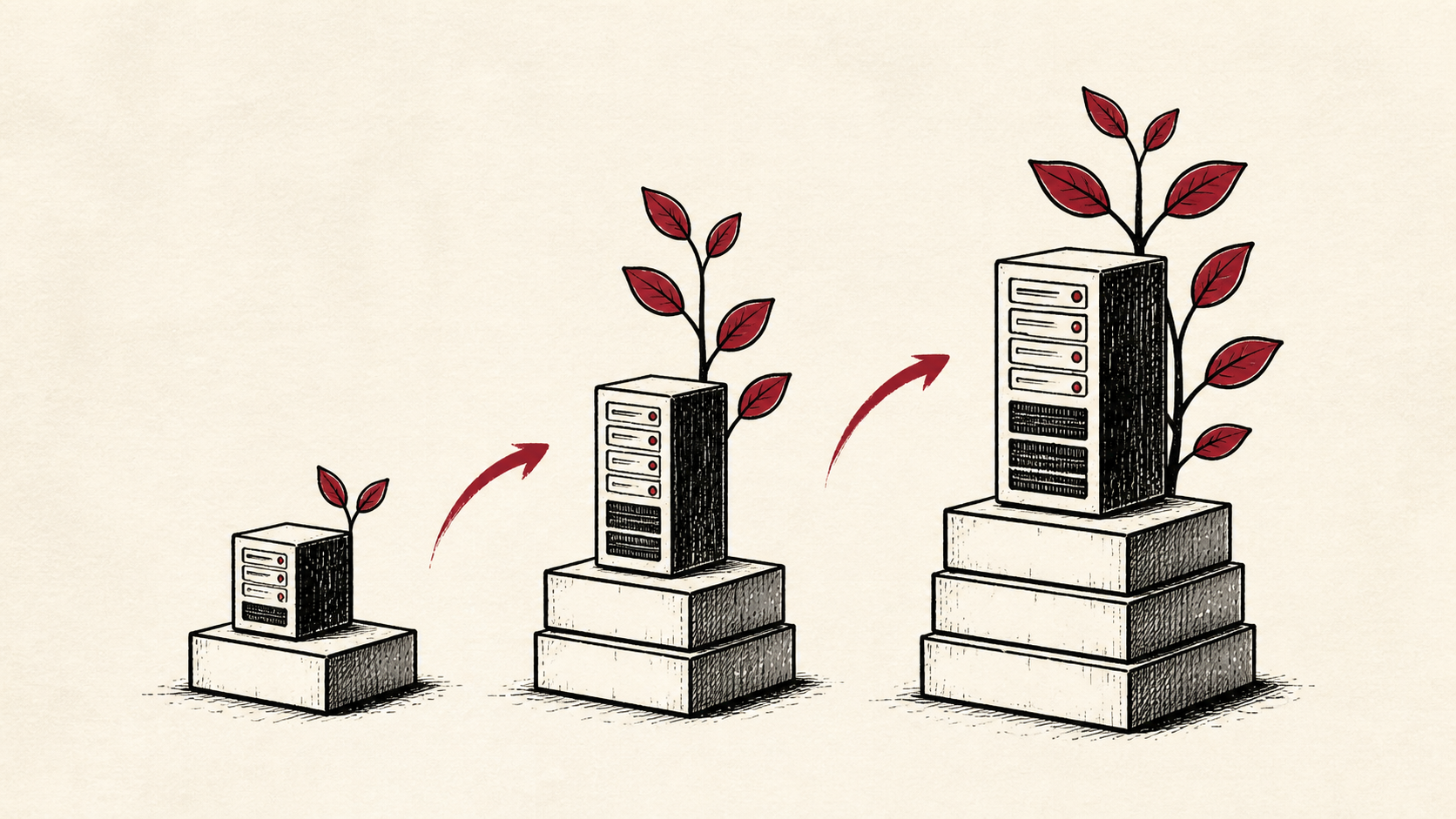
Scalable hosting is not a bigger server; it is a boring upgrade path. The question that matters when you pick a plan is not "can this handle my traffic today" but "what happens on the day it cannot." A host that lets you step up without a manual migration has solved most of the scaling problem before it starts.
This guide covers how to judge that path before you commit. Read how to choose a web host for the full selection framework, and our migration guide if you are already boxed in and need to move.
What scalable hosting actually means
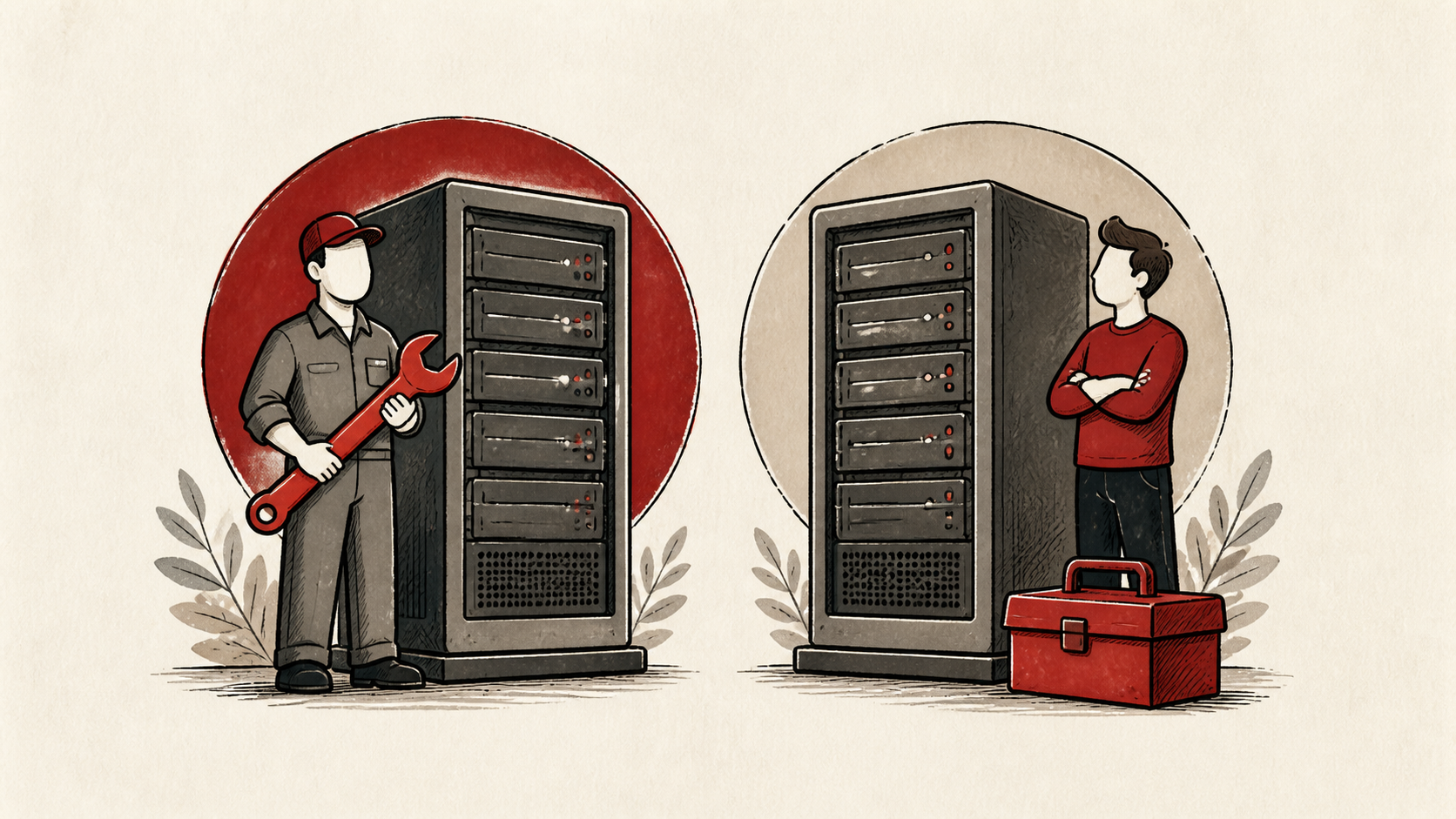
Start with the responsibility boundary. Shared hosting keeps most server work out of your hands, a VPS gives you more control and more chores, and managed service means someone else owns a defined part of those chores. Scalable hosting is whichever arrangement lets you add resources without changing who does the work.
Cloudflare's cloud-server guide has useful background on the underlying models: Cloudflare's cloud-server guide.
Know your first bottleneck
Match the plan to the first bottleneck you expect: traffic, memory, the database, or deployment control. Buying a larger machine without knowing the bottleneck is an expensive way to postpone a decision.
For most content sites the first wall is CPU throttling on a busy day. For stores and web apps it is usually memory or database performance. Name yours before you shop.
A cheap way to name it is to watch the control panel's usage graphs during your busiest hour. The number that climbs toward its ceiling first, whether CPU, memory, or database connections, is the one to plan the upgrade path around.
Hosting scalability is a path, not a plan size
Judge hosting scalability by the steps between plans, not the size of the biggest one. Can you upgrade hosting plans without a manual migration? Can you add resources for a launch week and drop them after? Is the step from shared to VPS a button or a support ticket and a weekend?
A provider with small, frequent steps beats one with a single giant leap. You want to pay for growth a slice at a time.
When to upgrade your hosting plan
Upgrade your hosting plan when the same resource limit bites monthly, not the first time it bites. One slow afternoon is a cleanup job; recurring throttling, memory errors, or database timeouts are a signal the plan no longer fits. Our guide to hosting resource limits covers how to read the usage numbers that tell you which wall you are hitting.
Upgrade for the resource you actually exhaust. More storage does nothing for a CPU-bound site.
VPS hosting and the steps beyond shared
A VPS gives you a guaranteed slice of a server: fixed CPU, memory, and storage that no neighbor can consume. It is the natural step when shared limits keep biting, and we cover the trade-offs in detail in our guide to VPS hosting.
Cloud plans take the same idea further with usage-based billing that flexes by the hour. That elasticity is real, and so are surprise bills, so set spending alerts on day one.
Read the resource policy before you scale
Read the resource policy before changing plans. CPU limits, memory, storage, backups, and network transfer do not behave the same way, even when two plans share a headline price.
Confirm what transfers automatically during an upgrade: files, databases, email, SSL certificates, and cron jobs. "One-click upgrade" sometimes means "one click, then reconfigure everything."
Test after every step up
Test the upgrade the way a visitor would: load real pages, submit the contact form, and for a store, run a checkout. A bigger plan that was migrated carelessly can perform worse than the smaller one did.
Keep the old plan or a fresh backup until the new one has survived a normal traffic week.
Keep a growth record
Note the date, the plan, the limit that triggered each upgrade, and the result. Two entries in, you will see your growth rate and can predict the next step instead of reacting to it.
That record also keeps you honest about downgrades. Capacity you added for a launch week should not quietly bill you for years.
Bottom line
Scalable hosting means the next step is small, cheap, and boring: clear resource steps, upgrades without manual migrations, and a VPS or cloud tier waiting when shared hosting stops fitting. Pick for the upgrade path, upgrade for the resource you actually exhaust, and test after every move.
Frequently asked questions
How do I know when to upgrade my hosting plan?
When the same limit bites repeatedly under normal traffic: recurring CPU throttling, memory errors, or slow database queries. Check your control panel's usage graphs first so you upgrade for the right resource.
Is a VPS the only way to scale?
No. Caching, a CDN, and image optimization stretch a shared plan surprisingly far, and cloud plans scale without a fixed server size. A VPS is simply the most predictable step once shared limits genuinely stop fitting.
Does scalable hosting cost more?
Not at the start. Entry plans on scalable providers price close to ordinary shared hosting in 2026; the difference is what happens later. Paying a small premium for clean upgrade steps is usually cheaper than an emergency migration.
Can I scale back down after a busy season?
Check before you need it, because downgrades are less uniform than upgrades. Shared plans usually step down cleanly, and cloud plans drop resources by the hour, which is much of their point. VPS plans are the catch: shrinking a disk is often impossible without a migration, so hosts let you cut CPU and memory but not storage. Add temporary capacity somewhere you can also remove it.
About the author
Matthew Zhao
Matthew has spent his career running production server fleets — tens of thousands of machines' worth. He writes about hosting the way he wishes someone had explained it to him: plainly.
About Hosted EZ →Get the next guide in your inbox
One email when we publish something worth your time. No spam, unsubscribe whenever.