Image Optimization That Actually Helps Your Hosting Bill
Image optimization cuts bandwidth, storage, and load time at once. How to compress images, adopt WebP, and automate the pipeline so uploads stay small.
By Matthew Zhao · Editor, Hosted EZ
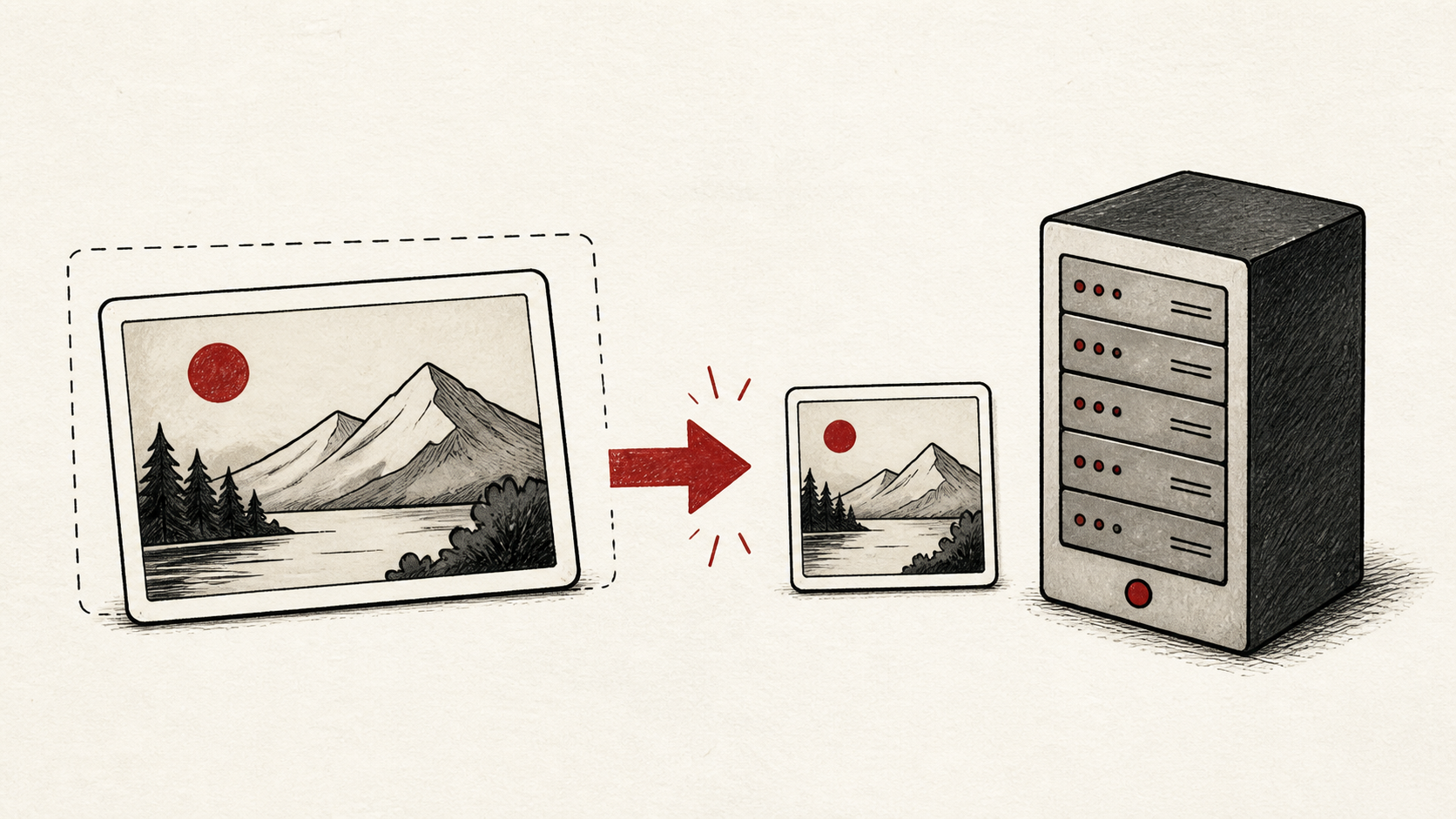
Image optimization is the rare performance fix that also shows up on your hosting bill. Images are most of the weight on a typical page, so shrinking them cuts bandwidth, storage, and load time in one pass, no plan upgrade required. A site that compresses its images often fits comfortably on hosting it was about to outgrow.
This guide covers what to do in what order, and how to make it automatic. Read how to choose a web host if you are picking a plan, and our migration guide before moving a site the images have outgrown.
Why image optimization is a hosting problem
Every oversized image is paid for three times: storage on your plan, bandwidth on every view, and attention from your visitor while it loads. On plans with transfer caps or CPU throttling, heavy images are frequently the reason a small site keeps brushing its hosting resource limits.
Treat it as maintenance, not a one-time project. One unoptimized photo upload can outweigh the rest of a page combined.
Measure the page before you change it
Measure first. Run your heaviest pages through a speed test, check a repeat visit as well as a first visit, and keep the test location consistent. Otherwise a change in the test can look like an improvement in the site.
Note the total image weight per page and the single largest file. web.dev's Core Web Vitals guide explains the metrics your visitors actually feel: web.dev's Core Web Vitals guide.
Compress images without visible loss
Compress your images before they reach the site, or let a plugin do it on upload. Lossy compression at a sane quality setting, around 80 percent for photos, typically cuts file size dramatically with no visible change at normal viewing sizes.
Compare before and after at the size visitors actually see, not zoomed to full resolution. If you cannot spot the difference on the page, the smaller file wins.
Resize to the dimensions you display
Compression cannot rescue an image that is simply too big. A photo straight off a phone can measure several times the width of any screen that will display it, so resize images to roughly the largest size your layout uses before compressing.
Use responsive image markup where your platform supports it, so phones receive small files and desktops receive larger ones. Most modern CMS themes handle this automatically once the originals are sane.
WebP and modern formats
WebP is a modern image format that produces meaningfully smaller files than JPEG or PNG at the same visible quality, and every mainstream browser has supported it for years, so in 2026 it is a safe default for web images. AVIF often compresses further still, at the cost of slower encoding.
You rarely need to convert by hand. Most image plugins and CDNs handle the conversion automatically and keep your originals as a fallback.
Automate image optimization for the web
Manual image optimization for web publishing fails the day someone busy uploads a batch of originals. Automate the pipeline instead: an on-upload plugin, a build step, or an image CDN that resizes, compresses, and converts on the fly.
Automation also future-proofs the site. When the next format matures, a pipeline switches once; a folder of hand-edited files does not.
Let caching carry the repeat visits
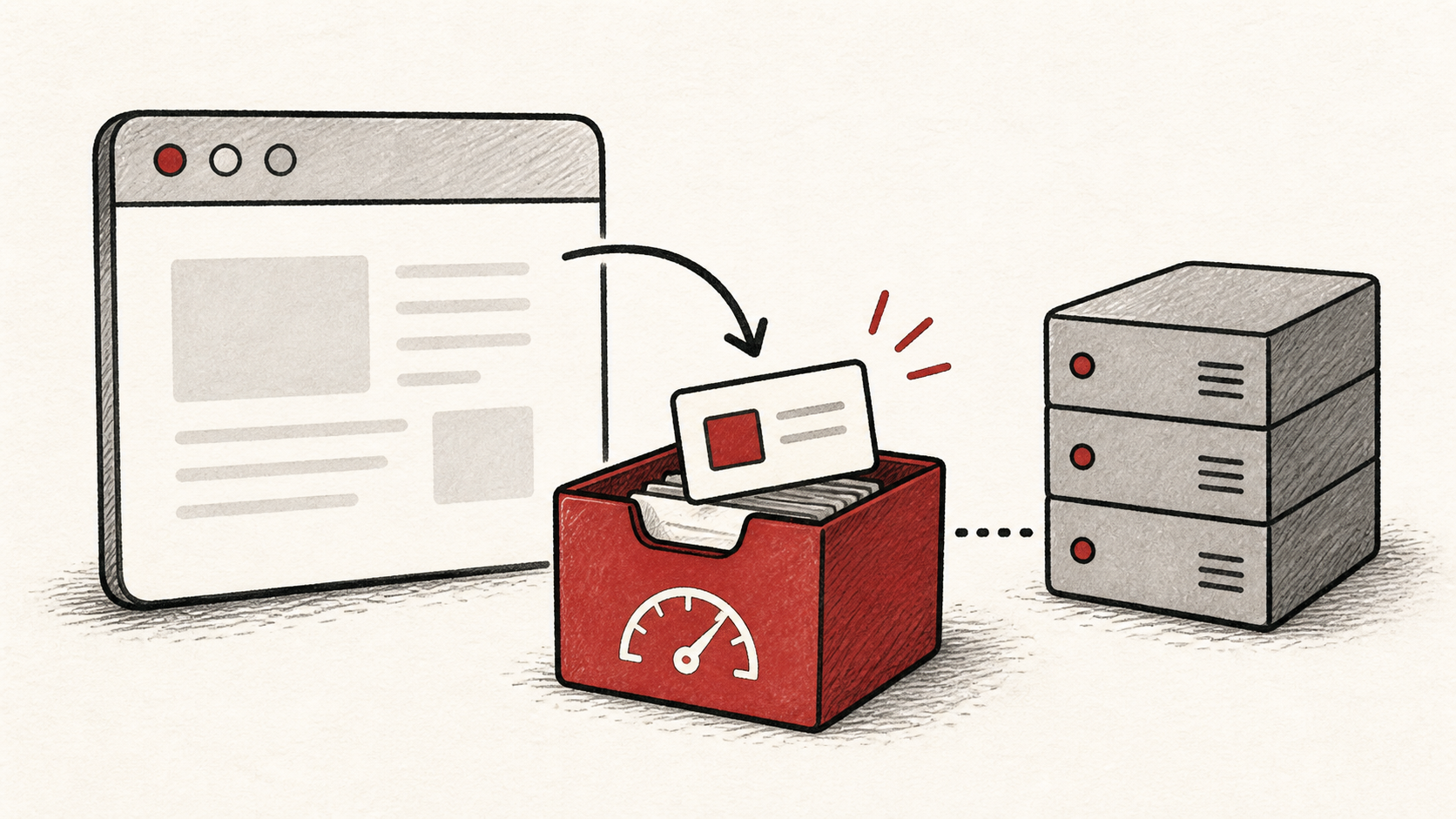
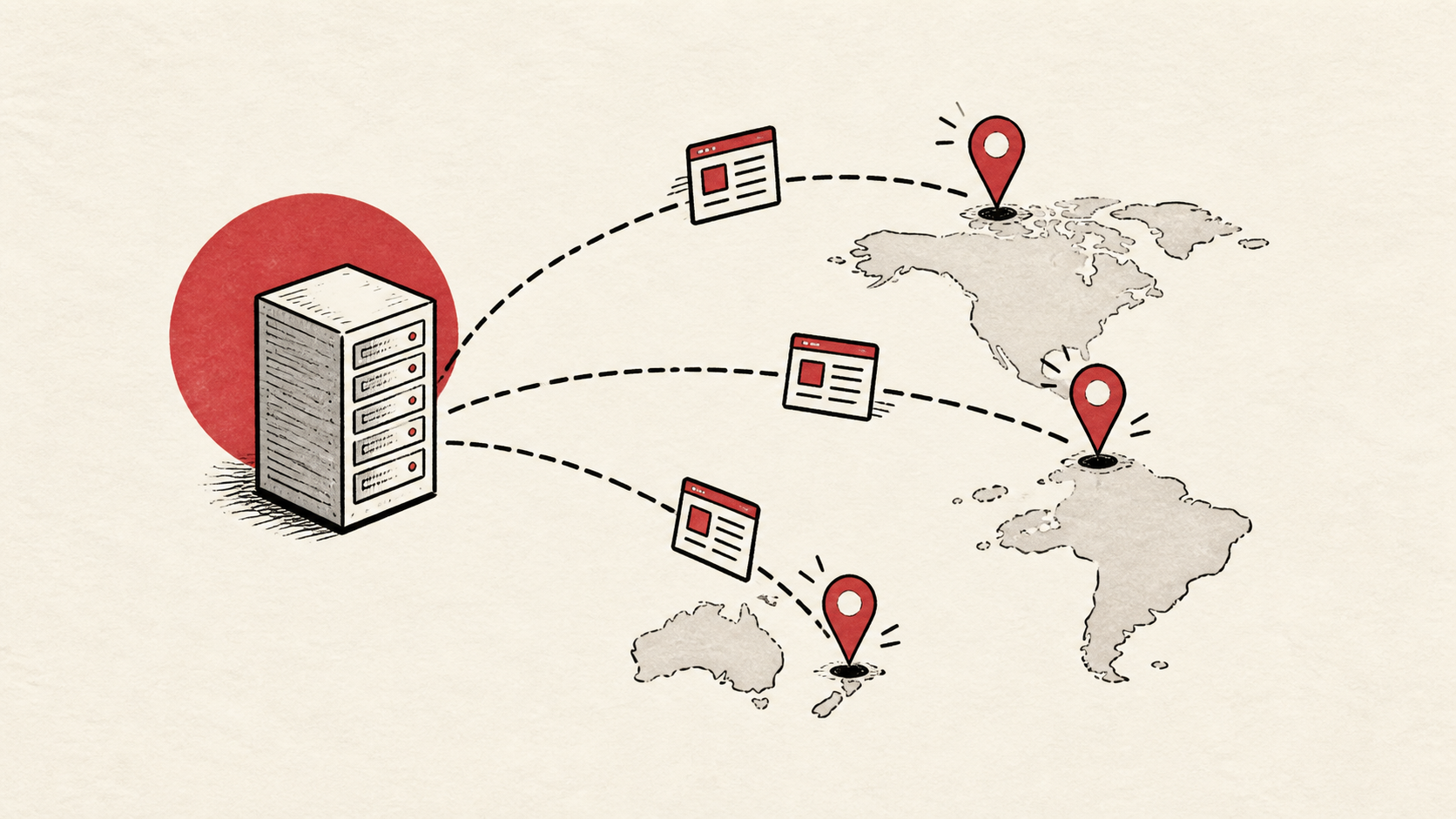
Optimized images still travel on every request unless something caches them. Long cache lifetimes let returning visitors skip the download entirely, and a CDN serves your images from locations near each visitor while offloading the bandwidth from your plan; our guide to CDNs for small sites covers the setup.
Together, small files plus caching is why a modest shared plan can serve a surprisingly image-heavy site.
Verify on real pages
Verify the results where visitors actually land: the homepage, a product or article page, and anything image-heavy. A cache can make the homepage fast while interior pages still do the hard work every time.
Rerun your original measurement and record the before-and-after numbers. That record tells you whether the next complaint about speed is regression or memory.
Bottom line
Image optimization pays twice, in faster pages and a smaller hosting footprint: resize to display dimensions, compress images at a quality you cannot distinguish on the page, serve WebP, and automate the pipeline so it survives busy weeks. Measure before and after so the win is a number, not a feeling.
Frequently asked questions
Does WebP really make a difference?
Yes. The files are typically far smaller than equivalent JPEGs or PNGs at the same visible quality, and browser support has been universal for years. Since most plugins and CDNs serve it automatically with fallbacks, there is little reason to skip it in 2026.
How much should I compress images?
Until you can see the difference on the page, then one step back. For photos, a quality setting around 80 percent is a reliable starting point; screenshots and graphics often shrink further with lossless compression. Judge at real display size, not zoomed in.
Will image optimization lower my hosting bill?
It lowers the pressure that raises bills. Smaller files cut bandwidth and storage use, which keeps you inside plan limits and delays upgrades; with a CDN in front, most image traffic never touches your hosting plan at all.
Should I optimize images already on the site?
Yes, largest files first. Most plugins can bulk-optimize an existing library, but run a full backup before you start and check whether the tool keeps originals: some keep both versions, which can double the storage images use while your inode count climbs. On a big library, work in batches during a quiet hour so the job does not trip CPU limits mid-run.
About the author
Matthew Zhao
Matthew has spent his career running production server fleets — tens of thousands of machines' worth. He writes about hosting the way he wishes someone had explained it to him: plainly.
About Hosted EZ →Get the next guide in your inbox
One email when we publish something worth your time. No spam, unsubscribe whenever.