Build a Website Security Update Policy You Can Stick To
A security update policy you can keep: which software security updates need same-day action, a realistic patching schedule, and safe testing.
By Matthew Zhao · Editor, Hosted EZ
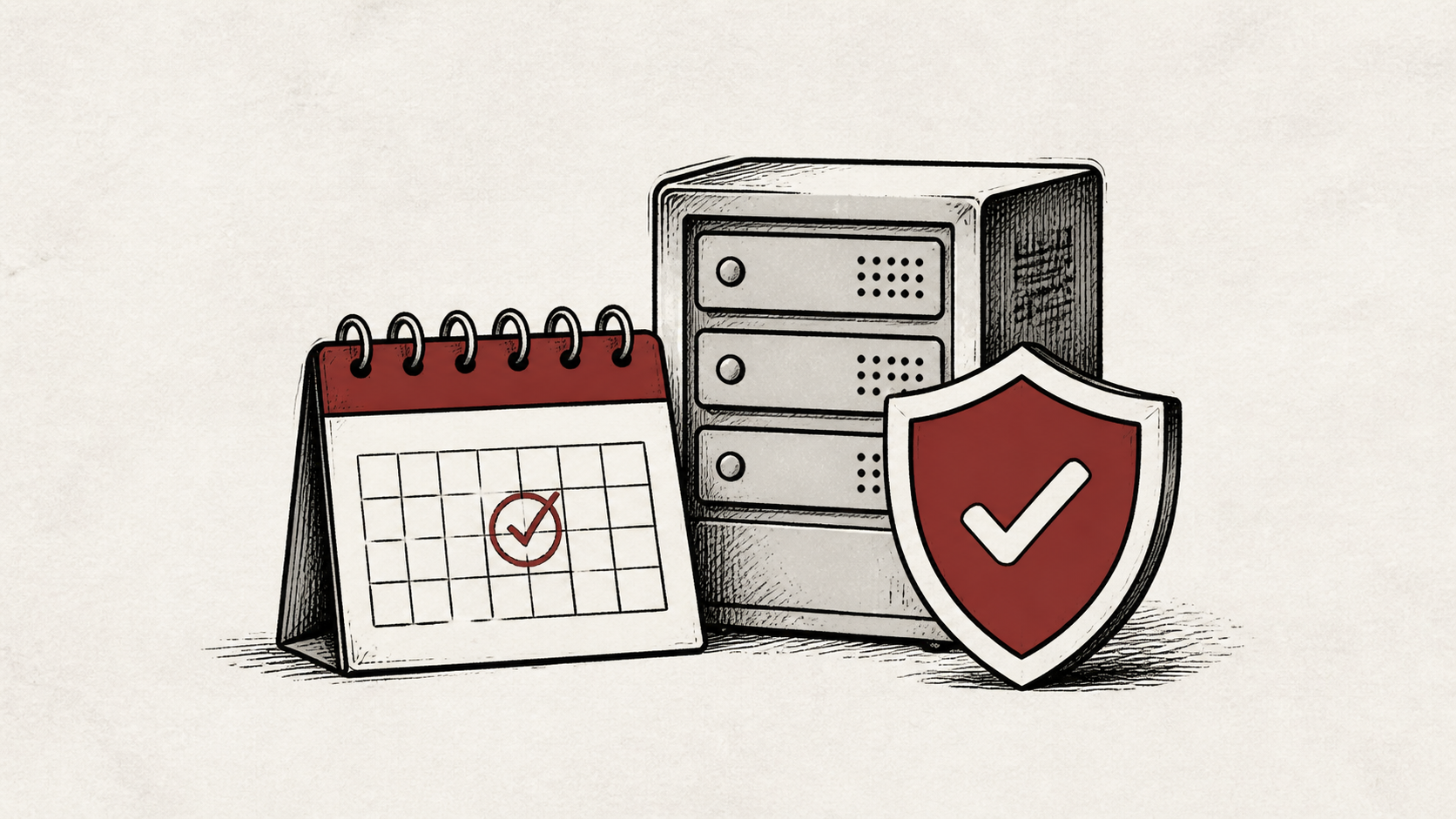
A security update policy is a short written rule for what gets updated, when, and by whom — and a written rule beats good intentions every time a busy week hits. This guide shows how to set a patching schedule you will actually keep, which software security updates deserve same-day attention, and what to check before and after each one.
Read how to choose a web host if you are still picking the broader setup, and our guide to migrating hosts without downtime before changing live infrastructure.
What your security update policy should cover
List what you are responsible for updating: the CMS, plugins and themes, the PHP version, and anything your host does not patch for you. The policy only protects what is on the list, so write the list first.
Then protect the account that can change DNS, billing, and server access. Use a unique password and multi-factor authentication where available — no application update can compensate for a stolen control-panel login.
Set a patching schedule you can keep
Keep backups outside the production account and practice a restore before you adopt the schedule. Every update relies on that safety net, and a backup that has never been opened is a hope, not a recovery plan.
Then pick a cadence you will honor: a monthly window for routine updates, same-day for security releases in anything that faces the internet. A modest schedule you follow beats an ambitious one you skip.
Decide the automatic-update question deliberately rather than by default. Auto-applying minor releases and security fixes is a fair trade for a site nobody checks daily; the occasional bad patch costs less than a month-old known flaw. Keep major version upgrades manual, because those are the ones that change behavior, and write the decision into the policy so the next person knows which updates arrive on their own.
If the site runs WordPress, core and plugin updates are the front line — the common way small sites get hacked is old software with a known, already-patched flaw. Our WordPress updates checklist covers the safe order.
Test after you patch
After each update, test the path with the most consequence: checkout for a store, the inbox for a form, login for a membership site. A test should answer one question rather than produce a vague impression.
When an incident happens anyway, preserve the evidence, restrict access, and work from a known-good copy. Avoid a string of unexplained changes that destroys the trail you need to understand the problem.
When to stop and ask for help
Stop when the next action could overwrite data, change production mail, or remove access to the account. Send support the domain, time in UTC, exact error, and the updates you applied. Include a screenshot when it shows the error, but never private keys, passwords, or payment information.
Let's Encrypt's documentation has useful background on certificates, one piece of the update surface that renews on its own schedule. Use it to understand the terms, then return to the small, reversible next step.
A sensible maintenance habit
Log each update in a dated note: what you patched, the version, and the test result. A security update policy survives on this record — it is also how you notice a plugin that has not shipped a fix in a year, which is its own warning sign.
Keep the change auditable
Keep before-and-after versions in the note: what was installed, what replaced it, and when. If something breaks two weeks later, this is what separates "the update broke it" from "something else did."
Do not confuse the dashboard's green checkmarks with the live site. An updater can report success while the site serves an error. Test from outside the account after each patching window.
If you hand the routine to someone else, give them the log rather than a verbal summary. The dated list of versions and results is the whole context they need.
One last check
Before closing the window, load the site the way a visitor would and repeat the one action that matters most. A quiet confirmation now is much easier than discovering a broken checkout during a sale.
Leave a useful handoff
Save the update log where the next person can find it. If someone covers a vacation week, they should see the schedule and the last known-good versions without archaeology.
Bottom line
A security update policy works when it is small enough to keep: a short list of what you patch, a monthly window, a same-day rule for security releases in internet-facing software, and a tested backup before each round.
Frequently asked questions
Should I apply every software security update immediately?
No — same-day for security releases in internet-facing software, the monthly window for the rest. Apply one at a time where you can, test, and keep a backup of the previous state until things are stable. An actively exploited flaw jumps every queue.
What should I tell hosting support after a failed update?
The domain, exact URL or service, UTC time, error text, and which update you applied. That is usually enough for support to find the relevant logs.
Should I back up before running updates?
Yes. Download or verify a recent backup before edits that affect files, databases, email, DNS, or software versions — the whole policy assumes you can step back.
How do I find out about security releases in time?
Let the software tell you. Most CMS dashboards flag security releases separately from feature updates, and the major projects run low-volume security mailing lists worth subscribing to. For plugins, the changelog is the signal: any update described as a security fix jumps to the same-day rule, no matter how minor the version number looks.
About the author
Matthew Zhao
Matthew has spent his career running production server fleets — tens of thousands of machines' worth. He writes about hosting the way he wishes someone had explained it to him: plainly.
About Hosted EZ →Get the next guide in your inbox
One email when we publish something worth your time. No spam, unsubscribe whenever.


