WWW vs Non-WWW: Pick One and Redirect the Other
WWW vs non-www is a choice you make once: pick a canonical domain, set one permanent redirect, and check the certificate covers both names.
By Matthew Zhao · Editor, Hosted EZ
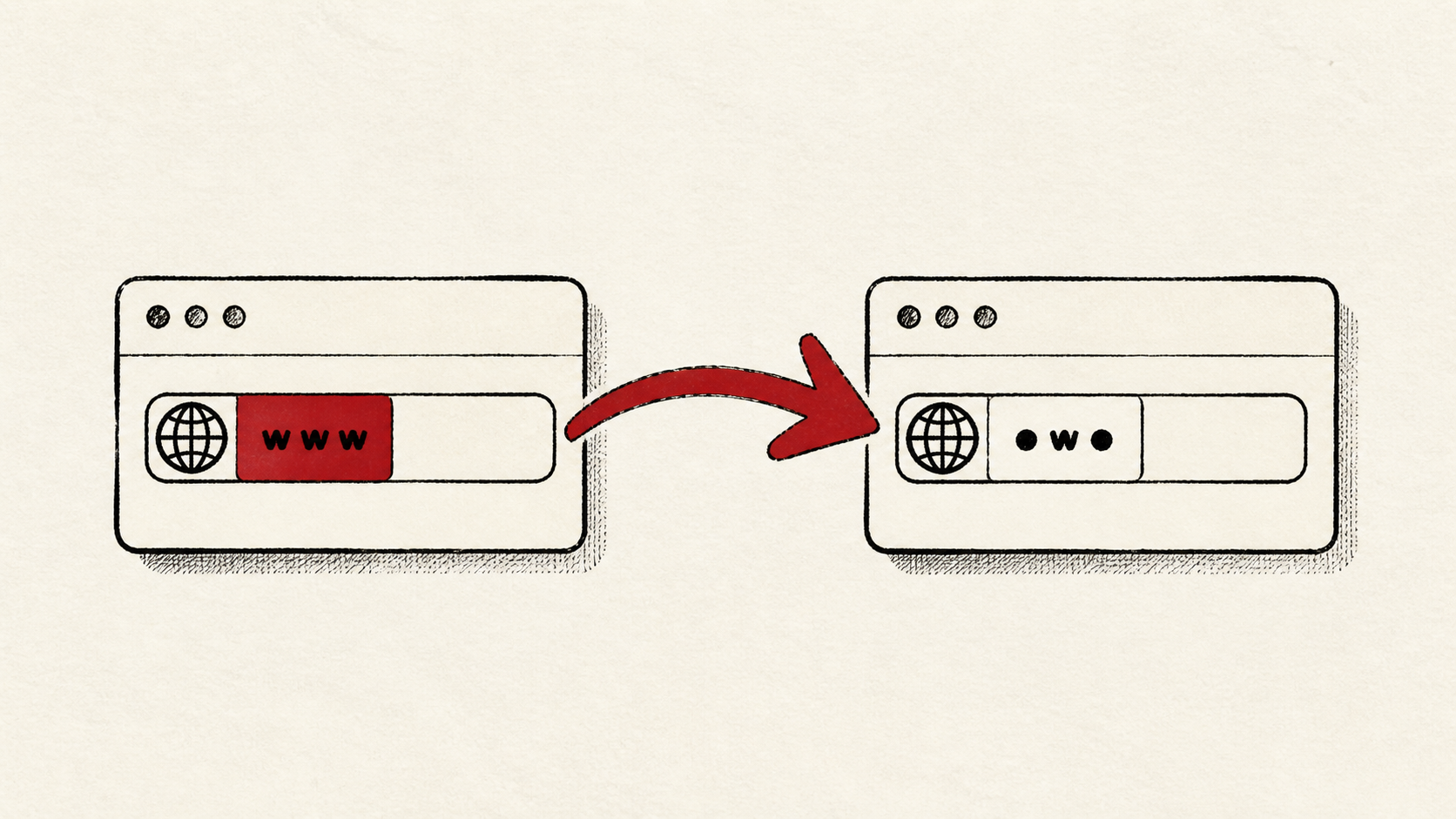
The www vs non-www choice matters less than actually making it: search engines treat the two as different addresses, so serving both without a redirect splits links and analytics across two copies of your site. Pick one canonical domain, redirect the other to it permanently, and the question is settled for good. This guide covers the decision and the DNS and certificate details that trip people up.
This guide focuses on the checks a small-site owner can make safely, and points out where a host, registrar, or DNS provider needs to take over. Read how to choose a web host if you need the broader setup, and how to migrate hosting without downtime before changing live infrastructure.
WWW vs non-www: pick your canonical domain
Keep the registrar login, DNS provider login, and hosting login straight — they may be the same company, but they are different jobs, and this change can involve all three. Then choose: non-www is shorter; www gives DNS a little more flexibility on some providers. Either works. Consistency is the entire point.
The flexibility point is a real one. Under DNS rules, the bare domain generally cannot be a CNAME — the alias-style record many CDNs and platforms ask you to point at them. www can. Some DNS providers work around this with flattened or ALIAS records at the bare domain; if yours does not, www is the version that plays nicely with a CDN.
Record which version your site already ranks and gets linked under before deciding. Switching the established one throws away redirect-free links for a cosmetic preference.
Set up the www redirect
Record the current DNS values before you edit anything. Both hostnames need a DNS record — the bare domain and www — and the www redirect itself happens at your host or CDN, not in DNS. One permanent redirect (a 301, in server terms), from the version you rejected to the canonical one.
Check the certificate covers both names before turning the redirect on. A certificate for only one of them greets half your visitors with a security warning before the redirect can even run. See our free SSL certificate guide if you need one that covers both.
Test the result like a visitor
Test all four doors: http and https, www and non-www. Each should end at the same canonical address with a valid certificate. Make DNS changes one at a time, then confirm them with an independent lookup — a browser can keep an older answer in cache.
Test the normal path first, then the part that has the most consequence. If email runs on this domain, confirm mail still arrives after any DNS edits. A test should answer one question rather than produce a vague impression.
When to stop and ask for help
Stop when the next action could touch mail records or remove access to the account. Send support the domain, the redirect you intend, UTC time, and the changes made so far. Include a screenshot when it shows the error, but never credentials.
The naming machinery underneath is DNS, and ICANN's DNS overview is a solid neutral primer. Use it to understand the terms, then return to the small, reversible next step.
A sensible maintenance habit
Write down the canonical choice, where the redirect lives, and the date. The www vs non-www question resurfaces every time a CDN, certificate, or host changes, and a dated note turns that moment into a lookup instead of an investigation.
Keep the change auditable
Keep a short before-and-after record: the DNS values you found, the redirect you added, the exact time, and the TTL. If a record has a delay, write the time you expect the new answer to be visible.
Do not confuse the DNS panel with evidence from the live site. The panel can accept a record while visitors still receive the old answer for hours. Test from outside the account, and use a second connection if a cached answer could mislead you.
If you hand this to someone else, give them the record rather than a conclusion. "The redirect is broken" is hard to investigate. "www stopped redirecting after the certificate renewal on this date" gives the next person a useful starting point.
One last check
A day later, test the four variants again in a private browser window. Certificate renewals and CDN changes are where www redirects quietly die, and a quiet confirmation now beats discovering the problem in a traffic graph.
Leave a useful handoff
Save the canonical choice and the redirect's location with the site's other records. Anyone touching DNS later should be able to see the intended setup without reverse-engineering it from behavior.
Bottom line
WWW vs non-www has no wrong answer, only an unmade decision. Pick one version, redirect the other to it permanently, make sure the certificate covers both names, and retest whenever the certificate or CDN changes.
Frequently asked questions
Should I change the redirect and DNS records at the same time?
No. Change one at a time — make sure both hostnames resolve first, then add the redirect — and keep the previous values until the result is stable.
What information should I give hosting support?
Give the domain, both hostnames, UTC time, what you expected against what happened, and steps already tried. That is usually enough for support to find the relevant configuration.
Should I keep a backup before changing redirects or DNS?
Yes. Record the existing DNS values and redirect rules before editing — for DNS, the backup is a copy of every record, and it is what gets you back in minutes.
About the author
Matthew Zhao
Matthew has spent his career running production server fleets — tens of thousands of machines' worth. He writes about hosting the way he wishes someone had explained it to him: plainly.
About Hosted EZ →Get the next guide in your inbox
One email when we publish something worth your time. No spam, unsubscribe whenever.


