Ecommerce Security Basics That Reduce Fraud Risk
Ecommerce security for small stores: protect the money routes, keep card data with your processor, and add fraud prevention that fits.
By Matthew Zhao · Editor, Hosted EZ
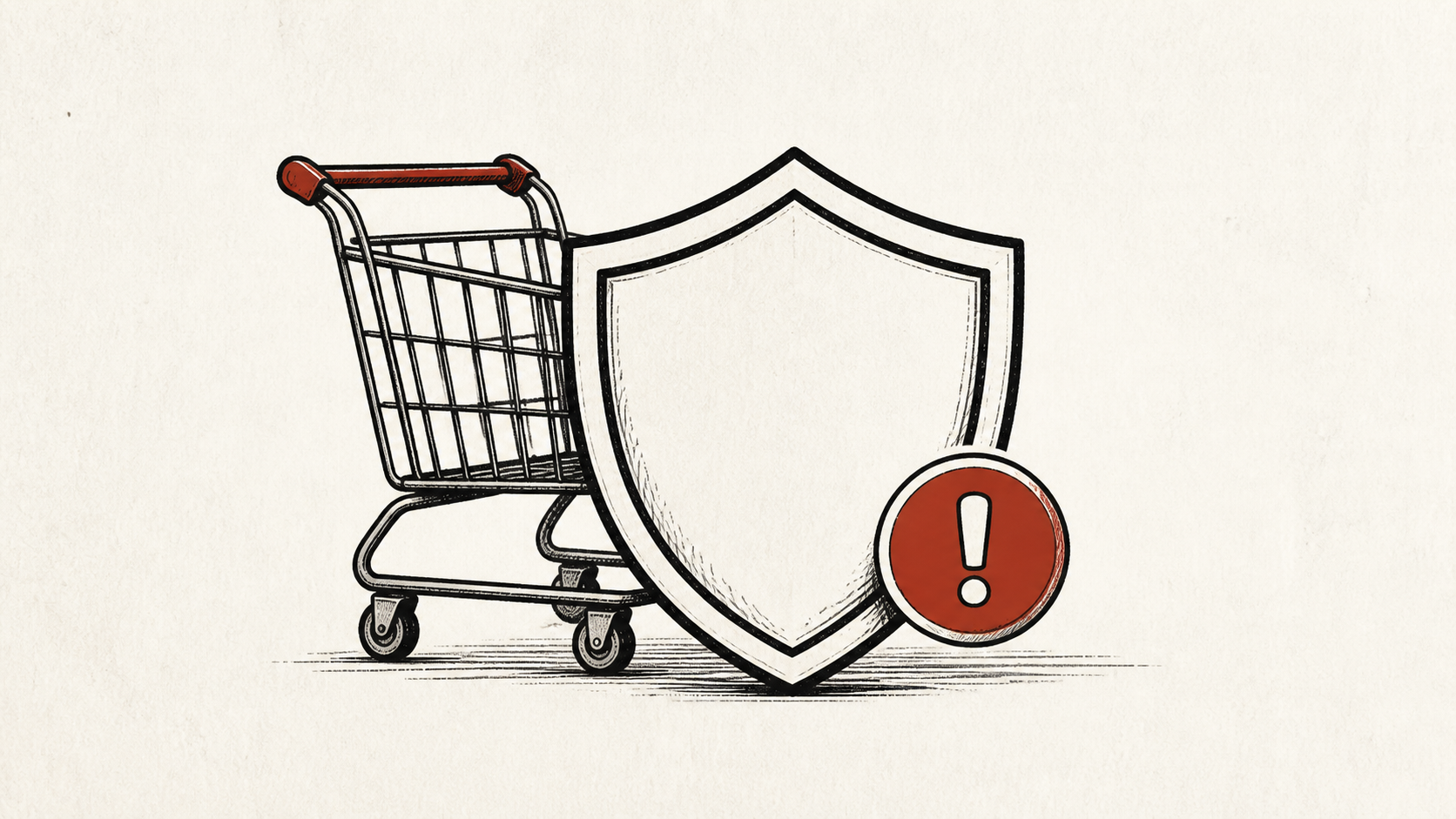
Ecommerce security for a small store comes down to two jobs: keep strangers out of the accounts that touch money, and keep card data off your own server. Fraud prevention is the third layer on top, and it works best when the first two are boring and solid. This guide covers the basics that reduce fraud risk without turning you into a security team.
This guide focuses on the checks a store owner can make safely. It also points out where a host, platform, or payment provider needs to take over. Read how to choose a web host if you need the broader setup, and our guide to migrating without downtime before changing live infrastructure.
Ecommerce security starts at the money routes
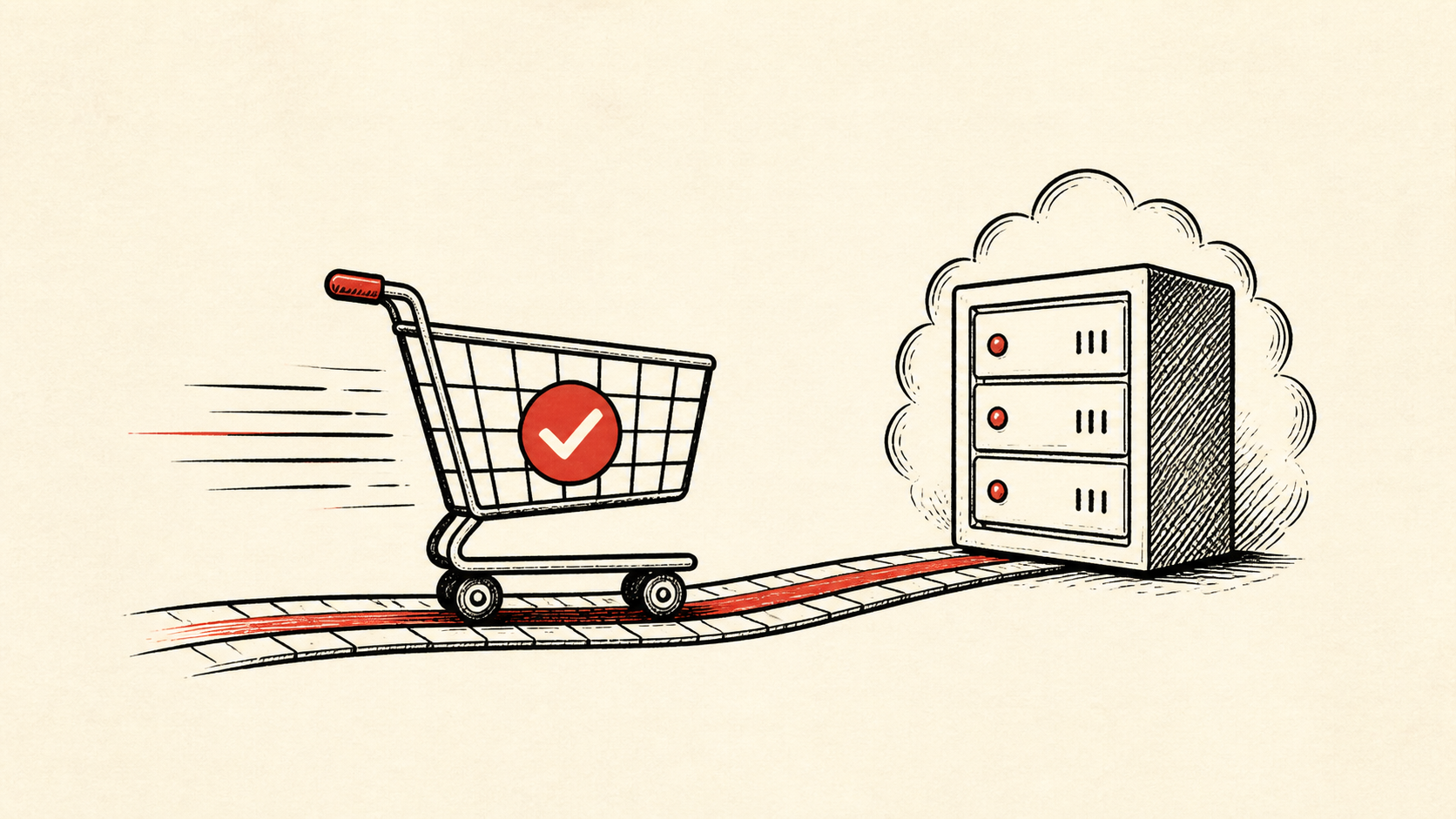
Protect the routes that make money: product pages, cart, login, checkout, payment callbacks, and order email. A store can have a fast homepage and still lose a sale, or leak an account, at the one page that matters. Put unique passwords and multi-factor authentication on every account that can reach those routes: platform admin, hosting, and the payment dashboard.
Make a short note with account names, domain names, and the URLs involved. Do not put passwords or recovery codes in the note.
Test changes on staging, not on shoppers
Stale extensions and rushed changes cause plenty of online store security incidents, so use a staging copy and a recent backup before changing extensions, payment settings, or caching rules. Test a realistic order with a safe payment method if your platform provides one.
Use a private browser window or a separate device after a change. That removes some of the confusion caused by cookies and cached redirects.
Set up ecommerce fraud prevention before a sale
Plan for a campaign before it begins. Alongside limits, monitoring, and a person who can act if the store slows down, review the fraud controls your platform and payment provider already include: address and card-code verification, velocity limits, and a review queue for odd orders. Ecommerce fraud prevention mostly means turning those on and deciding in advance who reviews the queue.
Waiting until a sale starts gives you very few good options, because loosening or tightening rules mid-rush is guesswork.
When to stop and ask for help
Stop when the next action could overwrite data, change production mail, or lock out an account. For suspected fraud, your payment provider's tools come first; for a suspected break-in, your host does. Send whichever one the domain, time in UTC, exact error, and the changes you made, but never full card numbers.
PCI compliance is narrower than it sounds for most small stores: when checkout hands card entry to your payment provider, most of the burden sits with them. PCI Security Standards Council guidance explains the scoping, and our post on PCI compliance and hosting covers your host's share of it.
A sensible maintenance habit
Put the final configuration and the result in a short maintenance note. Ecommerce security settings drift because nobody remembers which rule was added after which scare. A dated note turns the next incident into a lookup instead of an investigation.
Keep the change auditable
Use a short before-and-after record. Write the setting you found, its old value, the exact time you changed it, and the result of the test. If the change has a delay, such as a cache expiry, write the time you expect the new behavior to be visible. This record is useful even when everything works; a few months later, it tells you why a rule has an unusual value.
Do not confuse an account dashboard with evidence from the live store. A dashboard can show a rule as enabled. The order flow still needs to behave the way you intended. Test from outside the account, and use a second connection if a cached answer could mislead you.
If you hand the task to someone else, give them the record rather than a conclusion. "We are seeing fraud" is hard to investigate. "Chargebacks started after this date, on this product, from these regions" gives the next person a useful starting point.
One last check
Before you close the task, place a test order the way a shopper would, not only through the admin. If the result is different, note the difference and keep troubleshooting from that point. A quiet confirmation now is much easier than discovering a blocked checkout during a launch.
Leave a useful handoff
Save the final test result with the date and account involved. If someone else needs to revisit the store's security settings, they should be able to see what changed without reconstructing the whole incident from browser history.
Bottom line
Ecommerce security for a small store is multi-factor authentication on every money account, card entry handled by your payment provider, and fraud rules you reviewed before the traffic arrived. Keep evidence, protect your backups, and ask for help before a safe check turns into a locked-out account.
Frequently asked questions
Should I change every security setting at once?
No. Change one related setting, test it, and keep the previous value until you know the result is stable.
What should I send support after suspected fraud on my store?
Give the domain, the order or URL involved, UTC time, error text, and steps already tried, and never include full card numbers.
Should I back up before changing payment or security settings?
Yes. Download or verify a recent backup before edits that affect files, databases, email, DNS, or software versions.
About the author
Matthew Zhao
Matthew has spent his career running production server fleets — tens of thousands of machines' worth. He writes about hosting the way he wishes someone had explained it to him: plainly.
About Hosted EZ →Get the next guide in your inbox
One email when we publish something worth your time. No spam, unsubscribe whenever.