PCI Compliance and Hosting: What Store Owners Need to Know
PCI compliance and hosting overlap: what PCI DSS asks of a small store, which requirements your host carries, and how to shrink your scope.
By Matthew Zhao · Editor, Hosted EZ
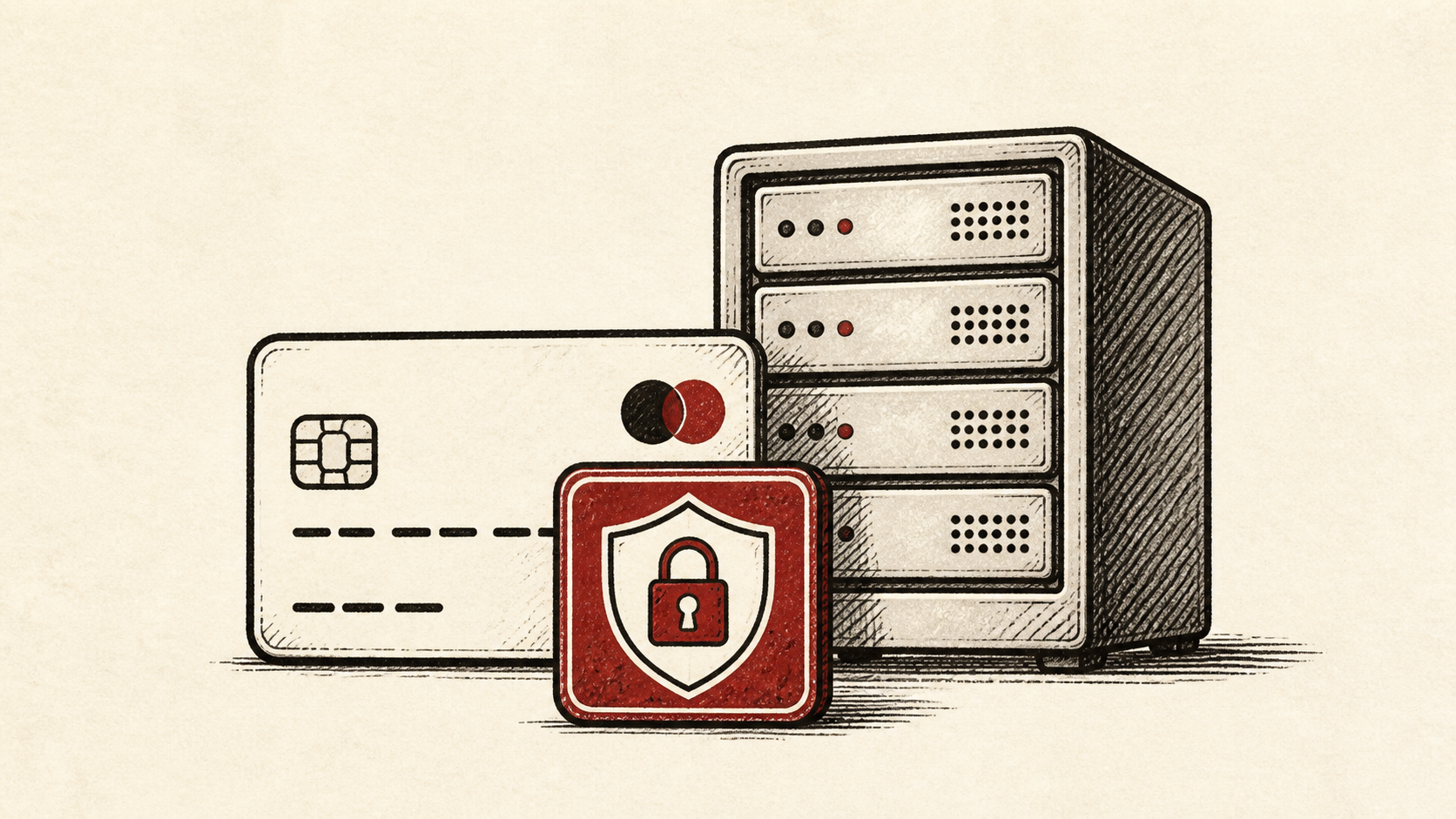
If your store takes card payments, PCI compliance and hosting are tangled together: the PCI DSS rules apply to your business, but your hosting provider controls part of the environment those rules cover. This guide explains what the standard asks of a small store, which parts a host can carry for you, and how to shrink the list by keeping card data out of your hands entirely.
The store still has to work while you tighten it. Read how to choose a web host if you need the broader setup, and our migration guide before changing live infrastructure.
What PCI DSS asks of a small store
PCI DSS — the Payment Card Industry Data Security Standard — is the card networks' rulebook for anyone who accepts, processes, or stores card data. For a small store the practical question is scope: the fewer places card numbers can touch, the shorter your list of requirements.
Most small stores never handle card numbers at all. If checkout hands payment to a processor's hosted page or embedded form, the heaviest requirements sit with the processor, and your side reduces to keeping your site and hosting environment honest.
What PCI-compliant hosting covers, and what stays yours
A host can carry the infrastructure side: patched servers, firewalls, TLS, isolation between accounts, and logging. No host can make your store compliant by itself, because payment security also lives in your software — the platform, extensions, and checkout flow are yours.
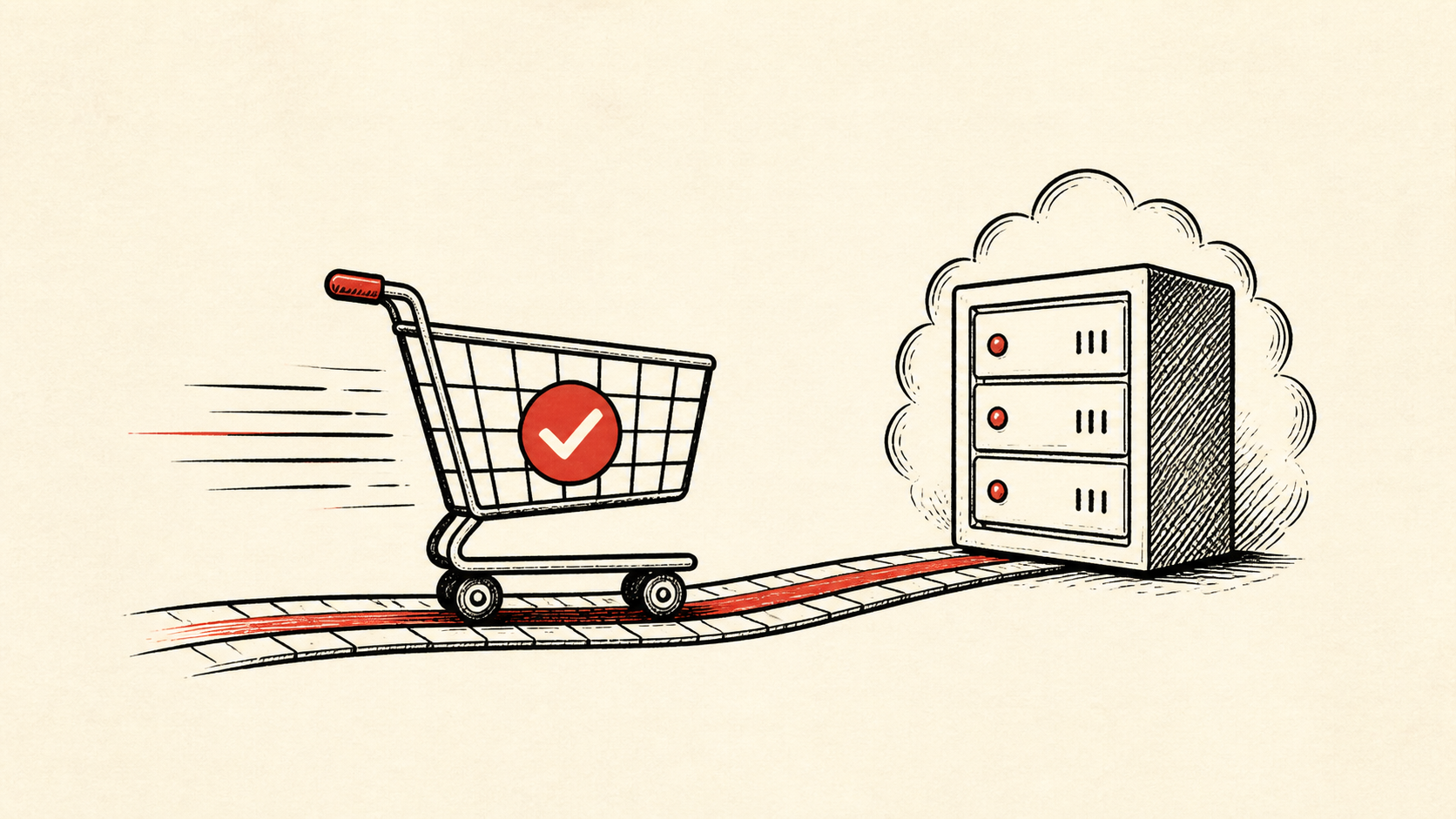
Protect the routes that make money: product pages, cart, login, checkout, payment callbacks, and order email. A store can have a fast homepage and still lose a sale, or leak data, at the one page that matters. Our ecommerce hosting requirements guide covers the baseline features to insist on.
Change payment settings the careful way
Use a staging copy and a recent backup before changing extensions, payment settings, or caching rules — caching a checkout page is a classic way to show one customer another's details. Test a realistic order with a safe payment method if your platform provides one.
Use a private browser window after each change. Cookies and cached redirects can hide exactly the kind of problem you are checking for.
When to stop and ask for help
Stop when the next action could touch live payment flow or customer data. Send support the domain, time in UTC, and the exact error — but never full card numbers, private keys, or passwords. Treat any page that displays card data as an incident, not a support ticket.
PCI Security Standards Council guidance has useful background on the standard itself: PCI Security Standards Council guidance. Use it to understand the terms, then return to the small, reversible next step.
A sensible maintenance habit
Keep a short, dated note of your payment setup: which processor holds card data, which plugins touch checkout, and when each was last updated. Compliance questionnaires repeat yearly, and the note turns the next one into a lookup instead of an investigation.
Keep the change auditable
Keep a before-and-after record for every change near checkout: the setting you found, its old value, the time you changed it, and the test result. The standard is fond of exactly this kind of evidence, and it is cheap to produce as you go.
Do not confuse a dashboard with the customer's experience. A panel can show a payment integration as active while the checkout page throws errors for real cards. Test from outside the account, with the payment method a customer would use.
If you hand the store to someone else, give them the record rather than a conclusion. "Checkout is broken" is hard to investigate. "Card payments fail since this plugin updated, with this error" gives the next person a useful starting point.
One last check
Before you close the work out, place a test order along the ordinary path a customer would take. Confirm the payment succeeds, the order email arrives, and no page along the way shows more card detail than the last four digits. A quiet confirmation now is much easier than discovering the missed detail during a sale.
Leave a useful handoff
Save the final configuration and test results with the date and accounts involved. Next year's compliance questionnaire — or the next developer — should be able to see how payments flow without reconstructing it from checkout screenshots.
Bottom line
Hosting and PCI compliance split the work: the host secures the infrastructure, the processor holds the card data, and you keep the software between them updated and tested. Keep card numbers out of your systems, and the standard shrinks from a server-hardening project to a checklist you can actually finish.
Frequently asked questions
Does a PCI compliant host make my store compliant?
No. Hosting covers the infrastructure requirements, but compliance follows the card data through your whole checkout flow. A solid host plus a hosted payment page gets a small store most of the way; the software in between is still yours to maintain.
Do I need to change every payment setting at once?
No. Change one setting at a time, place a test order, and keep the previous value until you know the result is stable.
What should I send support during a payment problem?
Give the domain, exact URL, UTC time, and error text, with steps already tried. Never include full card numbers — support does not need them, and sharing them creates a new problem.
Should I back up before changing checkout settings?
Yes. Take a backup and use staging before edits that touch extensions, payment configuration, or caching. Checkout is the worst possible place to discover a bad change on live traffic.
About the author
Matthew Zhao
Matthew has spent his career running production server fleets — tens of thousands of machines' worth. He writes about hosting the way he wishes someone had explained it to him: plainly.
About Hosted EZ →Get the next guide in your inbox
One email when we publish something worth your time. No spam, unsubscribe whenever.