Ecommerce Hosting Requirements: What an Online Store Needs
Ecommerce hosting requirements explained: the capacity, SSL certificate, backups, and checkout checks an online store needs before picking a plan.
By Matthew Zhao · Editor, Hosted EZ
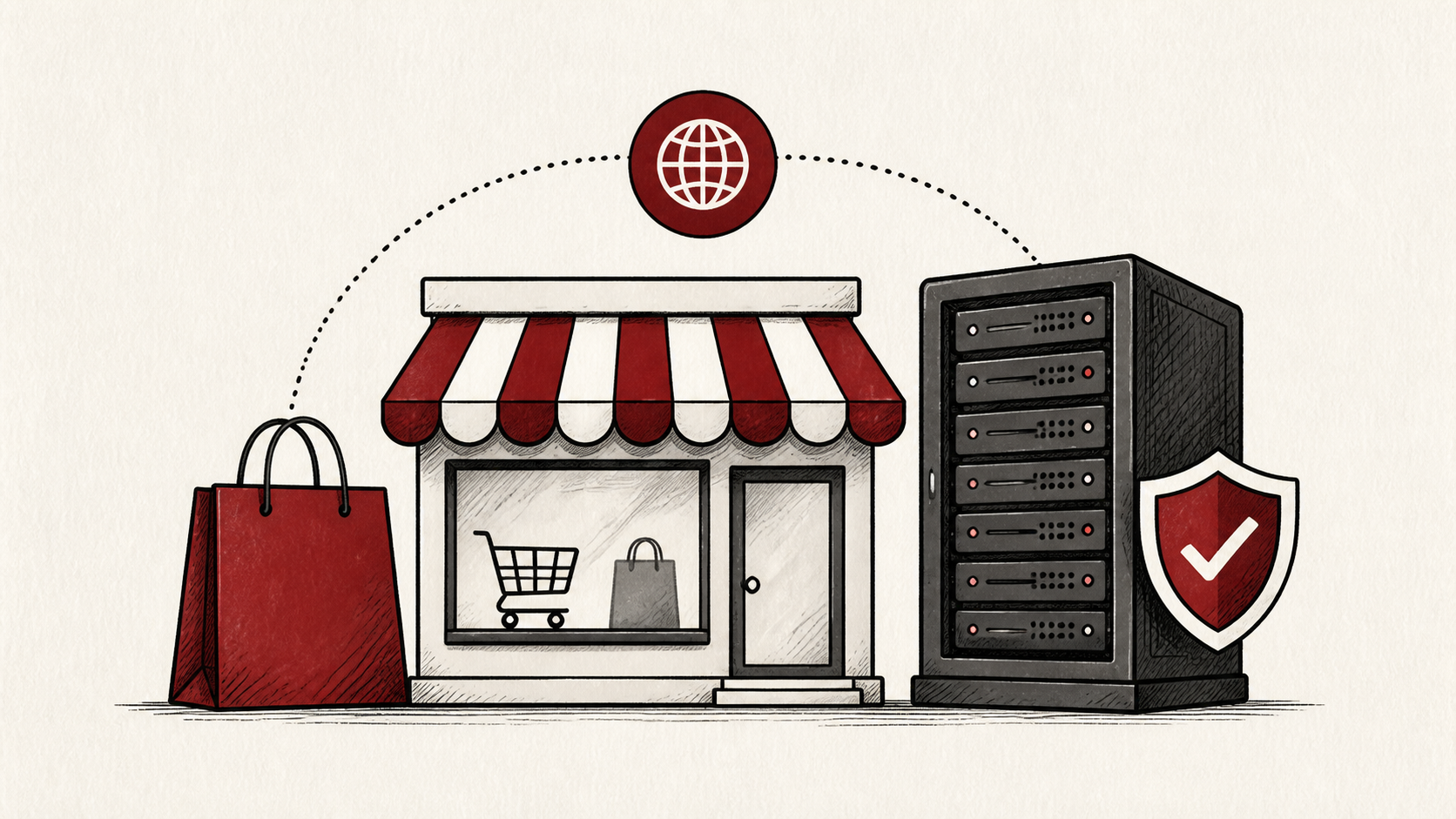
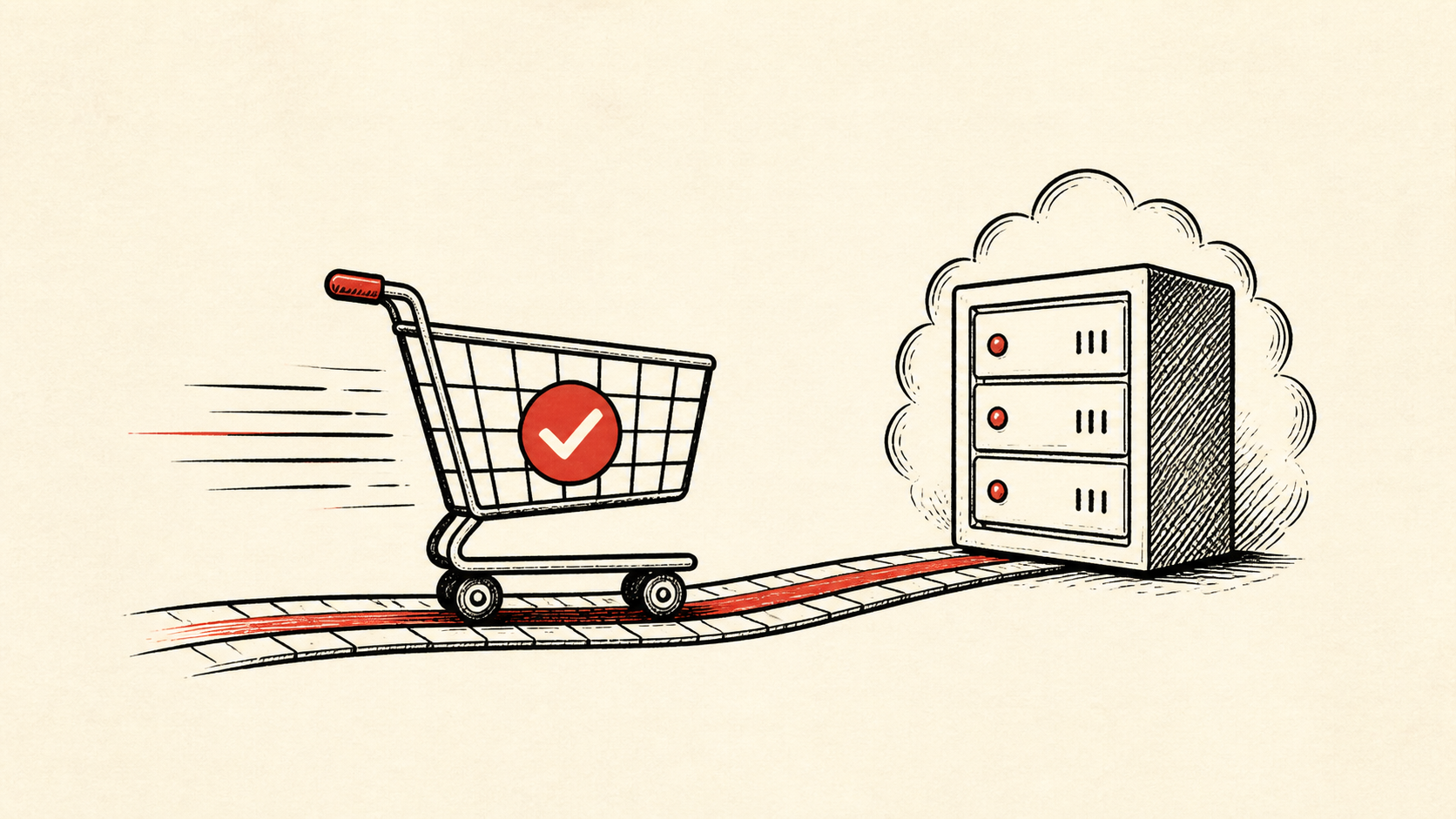
Ecommerce hosting has one job that ordinary hosting does not: keep a checkout working while money moves through it. This guide covers the requirements worth confirming before you pick a plan for an online store — capacity, an SSL certificate, backups, and a payment flow you have tested yourself — and a safe order for checking them.
It focuses on the checks a small-store owner can make without risking live orders, and points out where a host, payment provider, or developer should take over. Read how to choose a web host if you are still comparing providers, and our migration guide before moving a live store.
Start with an inventory of the money pages
Protect the routes that make money: product pages, cart, login, checkout, payment callbacks, and order email. A store can have a fast homepage and still lose a sale at the one page that matters. Online store hosting is judged at those routes, not at the marketing pages.
Make a short note with account names, domain names, your platform version, and the plan you are on today. Do not put passwords or recovery codes in the note. You want enough detail to retrace the setup without creating a new security risk.
The ecommerce hosting requirements that matter
Four ecommerce hosting requirements cover most stores in 2026. Enough CPU and memory that a product launch does not hit plan limits. An SSL certificate, which encrypts checkout traffic and comes free with most plans. Daily backups that include the order database, not only the files. And PHP and database versions your platform officially supports.
Price is the least useful filter. Small stores run well on plans in the same broad range as ordinary business sites; what you are paying for is headroom and recovery, not the plan name.
Verify each requirement instead of taking the plan page's word for it. Most control panels show a resource graph — read it during your busiest recent week, not a quiet one. Then ask support two specific questions: what happens when the plan limit is reached, throttling or a hard stop, and whether you can run a backup restore yourself. The answers separate a plan that survives a launch from one that only advertises it.
Test the checkout like a customer
Use a staging copy and a recent backup before changing extensions, payment settings, or caching rules. Test a realistic order with a safe payment method if your platform provides one.
Test the normal path first, then the part with the most consequence — for a store, that is checkout. Use a private browser window after a change so cookies and cached redirects do not mislead you.
When to stop and ask for help
Stop when the next action could overwrite order data, change production mail, or remove your access to the account. Send support the domain, time in UTC, exact error, and the changes you made. Never paste card numbers or full payment details into a ticket.
PCI Security Standards Council guidance has useful background on the payment-security standards behind these requirements. Use it to understand the terms, then return to the small, reversible next step.
A sensible maintenance habit
Put the final configuration in a short maintenance note: the plan you chose, the limits you confirmed, and when the certificate renews. Hosting problems repeat because nobody remembers which account owns a setting. A dated note turns the next incident into a lookup instead of an investigation.
Keep the change auditable
Use a short before-and-after record when you adjust a hosting setting. Write the setting you found, its old value, the exact time you changed it, and the result of the test. A few months later, it tells you why a value looks unusual.
Do not confuse an account dashboard with evidence from the live store. A dashboard can show that it accepted a deployment; the customer still needs to receive the page, the certificate, and the order email. Test from outside the account, and use a second connection if a cached answer could mislead you.
One last check
Before you call the setup finished, place a test order the ordinary way a customer would, not only through the admin dashboard. If the result differs from what the dashboard claims, note the difference and keep troubleshooting from that point. A quiet confirmation now is much easier than discovering a gap during a launch.
Leave a useful handoff
Save the final test result with the date and account involved. If a developer picks up the store later, they should be able to see what the hosting covers without reconstructing it from billing emails.
Bottom line
Ecommerce hosting comes down to capacity, an SSL certificate, tested backups, and a checkout you have verified yourself. Confirm those requirements before a plan change, keep evidence of what you changed, and ask support before a safe step turns into a data-loss risk.
Frequently asked questions
Do I need to change my store's hosting all at once?
No. Change one related setting, test a checkout, and keep the previous value until you know the result is stable.
What information should I give hosting support?
Give the domain, exact URL or service, UTC time, error text, and steps already tried. That is usually enough for support to find the relevant logs.
Should I keep a backup before changing ecommerce hosting settings?
Yes. Download or verify a recent backup — files and the order database — before edits that affect files, databases, email, DNS, or software versions.
Do I need a dedicated IP or a special ecommerce plan?
Usually not. Modern SSL works fine on a shared IP, and most payment providers handle card data on their own servers, so an ordinary plan with enough capacity and tested backups covers a small store. Upgrade when the resource graph shows you brushing against limits, not because a plan has ecommerce in its name.
About the author
Matthew Zhao
Matthew has spent his career running production server fleets — tens of thousands of machines' worth. He writes about hosting the way he wishes someone had explained it to him: plainly.
About Hosted EZ →Get the next guide in your inbox
One email when we publish something worth your time. No spam, unsubscribe whenever.