Ecommerce Traffic Spikes: Preparing Your Store for the Holiday Rush
Ecommerce traffic spikes punish unprepared stores. How to cache, confirm capacity, and monitor before holiday and Black Friday traffic hits checkout.
By Matthew Zhao · Editor, Hosted EZ
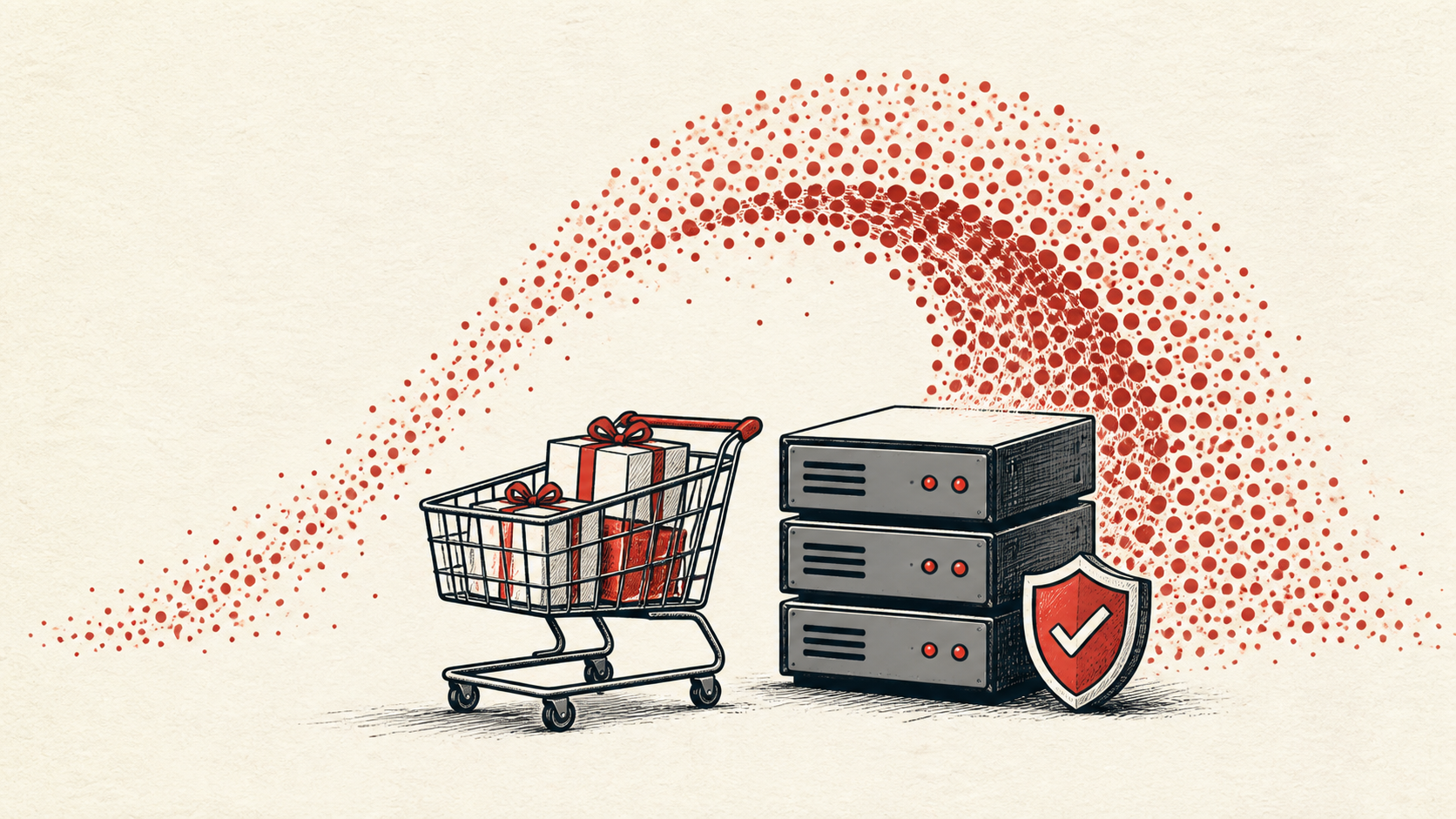
Ecommerce traffic spikes are mostly predictable: a sale, an email blast, a holiday. What is unpredictable is how your hosting behaves when one arrives. This guide covers how to prepare a store before the rush — capacity, caching, monitoring, and a person who can act if checkout slows down.
It focuses on the checks a small-store owner can make safely, and points out where a host or developer should take over. Read how to choose a web host if your current plan cannot grow with you, and our migration guide before changing live infrastructure.
Know where ecommerce traffic spikes hit first
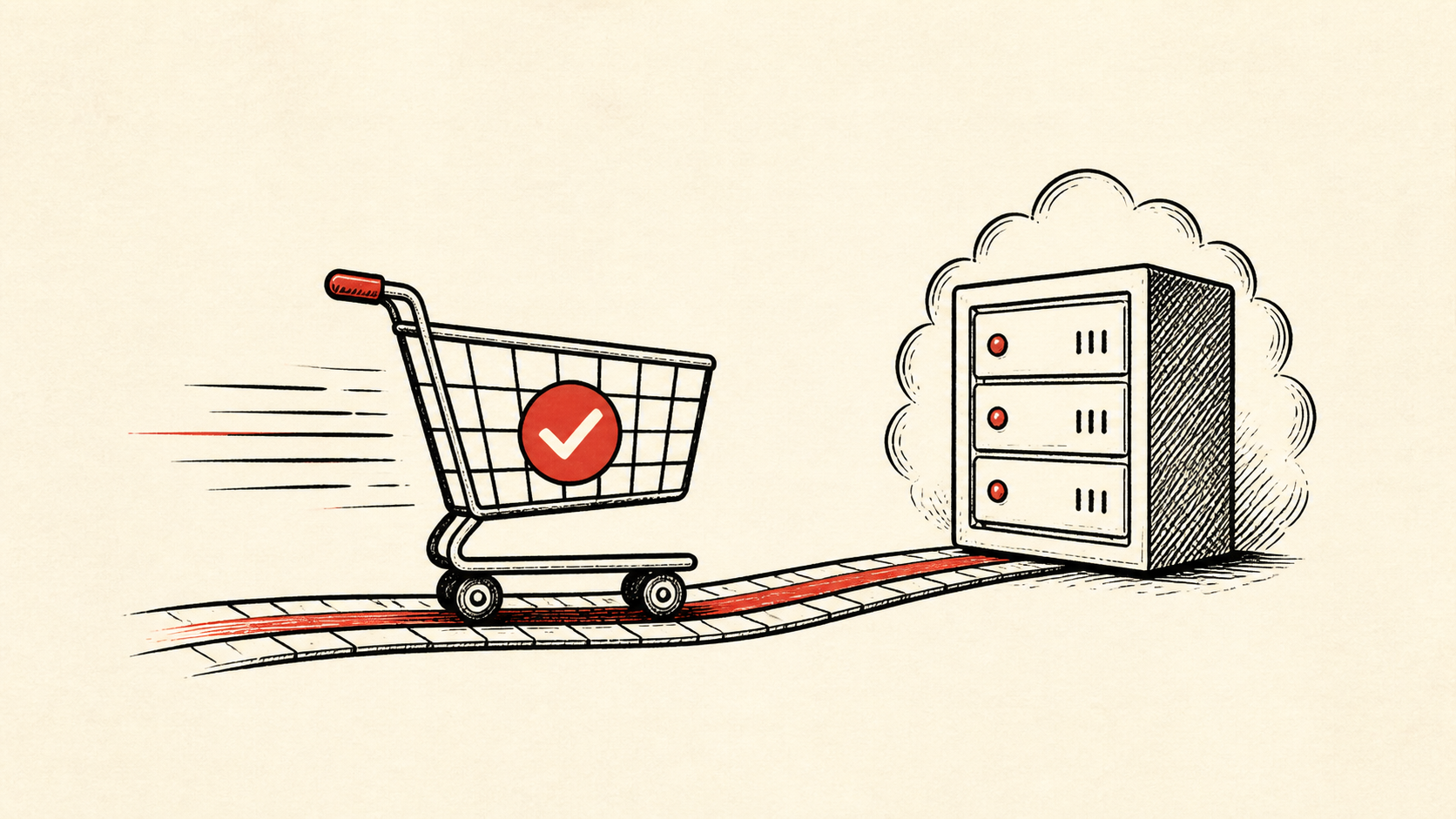
Ecommerce traffic spikes concentrate on the routes that make money: product pages, cart, login, checkout, payment callbacks, and order email. A store can have a fast cached homepage and still lose sales at checkout, which cannot be cached and does the most work per visitor.
Make a short note of your plan's CPU, memory, and connection limits, and the last time the store was genuinely busy. That baseline tells you how much headroom you actually have.
Prepare before the holiday traffic arrives
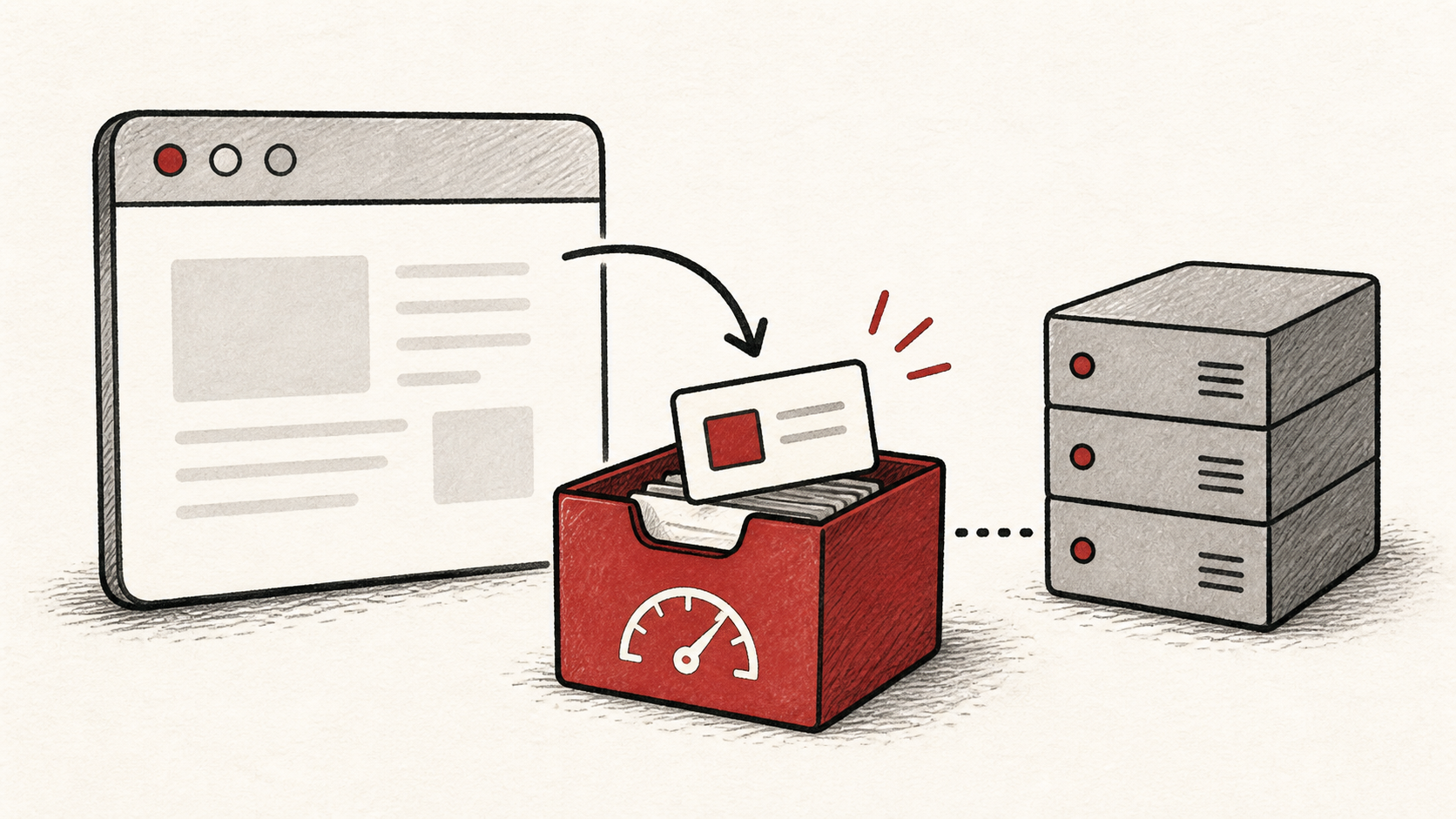
Plan for traffic before a campaign begins. Confirm plan limits, cache as many pages as your platform allows, and agree on who acts if the store slows down. Waiting until Black Friday traffic is already arriving leaves you very few good options.
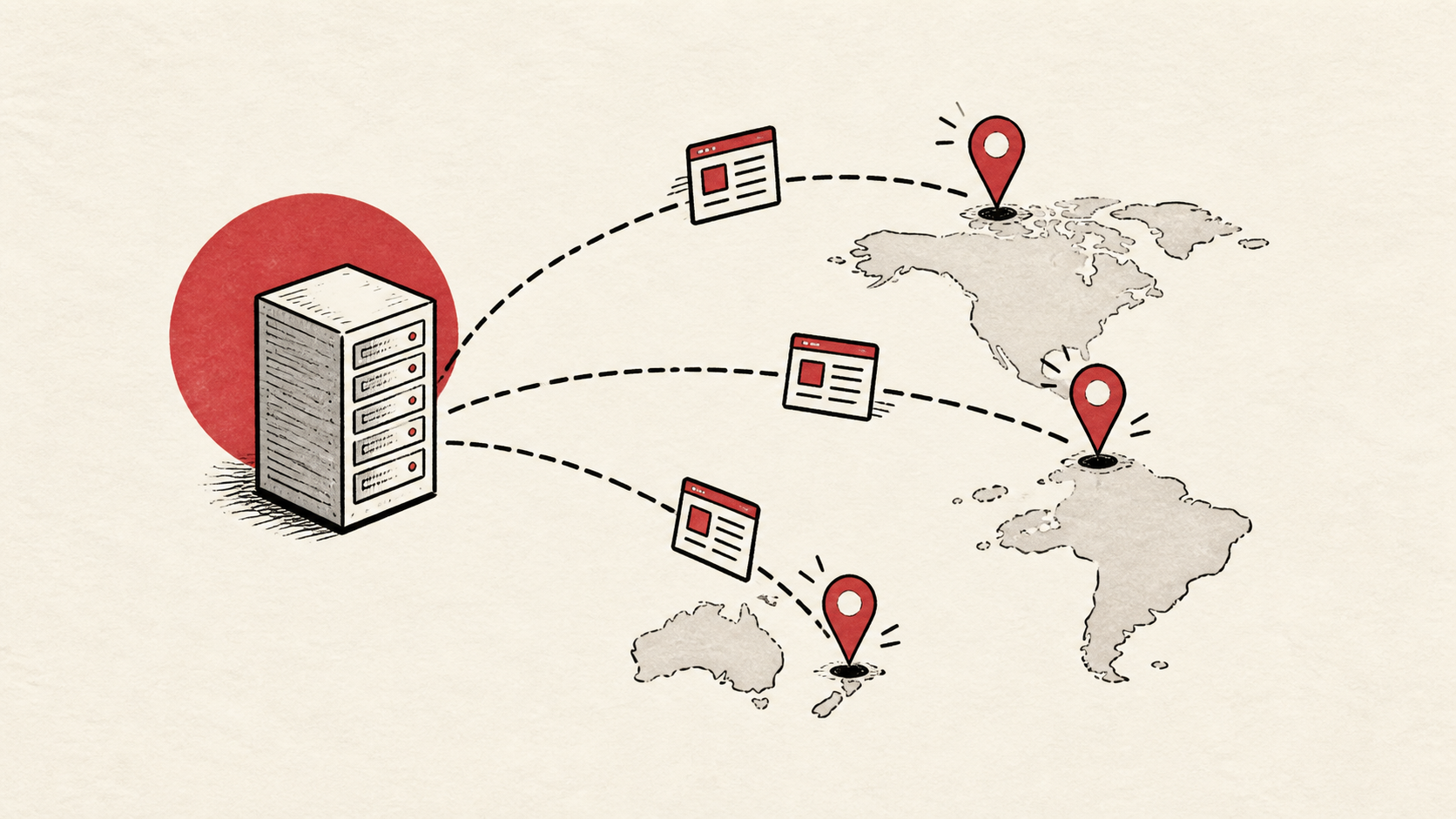
Ask your host one specific question ahead of time: what happens when the plan limit is reached — throttling, a queue, or a hard error page. The answer shapes the rest of your preparation. Offloading product images and static pages to a CDN buys real headroom cheaply, and pausing heavy admin reports and low-value background jobs during the sale frees capacity for checkout, which cannot be cached.
Use a staging copy and a recent backup before changing extensions, payment settings, or caching rules. The week before a sale is the wrong time to discover a bad update at checkout.
Point monitoring at the pages that earn money
Set up uptime monitoring on the checkout and cart, not only the homepage, and make sure alerts reach a person who can act. During a spike, minutes of unnoticed downtime cost more than the monitoring ever will.
Test the normal path first, then the part with the most consequence — checkout. A test order placed during quiet hours gives you a baseline to compare against when traffic climbs.
Agree on a rollback rule in advance: if checkout stays slow for more than a few minutes, the newest change gets reverted first. Deciding that mid-spike, with sales failing, is much harder than deciding it now.
When to stop and ask for help
Stop when the next action could overwrite order data, change production mail, or remove your access to the account. Send support the domain, time in UTC, exact error, and the changes you made. During a busy period, that detail is what moves a ticket quickly.
PCI Security Standards Council guidance has useful background on the payment-security standards behind checkout. Use it to understand the terms, then return to the small, reversible next step.
A sensible maintenance habit
After the sale, write down what held and what nearly did not: the peak you saw, any limit you brushed against, and which caches earned their keep. Next year's holiday traffic planning starts from that note instead of from memory.
Keep the change auditable
Use a short before-and-after record for every pre-sale change. Write the setting you found, its old value, the exact time you changed it, and the result of the test. If the change has a delay, such as a cache expiry, write when you expect it to take effect.
Do not confuse an account dashboard with evidence from the live store. A dashboard can show a deployment was accepted; the visitor still needs to receive the page. Test from outside the account, and use a second connection if a cached answer could mislead you.
One last check
Before the campaign starts, place a test order the way a customer would, not only through the admin dashboard. If the result differs from what the dashboard claims, note the difference and keep troubleshooting from that point. A quiet confirmation now beats discovering the gap mid-sale.
Leave a useful handoff
Save the final test result with the date and account involved, and share it with anyone on call during the sale. They should be able to see what changed without reconstructing it from browser history.
Bottom line
Ecommerce traffic spikes reward the stores that prepared: confirmed limits, cached pages, monitoring pointed at checkout, and a named person who can act. Do the work before the rush, keep evidence of what you changed, and ask support before a safe step turns into a data-loss risk.
Frequently asked questions
Should I change hosting settings during a traffic spike?
No. Change one related setting at a quiet time, test it, and keep the previous value until you know the result is stable.
What information should I give hosting support?
Give the domain, exact URL or service, UTC time, error text, and steps already tried. That is usually enough for support to find the relevant logs.
Should I keep a backup before a holiday sale?
Yes. Download or verify a recent backup before edits that affect files, databases, email, DNS, or software versions — and again before the sale itself.
Will a CDN handle the spike for me?
It helps with the cacheable half of the store. A CDN absorbs requests for images, scripts, and product pages, which is real relief. Checkout, cart, and login are built per visitor, so they still land on your server — that is where your capacity planning matters.
About the author
Matthew Zhao
Matthew has spent his career running production server fleets — tens of thousands of machines' worth. He writes about hosting the way he wishes someone had explained it to him: plainly.
About Hosted EZ →Get the next guide in your inbox
One email when we publish something worth your time. No spam, unsubscribe whenever.