How to Choose Small Business Web Hosting
Small business web hosting without the sales copy. The features that matter, what hosting costs in 2026, and how to avoid renewal-price traps.
By Matthew Zhao · Editor, Hosted EZ
Small business web hosting is a solved problem that the industry keeps making confusing. A typical business site needs reliable shared or managed hosting, a certificate, email that delivers, and backups you can reach; most of what else appears on the pricing page is upsell. This guide covers how to choose without needing a shortlist of brands.
It focuses on decisions a small-business owner can make safely, and flags where a developer or the host should take over. Read how to choose a web host for the full method, and our migration guide before moving an existing site.
Start with a clear inventory
Write down the site type, expected traffic, software, and who will maintain it. "Brochure site, a few hundred visits a week, WordPress, maintained by whoever has time" is a real answer, and it points at ordinary shared hosting. A feature grid has much less to tell you.
Add the parts businesses forget: the domain, email on that domain, and where backups go. Web hosting for small business is usually a bundle decision, and the bundle is where the traps live.
Email deserves its own line in that inventory. Check whether the plan includes real mailboxes or only forwarding, and how many, because moving email later is more disruptive than moving the site itself.
What small business web hosting should cost
Compare the renewal bill, the support channel at your plan level, backup access, and the process for exporting your files. Introductory prices in 2026 commonly rise sharply at renewal, so judge website hosting costs over three years, not the first invoice. A low first-year price cannot fix a bad exit path.
Use a private browser window when comparing plans, and note that the advertised price usually assumes a multi-year commitment paid up front.
Test support before you pay
Support quality is where small business web hosting plans genuinely differ, so test pre-sales support with a question that has a concrete answer: which PHP versions, how restores work, where the servers are located. You are testing whether a person reads the question, not whether the chatbot is cheerful.
Then test the part with the most consequence for a business website hosting setup. For a store, that is checkout; for a services firm, it is the contact form delivering email. A test should answer one question rather than produce a vague impression.
When to stop and ask for help
Stop when the next action could overwrite data, change production mail, or remove access to the account. Send support the domain, time in UTC, exact error, and the changes you made. Include a screenshot when it shows the error, but never keys, passwords, or full payment information.
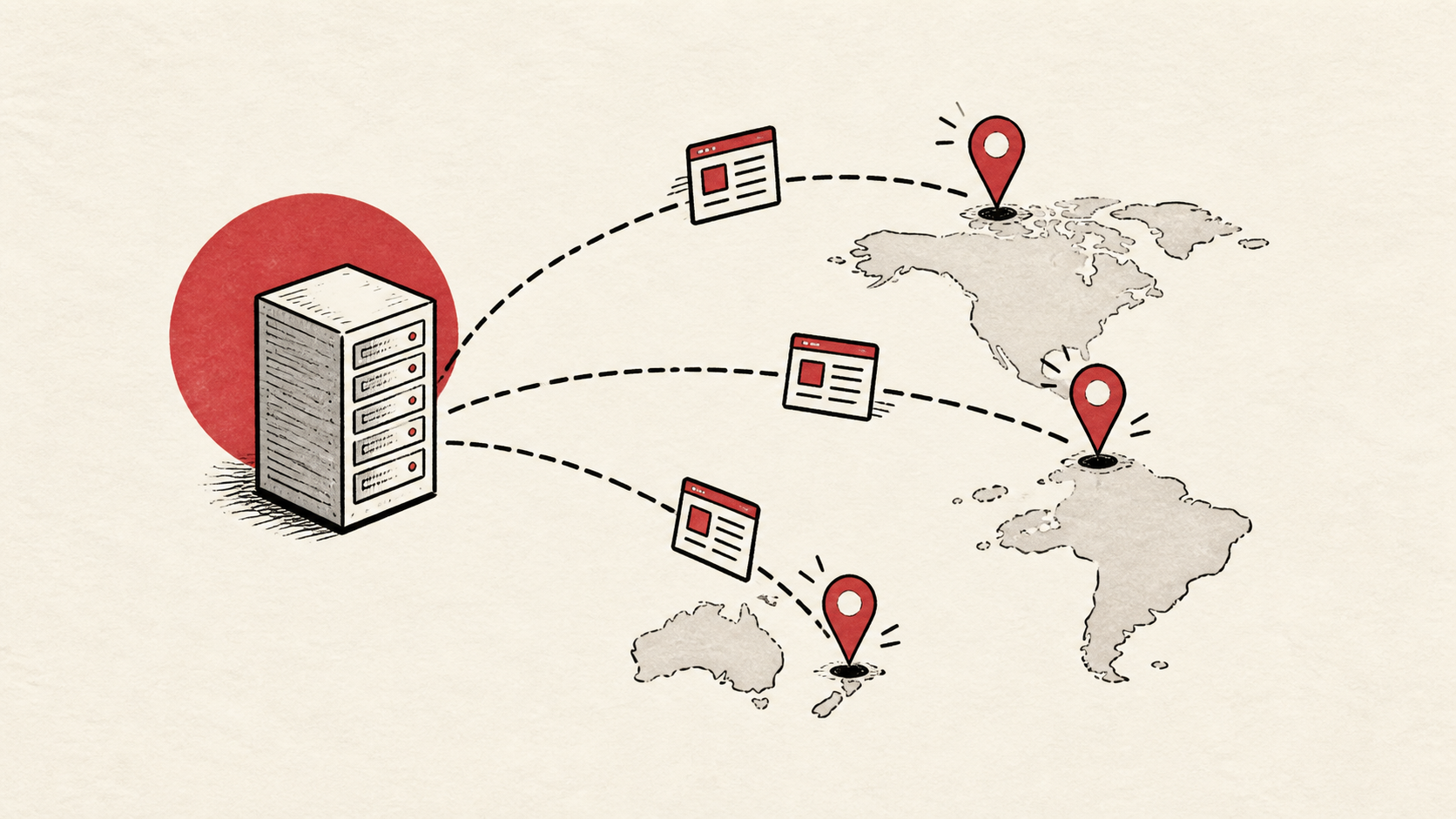
Cloudflare's explanation of CDNs is useful background if a host pitches you a CDN add-on: Cloudflare's explanation of CDNs. Most business sites benefit, but a CDN is not a substitute for decent hosting.
A sensible maintenance habit
Put the final configuration, prices, and renewal dates in a short note. Hosting bills creep because nobody remembers what was agreed at signup. A dated note turns renewal season into a lookup instead of an argument.
Keep the change auditable
Write the setting you found, its old value, the time you changed it, and the result of the test. If the change has a delay, such as a DNS TTL, write when you expect it to be visible. A few months later, this record tells you why a setting has an unusual value.
If you hand the setup to a hired developer, give them the record rather than a conclusion. "The site is slow" is hard to investigate; "the delay began after this update and affects this URL" gives them a useful starting point.
One last check
Before you point the domain at the new host, test the ordinary paths a customer would use: the homepage, the contact form, and the checkout if you have one. Test from outside the account, in a private window, since a cached answer can hide a broken page.
Leave a useful handoff
Save where the logins live, the host, the registrar, renewal dates, and the date of the last backup test. A business site should survive the one person who set it up going on holiday.
Bottom line
Small business web hosting comes down to boring reliability: shared or managed hosting sized to your traffic, backups you have tested, email that delivers, and a renewal price you saw coming. Choose on those, and ignore the countdown timers.
Frequently asked questions
How much does web hosting cost for a small business?
In 2026, ordinary shared hosting for a business site runs a few dollars a month at promotional rates and noticeably more at renewal; managed plans cost more again. Budget on the renewal price across three years, not the promo.
Should I change everything at once when switching hosts?
No. Move the site first and leave email where it is until the site is stable. Change one thing, test it, and keep the previous setup until you know the result.
What should I give hosting support when something breaks?
The domain, exact URL or service, UTC time, error text, and steps already tried. That is usually enough for support to find the relevant logs.
Should I keep a backup before switching hosting?
Yes. Download or verify a full backup of files, databases, email, and DNS records before anything moves, and keep it outside the old account.
Which hosting add-ons can a small business skip?
Most of them. SSL certificates come free with reputable plans in 2026, so paid certificate upsells duplicate what you should already have. A dedicated IP address rarely helps an ordinary business site, and bundled marketing or SEO tools mostly repackage free reports. The add-ons worth real consideration are automated off-site backups and, for stores, extra capacity before a busy season.
About the author
Matthew Zhao
Matthew has spent his career running production server fleets — tens of thousands of machines' worth. He writes about hosting the way he wishes someone had explained it to him: plainly.
About Hosted EZ →Get the next guide in your inbox
One email when we publish something worth your time. No spam, unsubscribe whenever.