Types of Web Hosting Explained: Shared vs VPS vs Dedicated vs Cloud
The four types of web hosting compared: what shared, VPS, dedicated, and cloud hosting cost in 2026, and how to pick the right one.
By Matthew Zhao · Editor, Hosted EZ
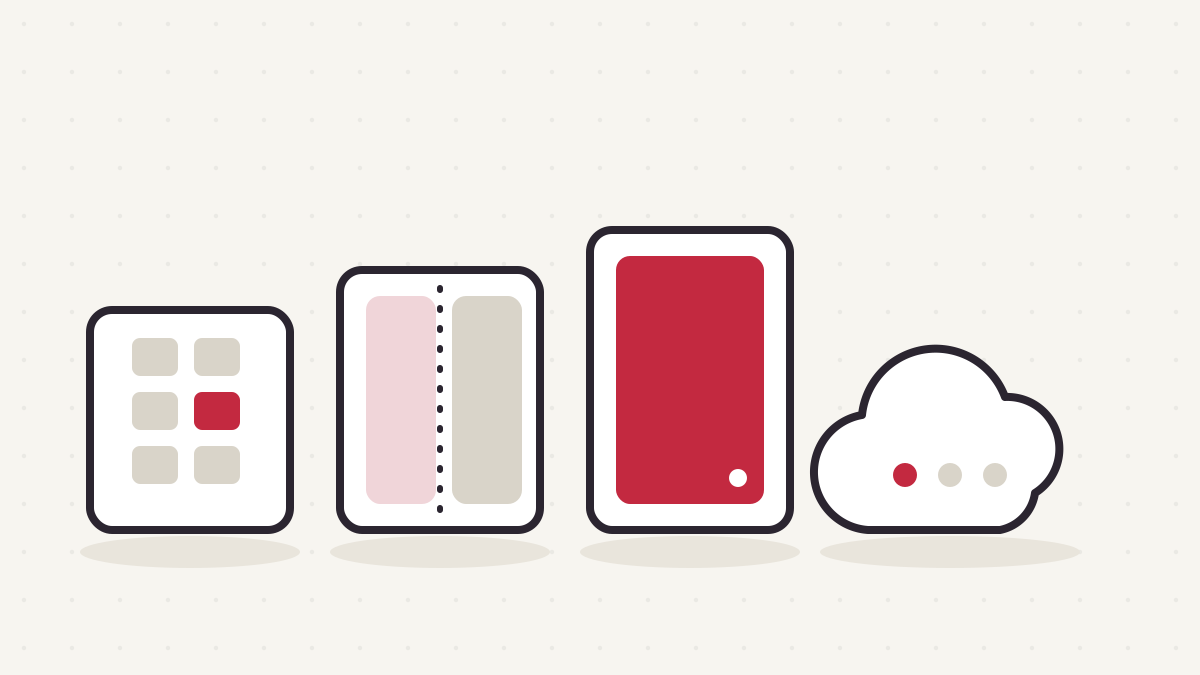
Picking a hosting plan sounds simple until you open a pricing page and meet a wall of acronyms. The four main types of web hosting — shared, VPS, dedicated, and cloud — appear on every pricing page, every host insists theirs is special, and nobody explains which one your project needs.
Think of hosting like housing. Shared hosting is an apartment building: cheap, cozy, and you share the plumbing with everyone else. A VPS is a condo, with your own walls and your own thermostat inside a building someone else maintains. A dedicated server is a house; the whole thing is yours, including the gutters. And cloud hosting is a hotel with infinite rooms, where you book what you need tonight and check out whenever you like.
That really is most of what you need to know. The rest is detail: what each option costs in 2026, where each one breaks down, and which situations point clearly at one over the others.
Shared hosting: the apartment building
On a shared plan, your website lives on a server alongside dozens or hundreds of other sites. You all split the machine's CPU, memory, and disk, which is exactly why it's so cheap. The host handles the technical chores (server updates, security patches, keeping the lights on) and hands you a control panel for the rest.
It's the right starting point for most small sites: a portfolio, a local business page, a blog, a side project you're not sure will survive the year. If your site is mostly pages and images and gets modest traffic, shared hosting will carry it without complaint.
In 2026, expect roughly $3 to $15 per month, with steep first-term discounts that jump at renewal. Read the renewal price before you commit. Our guide to website hosting costs breaks down where the real money hides.
The catch: neighbors. When another site on your server gets a traffic spike or runs sloppy code, your site can slow down through no fault of your own. You also give up control. There's no root access, you can't install your own server software, and resource caps arrive without much warning.
VPS hosting: the condo
A virtual private server carves one physical machine into several isolated virtual ones. You get a guaranteed slice of CPU and memory, your own operating system, and root access to do whatever you want with it. Your neighbors still exist, but now there's a real wall between you instead of a curtain.
A VPS suits projects that have outgrown shared hosting or need something shared plans can't offer: a busy WordPress site, a small web app, a staging environment, a database you want to tune yourself. It's also where tinkerers tend to be happiest, because you can actually log in and change things.
Typical 2026 pricing runs $5 to $50 per month for an unmanaged VPS, and roughly $30 to $100 if the host manages it for you. That gap deserves a deliberate decision; managed vs unmanaged hosting walks through how to choose.
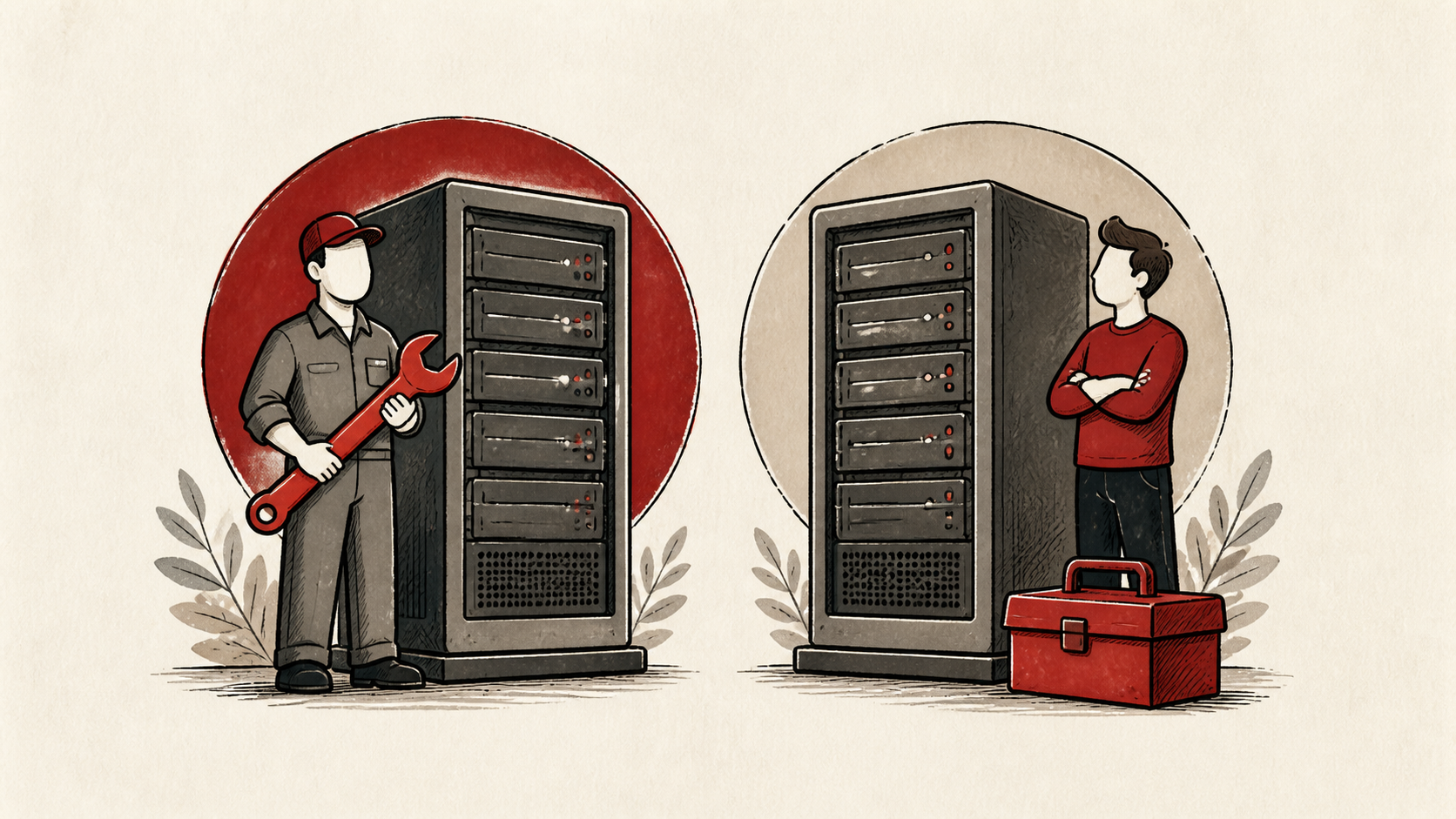
The catch is that an unmanaged VPS makes you the sysadmin. Updates, firewalls, backups, and 2 a.m. outages are now your problem unless you pay someone to absorb them. A neglected VPS is less secure than a well-run shared plan.
Dedicated servers: the house
A dedicated server is an entire physical machine rented to you alone. There's no virtualization layer and nobody else on the box; every core and every gigabyte of RAM answers only to you. Nothing else gives you as much raw power for a fixed monthly price.
Dedicated makes sense when you have sustained heavy workloads and the skills (or staff) to run a server properly: high-traffic applications, large databases, video processing, or game servers where consistent low latency matters more than almost anything else.
In 2026, entry-level dedicated server hosting starts around $80 to $150 per month, and serious hardware runs $200 to $500 or more. You pay for the whole machine whether you use it or not.
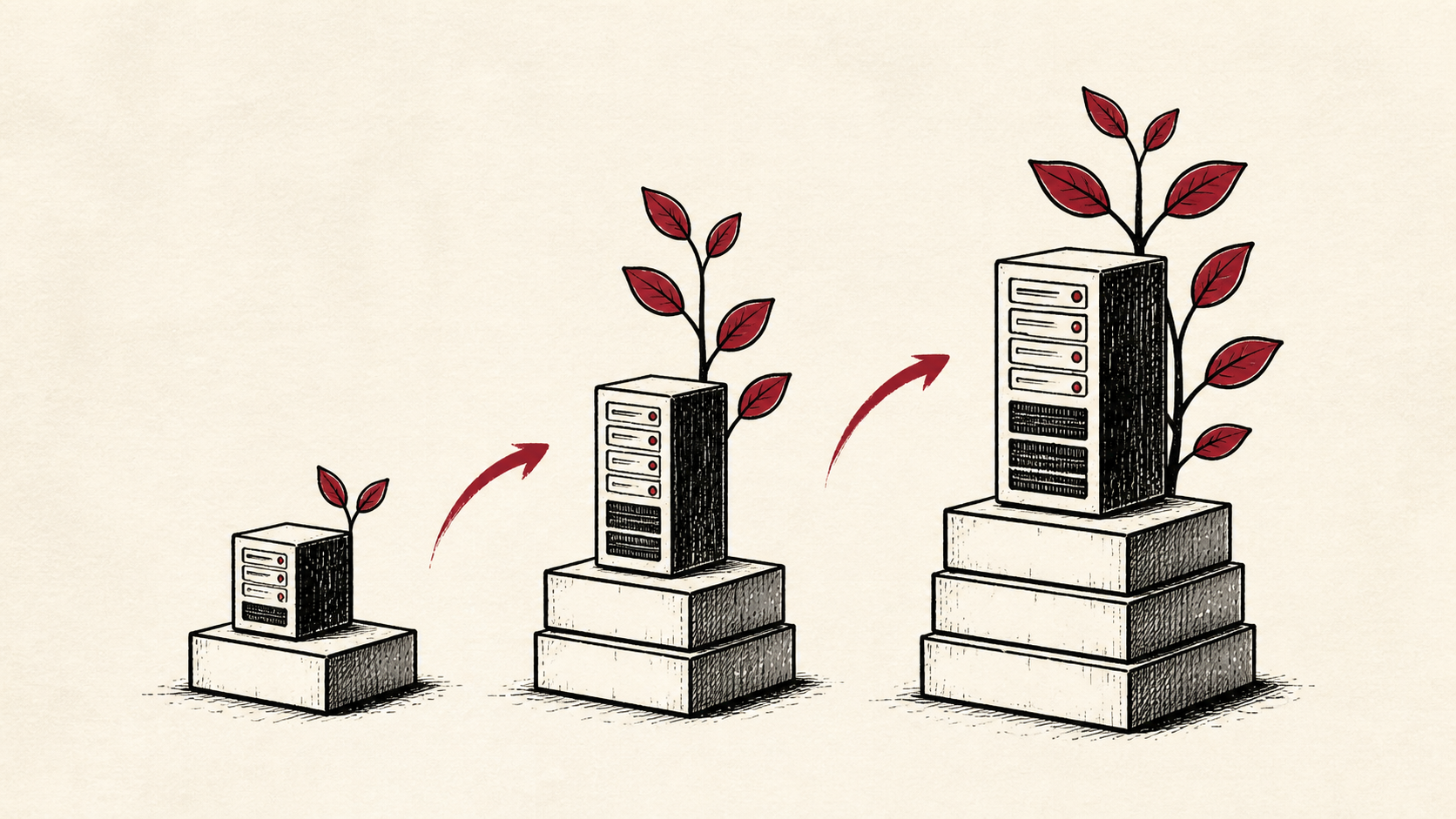
The catch is rigidity. Scaling means ordering new hardware and waiting. Capacity you don't use is money spent anyway, and if a component fails, you're down until it's replaced. For most modern projects, dedicated only makes sense once a specific workload demands it.
Cloud hosting: the hotel
Cloud hosting spreads your site across a pool of machines instead of pinning it to one box. You rent capacity by the hour or the second, add more when traffic climbs, and drop back down when it fades. If a physical machine fails underneath you, your workload shifts to another one. Cloudflare's Learning Center has a good plain-language explainer on what the cloud actually is.
Cloud is built for projects with variable or unpredictable traffic: a SaaS product that might grow tenfold, an app with sharp seasonal spikes, anything where guessing your capacity a year ahead is a losing game. Small cloud instances start at a few dollars a month in 2026, and from there the meter runs on what you use.
That meter is also the catch. Cloud bills are famously hard to predict, and one misconfigured resource or one traffic surge can produce a statement that ruins your week. The learning curve is real too. Cloud platforms hand you hundreds of services when all you wanted was a server.
The four types of web hosting, side by side
| Shared | VPS | Dedicated | Cloud | |
|---|---|---|---|---|
| Typical 2026 cost | $3 to $15/mo | $5 to $100/mo | $80 to $500+/mo | Pay as you go, from a few $/mo |
| Performance isolation | Low (noisy neighbors) | Good (guaranteed slice) | Total (whole machine) | Good, and it scales |
| Maintenance burden | None | Moderate to high | High | Moderate, mostly config |
| Scaling | Upgrade plans | Resize, brief downtime | Buy new hardware | Nearly instant |
| Best for | Small sites, blogs | Growing sites, tinkerers | Sustained heavy loads | Variable traffic, apps |
One note on performance: isolation matters because slow servers produce a slow time to first byte, and that delay sits in front of everything else your page does. web.dev has a solid breakdown of TTFB and why it matters if you want the technical version.
How to decide
Match your situation, not your ambition. All four types of web hosting can run a WordPress site or a small app; the question is what you pay in money and chores.
You're launching a portfolio, blog, or small business site. Shared hosting, no hesitation. Your traffic won't stress it, the price is right, and you can move later if that changes. Buying a VPS for a five-page site is renting a condo to store a bicycle.
Your WordPress or e-commerce site is slowing down on shared. Move to a VPS. Go managed if you'd rather build your business than babysit a server, unmanaged if you know your way around a terminal and want the savings.
You're building an app or SaaS with unknown growth. Start on cloud. You'll pay a little more attention to billing, but you'll never have to guess your capacity in advance, and scaling won't require a migration.
You run something with sustained, heavy, predictable load, like a large database, a busy multiplayer game, or big media workloads. Price out a dedicated server. At constant high utilization, owning the whole machine often beats paying cloud rates for the same horsepower.
You're honestly not sure. Start small on shared or a cheap cloud instance. Underbuying is a fixable mistake. Overbuying is a monthly donation to your host.
Keep the change auditable
If you do move between hosting types, keep a short before-and-after record: the plan you left, its limits, and the numbers that pushed you off it — traffic, memory, response times. A few months later, that note answers whether the upgrade actually bought what you paid for.
Do not confuse the new dashboard with the visitor's experience. A provisioned server is not a faster site until the site is actually serving from it. Test from outside the account once the move completes.
One last check
Before you commit to a plan for the year, reread the renewal price and the resource limits, not just the promotional headline. The cheap first term is real, but you will live with the renewal — and with the limits — long after it ends.
Bottom line
Shared for small sites, VPS for growing ones, cloud for unpredictable ones, dedicated for heavy and steady ones — that is the map of the four types of web hosting. Start cheaper than feels impressive, since moving up later is easy and idle capacity costs you every month. A good hosting plan is one you rarely have to think about.
Frequently asked questions
Can I switch hosting types later?
Yes, and almost everyone does eventually. Moving a site between hosts or hosting types is a well-worn path, and with a little planning your visitors never notice. Our guide to migrating hosting without downtime walks through it step by step.
Is cloud hosting always better than a VPS?
No. A VPS gives you a fixed, predictable bill and plenty of power for a steady workload, which describes most websites. Cloud earns its complexity when your traffic genuinely varies or you need to scale on short notice.
Is shared hosting too slow for a real business?
Not for most of them. A well-run shared plan handles a typical business site comfortably, especially with caching and light pages. Move up when your own traffic demands it, and ignore how unserious the word "shared" sounds.
What is the difference between VPS hosting and cloud hosting?
Technically, a cloud instance is a VPS: a virtual machine on shared hardware. The difference is the model around it. A classic VPS is a fixed monthly rental on one machine, while cloud hosting adds usage-based billing, fast scaling, and resilience across many machines.
About the author
Matthew Zhao
Matthew has spent his career running production server fleets — tens of thousands of machines' worth. He writes about hosting the way he wishes someone had explained it to him: plainly.
About Hosted EZ →Get the next guide in your inbox
One email when we publish something worth your time. No spam, unsubscribe whenever.