Portfolio Website Hosting: The Sensible Setup
Portfolio website hosting can be simple and cheap. When static site hosting is enough, where free tiers make sense, and what to skip.
By Matthew Zhao · Editor, Hosted EZ
Portfolio website hosting is the easiest hosting decision you will make, because a portfolio asks for so little: a handful of pages, images that load fast, and a domain that looks professional. The common mistake is buying the setup an online store needs. This guide covers what is enough, and where free actually works.
It stays within what a small-site owner can do safely, and flags where a developer earns their fee. Read how to choose a web host for the general method, and our migration guide if the portfolio already lives somewhere worse.
What portfolio website hosting actually needs
Write down the site type, expected traffic, software, and who will maintain it. For most portfolios that reads: a few static pages, low traffic with occasional spikes when a link gets shared, no database, maintained by you. That is the useful input; a feature grid has much less to tell you.
Add the domain to the note. A custom domain is the part of personal website hosting that visitors actually notice, and it moves with you between hosts.
Static site hosting is usually enough
If your portfolio is exported HTML or built with a site generator, static site hosting serves it from fast edge servers, needs almost no maintenance, and the free tiers at this scale are genuinely free. Compare the renewal bill, backup access, and the process for exporting your files before committing; a low first-year price cannot fix a bad exit path.
Use a private browser window after DNS changes, and note the TTL before assuming a change failed. Cached answers mislead more portfolio owners than broken hosts do.
Test it like a curious visitor
Test pre-sales support with a question that has a concrete answer: can I point my own domain, is HTTPS automatic, what happens if I exceed the free tier. You are testing whether a person reads the question, not whether the chatbot is cheerful.
Then test like the person you want to impress: load the portfolio on a phone over mobile data. Oversized images are the usual portfolio failure, not the host.
The fix for oversized images is boring and effective: export each image at roughly the size it displays, use a modern format where your export tool offers one, and keep total page weight modest. A gallery that ships full-resolution originals can weigh many times what it needs to, and visitors on mobile data pay for every unnecessary byte before they see your work.
When to stop and ask for help
Stop when the next action could break the domain or the email attached to it. Send support the domain, UTC time, exact error, and the changes you made. Include a screenshot when it shows the error, but never passwords or recovery codes.
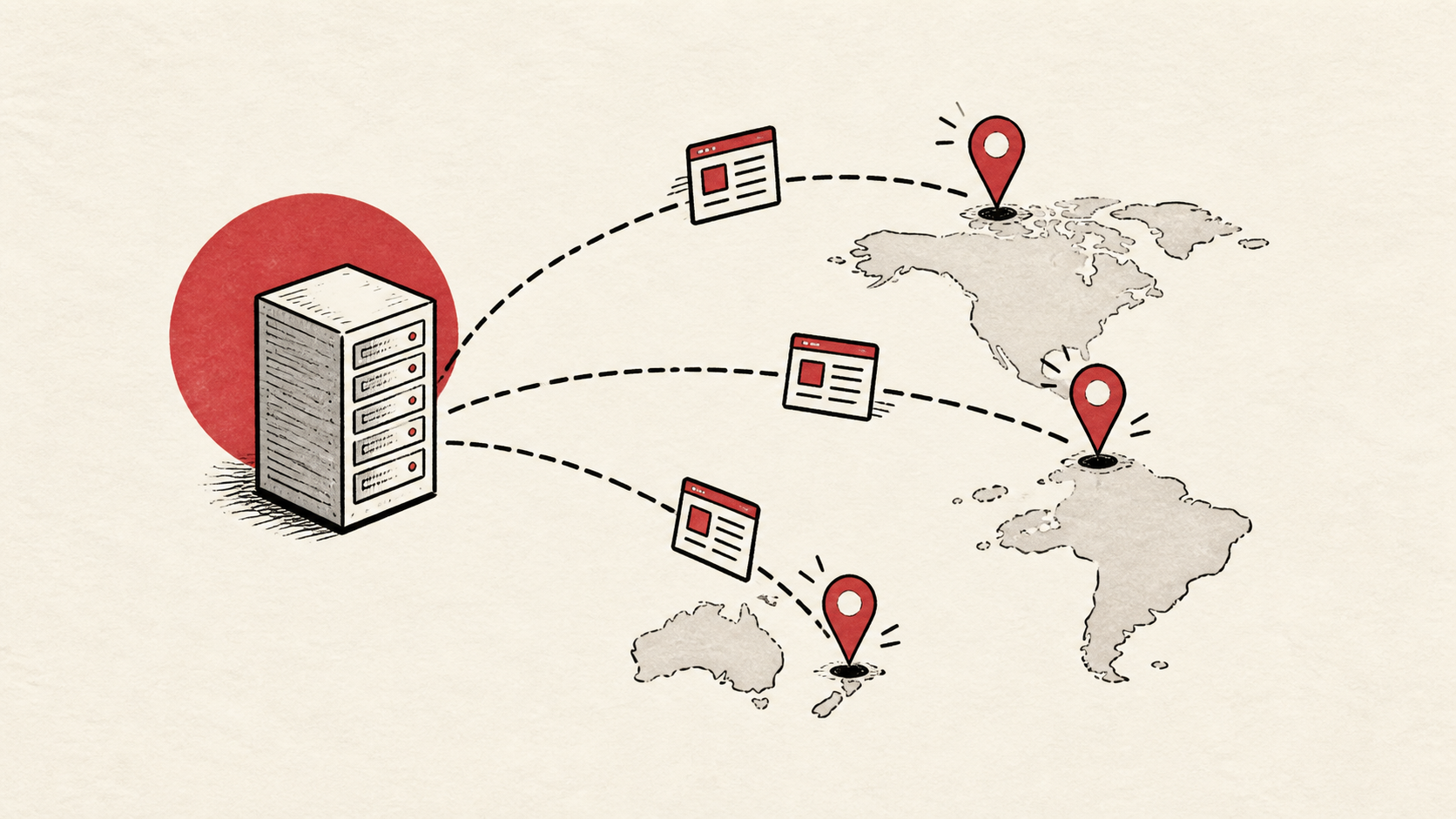
Cloudflare's explanation of CDNs covers why serving static files from nearby servers makes a portfolio fast everywhere: Cloudflare's explanation of CDNs. Most static hosts do this for you by default.
A sensible maintenance habit
A portfolio mostly needs to tolerate neglect. Pick hosting that stays up without weekly attention, then keep a dated note of the registrar, the host, and where the source files live. That note is the difference between a five-minute update and an archaeology project.
Keep the change auditable
Write the setting you found, its old value, the time you changed it, and the result of the test. If the change has a delay, such as a DNS TTL, write when you expect it to be visible. A few months later, this record tells you why a setting has an unusual value.
Do not confuse a dashboard with evidence. The visitor still needs to receive the page you intended, so test from outside the account, on a second connection if a cached answer could mislead you.
One last check
Before you send the link to anyone who matters, load the portfolio in a private window, on a phone, from a different network. If the result differs from what you saw while editing, note the difference and keep troubleshooting from that point.
Leave a useful handoff
Keep the domain login location, the host, and the source files listed in one place. A portfolio you cannot update because the pieces are scattered across old laptops is a common and entirely avoidable loss.
Bottom line
Portfolio website hosting should cost little and demand less: static hosting with a custom domain covers most portfolios, and free web hosting tiers are legitimate at this scale. Spend the saved money on the domain, and the saved time on the work you are showing.
Frequently asked questions
Is free web hosting good enough for a portfolio?
Often, yes. At the static tier, free plans handle portfolio website hosting fine. The line to watch is ads, subdomain-only URLs, or missing HTTPS; pay a small amount rather than accept any of those on a professional portfolio.
What should I give support if my portfolio goes down?
The domain, exact URL, UTC time, error text, and steps already tried. That is usually enough for support to find the relevant logs.
Should I keep a backup of a portfolio site?
Yes. Keep the source files and images outside the host, and verify the copy before DNS or hosting changes. A portfolio backup is usually just a folder, so there is no excuse to lose it.
Can a static portfolio have a contact form?
Yes, with one wrinkle: static hosts do not run server code, so the form needs somewhere to send its submissions. Most static hosts include basic form handling, and independent form endpoints do the same job free at low volume. Read how contact form email works to make sure those messages actually reach your inbox.
About the author
Matthew Zhao
Matthew has spent his career running production server fleets — tens of thousands of machines' worth. He writes about hosting the way he wishes someone had explained it to him: plainly.
About Hosted EZ →Get the next guide in your inbox
One email when we publish something worth your time. No spam, unsubscribe whenever.