WordPress Hosting vs Web Hosting: What Changes?
WordPress hosting vs web hosting: what the label changes, when managed WordPress hosting earns its price, and when a regular plan is fine.
By Matthew Zhao · Editor, Hosted EZ
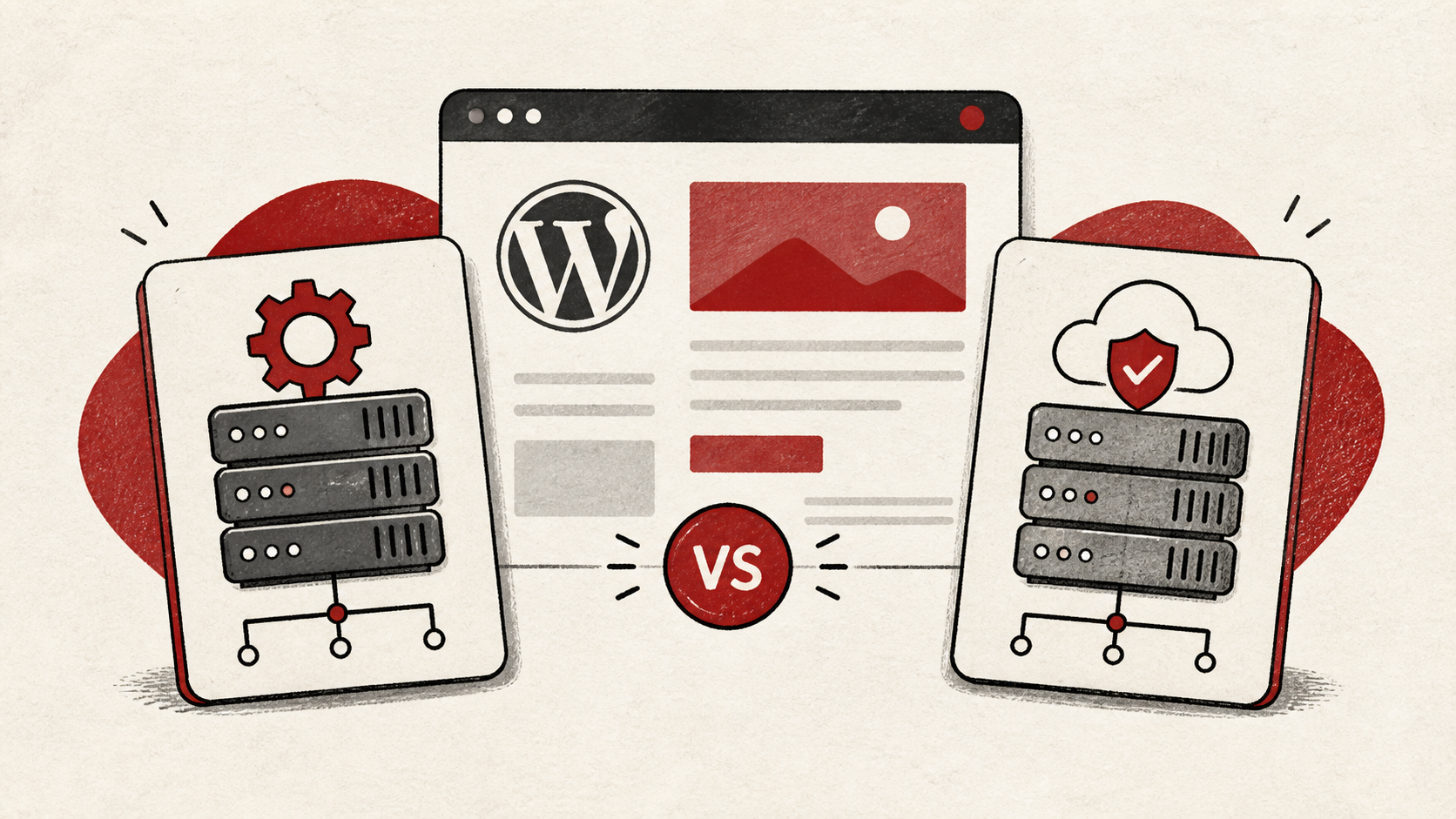
WordPress hosting vs web hosting is mostly a responsibility decision dressed up as a product decision. Regular web hosting rents you a server that can run almost anything, WordPress included. WordPress hosting narrows the machine to one job, and managed plans take updates, caching, and backups off your plate for a higher price. This guide covers what actually changes — and what is only the label.
This guide focuses on what a small-site owner can compare without a support ticket. Read how to choose a web host for the broader decision, and how to migrate hosting without downtime before acting on the answer.
WordPress hosting vs web hosting: what actually changes
Start with the responsibility boundary. On regular web hosting, you install and maintain WordPress like any other software. On managed WordPress hosting, someone else owns a defined set of chores: core updates, server-level caching, daily backups, often a staging copy. The label matters less than that list, so get the list in writing.
Make a short note of which of those chores you currently do by hand and how long they take. That note, not the marketing page, tells you what a managed plan is actually worth to you.
Match the plan to your first bottleneck
Match the plan to the first bottleneck you expect: traffic, memory, the database, or your own time. Buying a larger machine without knowing the bottleneck is an expensive way to postpone a decision — and paying for a managed WordPress plan when your bottleneck is disk space solves nothing. If the plan tiers themselves are the confusing part, start with types of web hosting.
If you do switch plans, test from a private browser window afterward. Cookies and cached redirects can show you the old site long after the new one is live.
Read the resource policy before you switch
Read the resource policy before changing plans. CPU limits, memory, storage, backups, and network transfer do not behave the same way, even when two plans have the same headline price. WordPress-branded plans sometimes cap sites, visitors, or plugins instead — different currency, same idea.
Two quiet gaps to check on WordPress-branded plans: plugins and mailboxes. Managed hosts often ban plugins that duplicate their own caching or backup systems, so a plugin you rely on may be off the menu — ask for the banned list before you commit. And many WordPress-focused plans include no email hosting at all; if your address lives on the current plan, budget for a separate mail service before you switch.
Test the normal path first, then the part that has the most consequence. For a store, that is checkout. A test should answer one question rather than produce a vague impression.
When to stop and ask for help
Stop before migrating anything and ask both hosts what they will and will not manage. Send the new host a list of what you run — plugins, traffic, storage — and ask which items their plan covers. A vague answer is an answer.
Cloudflare's Learning Center has a useful neutral primer on how hosted servers differ: Cloudflare's cloud-server guide. Use it to understand the terms, then return to the comparison.
A sensible maintenance habit
Recheck the WordPress hosting vs web hosting decision yearly. Sites grow into different bottlenecks, and the plan that was fine at launch can become the expensive option once your own time is the constraint. A dated note of why you chose the current plan turns next year's renewal into a lookup instead of an investigation.
Keep the change auditable
If you do switch, keep a short before-and-after record: the plan you left, the plan you chose, the date, and the first bill. Renewal prices rarely match introductory prices, and the record tells you what you are comparing against when the renewal arrives.
Do not confuse the new dashboard with evidence from the live site. A migration can report success while a visitor still receives a cached page from the old server. Test from outside the account, in a private window.
If someone else manages the site later, give them the record rather than a conclusion. "We pay for a managed plan" is less useful than "the host owns core updates and backups; we own plugins and the theme."
One last check
Before committing, confirm the managed chores appear in the plan description in writing. If updates, backups, or staging are promised only in a chat window, treat them as absent.
Leave a useful handoff
Save the comparison and the winning plan with the date. When the site outgrows it, you should be able to see what you were solving for without redoing the research.
Bottom line
The WordPress hosting vs web hosting question comes down to who does the chores. If your time is cheap and your needs are unusual, a regular plan is fine. If updates and caching are eating your evenings, managed WordPress hosting is buying those evenings back.
Frequently asked questions
Should I switch hosting and redesign the site at the same time?
No. Change one thing at a time — move the site as-is, confirm it works, then redesign. Keeping the previous setup until the result is stable gives you a rollback.
What information should I give hosting support?
Give the domain, exact URL or service, UTC time, error text, and steps already tried. That is usually enough for support to find the relevant logs.
Should I keep a backup before switching hosts?
Yes. Download a full backup — files and database — before the move, and keep it until the new plan has survived a normal week of traffic.
About the author
Matthew Zhao
Matthew has spent his career running production server fleets — tens of thousands of machines' worth. He writes about hosting the way he wishes someone had explained it to him: plainly.
About Hosted EZ →Get the next guide in your inbox
One email when we publish something worth your time. No spam, unsubscribe whenever.